UC-8410A HW UM Hardware Connection Description
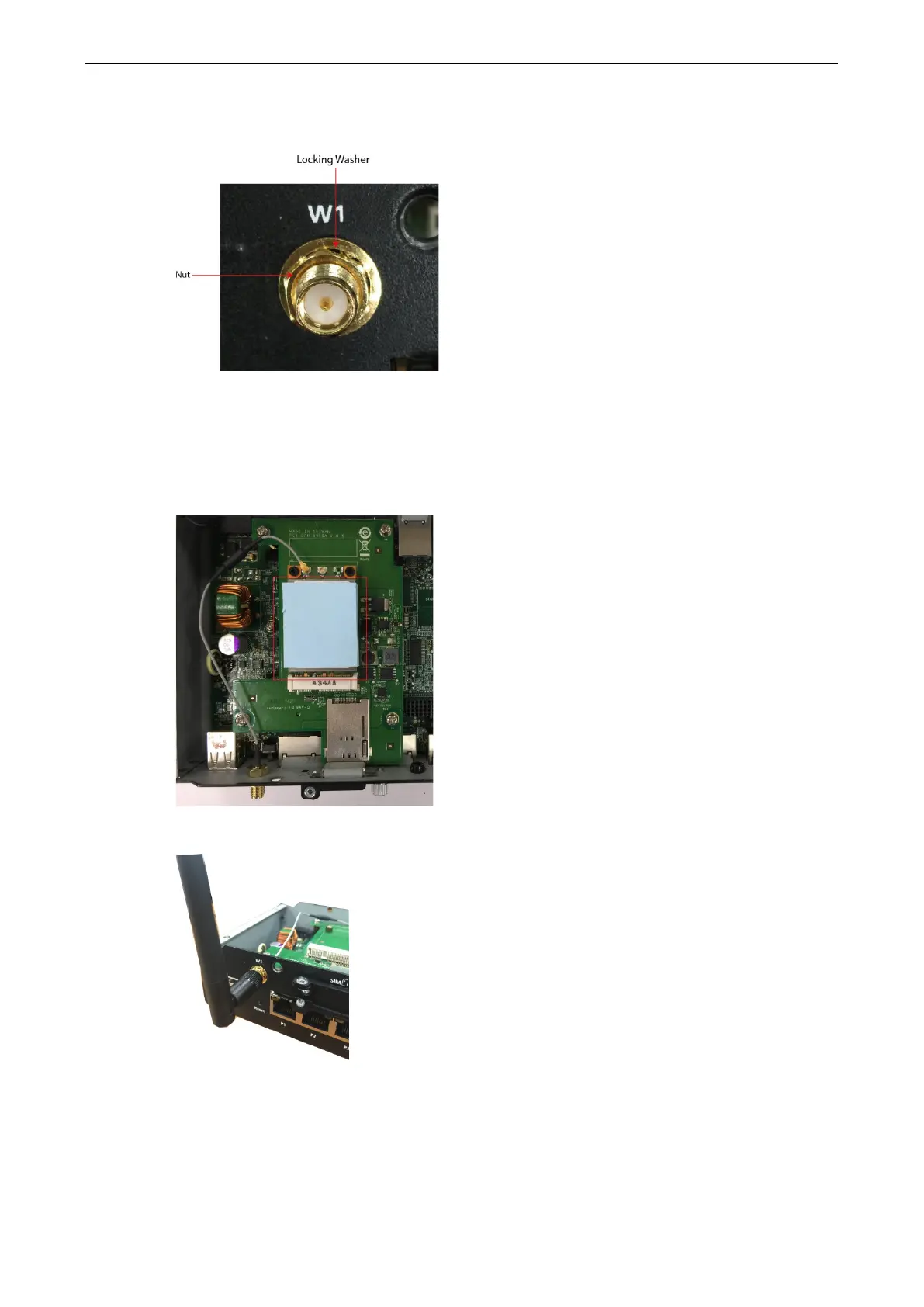
4. Pass the antenna mount’s threaded connection ring through the mounting hole, hold the locking washer
against the front panel and secure the antenna connector by tightening the nut onto the threaded
protection ring.
Use the method described in steps 3 and 4 to connect the second antenna cable. Attach one end of the Wi-Fi
cable on the connector marked CH1, and then connect the other end of the cable on the W2 apperture on
the front panel of the computer. When finished, connect the antenna.
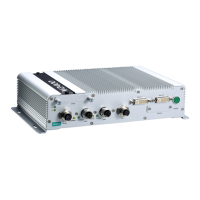
5. Place the thermal pad on the module and check to make sure the internal antenna wire is securely
connected to the Wi-Fi module.
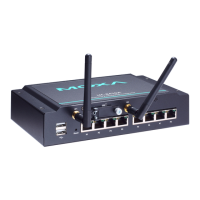
6. Connect the Wi-Fi antenna to the computer via the connector provided on the front panel.
7. Reattach the cover on to the computer and fasten the screws to secure it.


 To Next Page