UC-8410A HW UM Hardware Connection Description
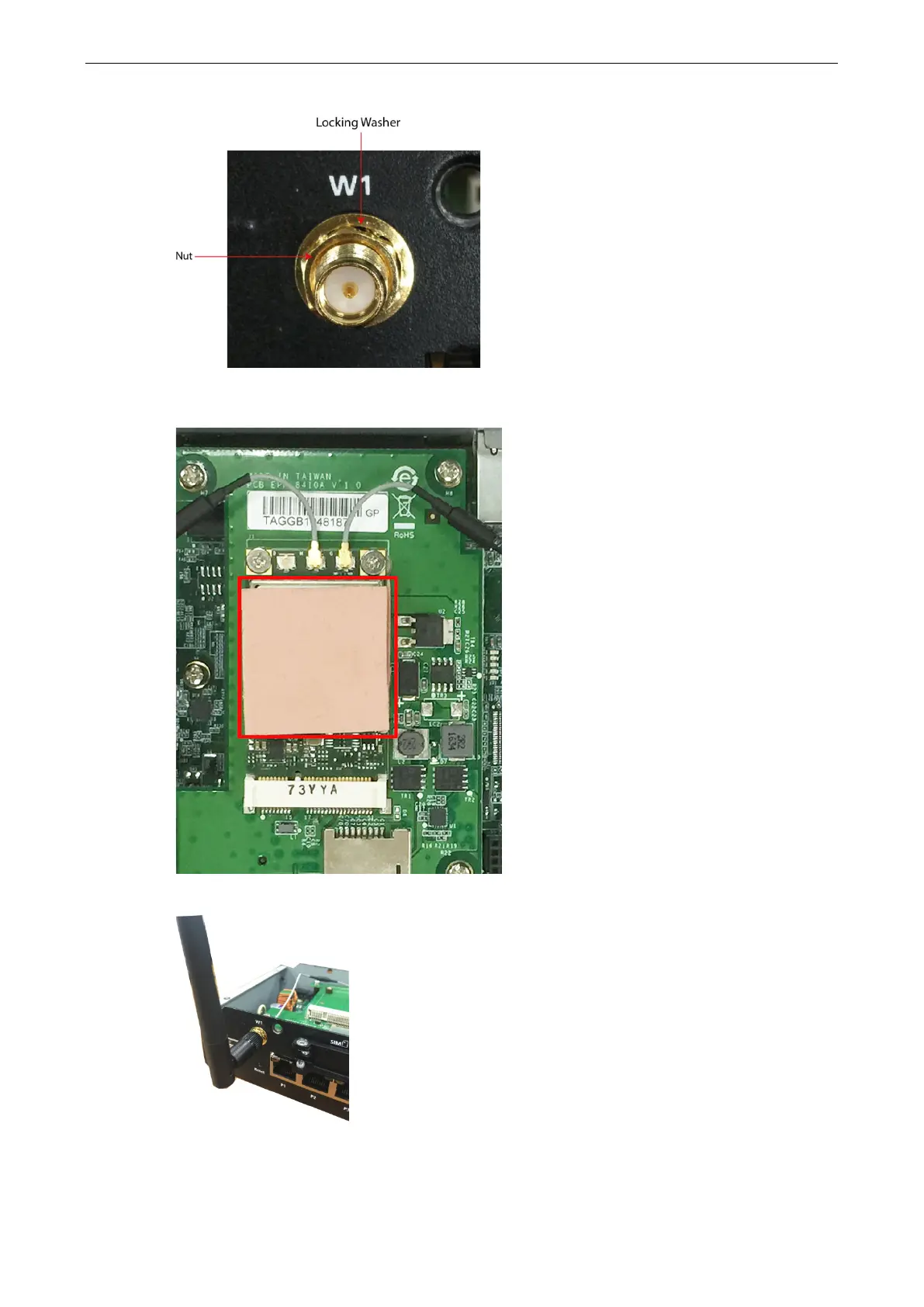
7. Secure the antenna connector by tightening the nut onto the threaded protection ring.
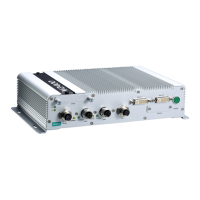
8. Stick the other thermal pad on to the module and check to make sure the internal antenna wires are
securely connected to the cellular module.
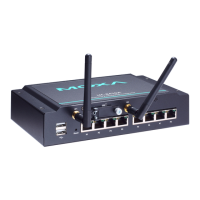
9. Connect the cellular antenna to the computer via the connectors on the front panel.
10. Reattach the cover on to the computer and fasten the screws to secure it in place.


 To Next Page