Setting FM Radio
40 41
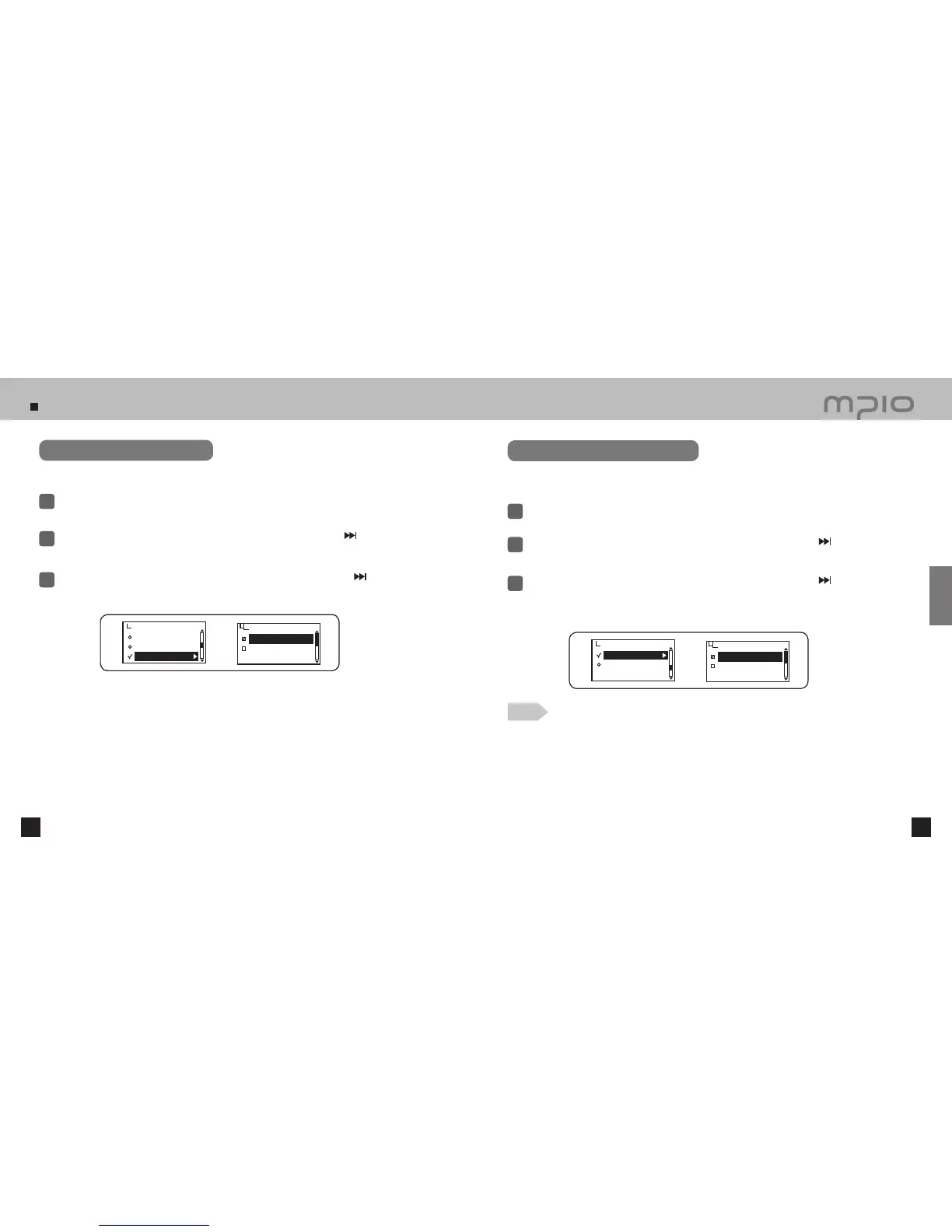
Setting FM Sound
Select the sound modes for FM Radio.
Select FM Radio in menu.
1
Push the lever in + / − directions to select FM Sound and then, push the lever in
direction or
press it to enter.
2
3
Push the lever in + / − directions to select the FM sound and then, push the lever in
direction or
press it to save. After saving, the device will return to its previous menu.
Setting Auto Channel Save
Set by pressing and hold the FUNC button after change to FM radio mode.
Auto scan menu can not be set under the other mode.
Select FM Radio in menu.
1
Push the lever in + / − directions to select Auto Preset and then, push the lever in
direction or
press it to enter.
2
3
Push the lever toward + / − direction to select Yes and then, push the lever toward
direction
or press down toward vertical direction to delete the channel saved and automatically save the
receivable frequency sequentially.
●
Select NO to cancel auto channel save.
FM Sound
Stereo
Mono
Save Channel
FM Band
FM Sound
FM Radio
Auto Preset
No
Yes
Auto Preset
Seek Step
FM Radio
●
Up to 20 channels are savable.
●
The channels saved can be verified in Save Channel mode.
●
Radio plays with the channel saved as the first(CH01) after complete auto channel saving.
Note
Usage



 To Next Page