Setting System
58 59
Setting Sleep Timer
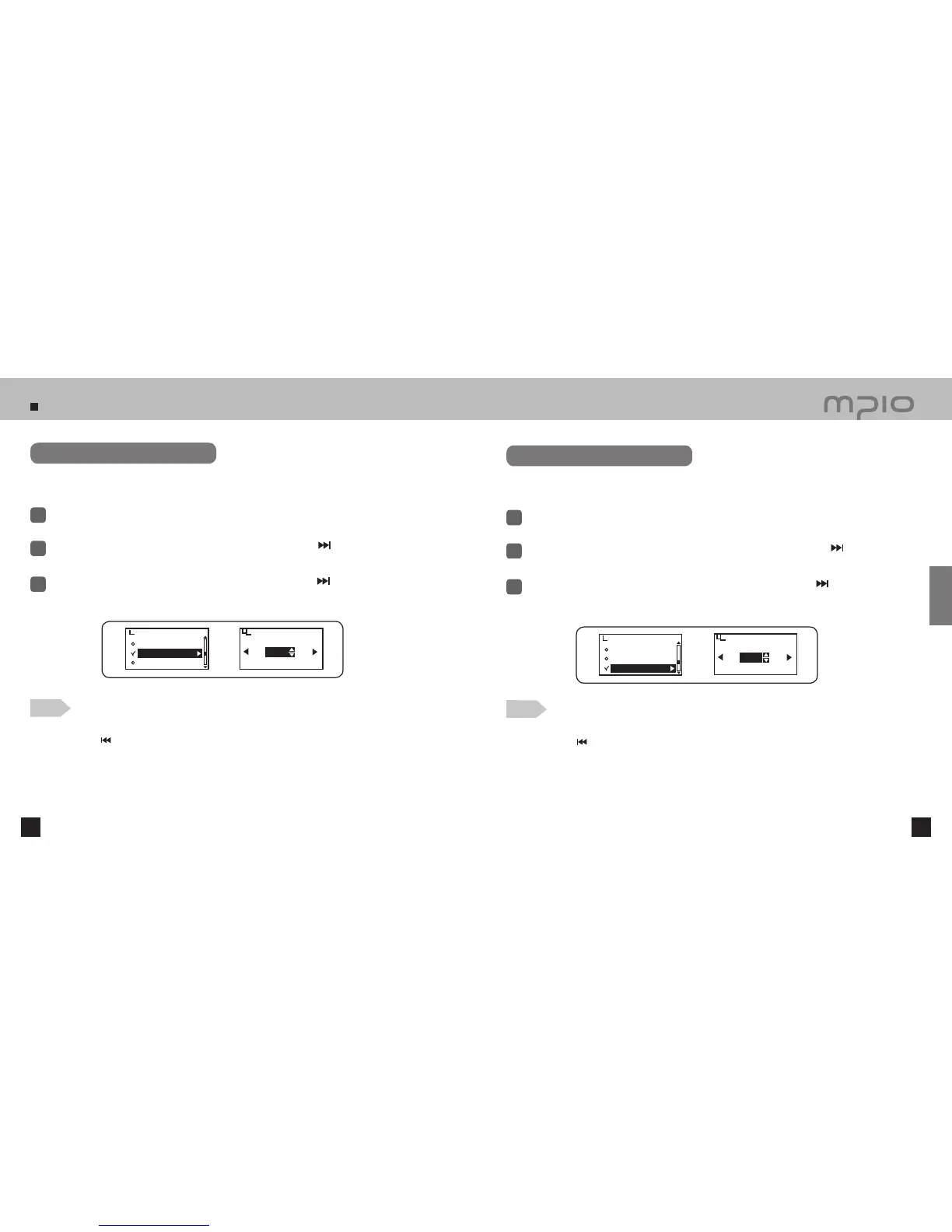
Select System in menu.
1
Push the lever in + / − directions to select Sleep and then, push the lever in
direction or
press it to enter.
2
When listening to music or FM radio, you can set up the device so that the power is
automatically turned OFF after a certain period of time.
3
Push the lever in + / − directions to set the timer and then, push the lever in
direction toward OK to save
the setting. Pressing the lever shortly will also save the setting. After saving, the device will return to its
previous menu.
Sleep
EXIT
OK
10min
Setting Auto Power Off Time
Select System in menu.
1
Push the lever in + / − directions to select Auto Power Off and then, push the lever in
direc-
tion or press it to enter.
2
Auto Power Off function turns the power OFF when a certain period of time passes after
the music is paused or stopped.
3
Push the lever in + / − directions to set the Auto Power Off timer. Push the lever in
direction toward OK
to save the setting. Pressing the lever shortly will also save the setting. After saving, the device will return to
its previous menu.
Auto Power Off
EXIT
OK
3min
Information
Sleep
Auto Power Off
System
Information
Sleep
Auto Power Off
System
Note
●
Canceling Sleep Timer
Push the lever in
direction and move to the EXIT to cancel the sleep timer.
●
Setting the ‘reserved power off’ is settable from 10~120 minutes and select OFF when it is not needed.
●
The setting value automatically returns to OFF if the power is resumed after setting the ‘reserved power off”.
Note
●
Canceling Auto Power Off Settings
Push the lever in
direction and move to the EXIT to cancel the Auto Power Off settings.
●
Setting the ‘auto power off time’ is settable from 3~15 minutes and turn it off when it is not needed.
Usage



 To Next Page