Setting Screen Display
46 47
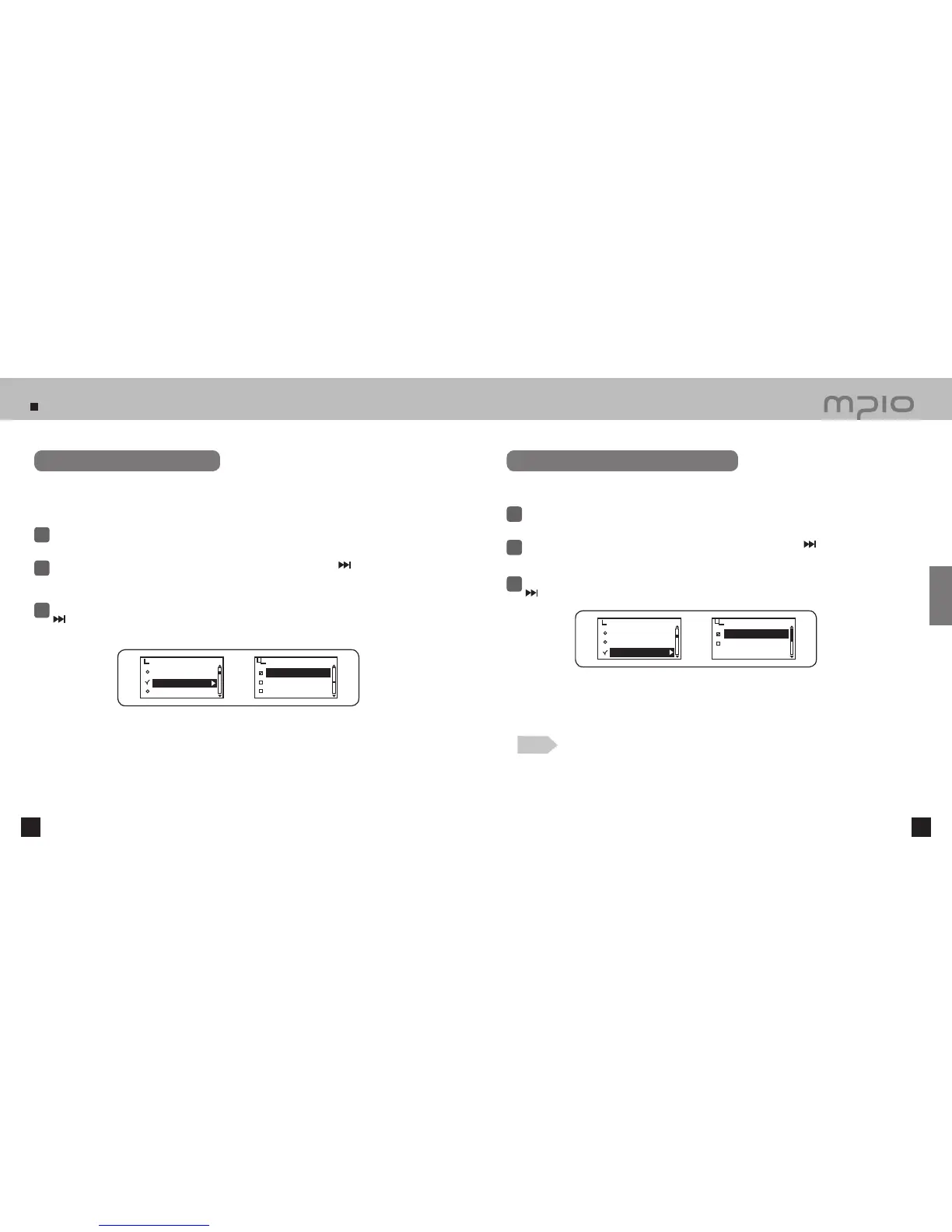
Setting Language
Select Display in menu.
1
Push the lever in + / − directions to select Language and then, push the lever in
direction or
press it to enter.
2
3
Push the lever in + / − directions to select the desired menu language and then, push the lever in
direction or press it to save. After saving, the device will return to its previous menu.
●
The selected language will appear in the menu.
Assigning the language of ID3 tag of the music can display the accurate information of the file. 55 differences of
languages support ID3 tag in total. English, Korean, Traditional Chinese, Simplified Chinese, Japanese, Spanish
and Russian support ID3 tag with menu among 55 languages.
Setting Track Information Indicator
Select Display in menu.
1
Push the lever in + / − directions to select File Info and then, push the lever in
direction or
press it to enter.
2
3
Push the lever toward + / − direction to select track information and then, push the lever toward
direction or press it to save. After saving, the device will return to its previous menu.
Set the Music file information shown in the LCD screen.
Tag Info : It shows tag information only in case the file has tag information.
If there is no tag information, it just shows name of the file.
File info : It displays the name of the file.
Language
KOREAN
KYRGYZ
LATVIAN
Visualization
Language
File Info
File Info
Tag Info
File info
Display
Visualization
Language
File Info
Display
●
55 languages shown in Language settings are supported as ID3 tags.
Refer to page 46 for language setting.
Note
Usage



 To Next Page