Setting FM Radio
42 43
Setting Recording
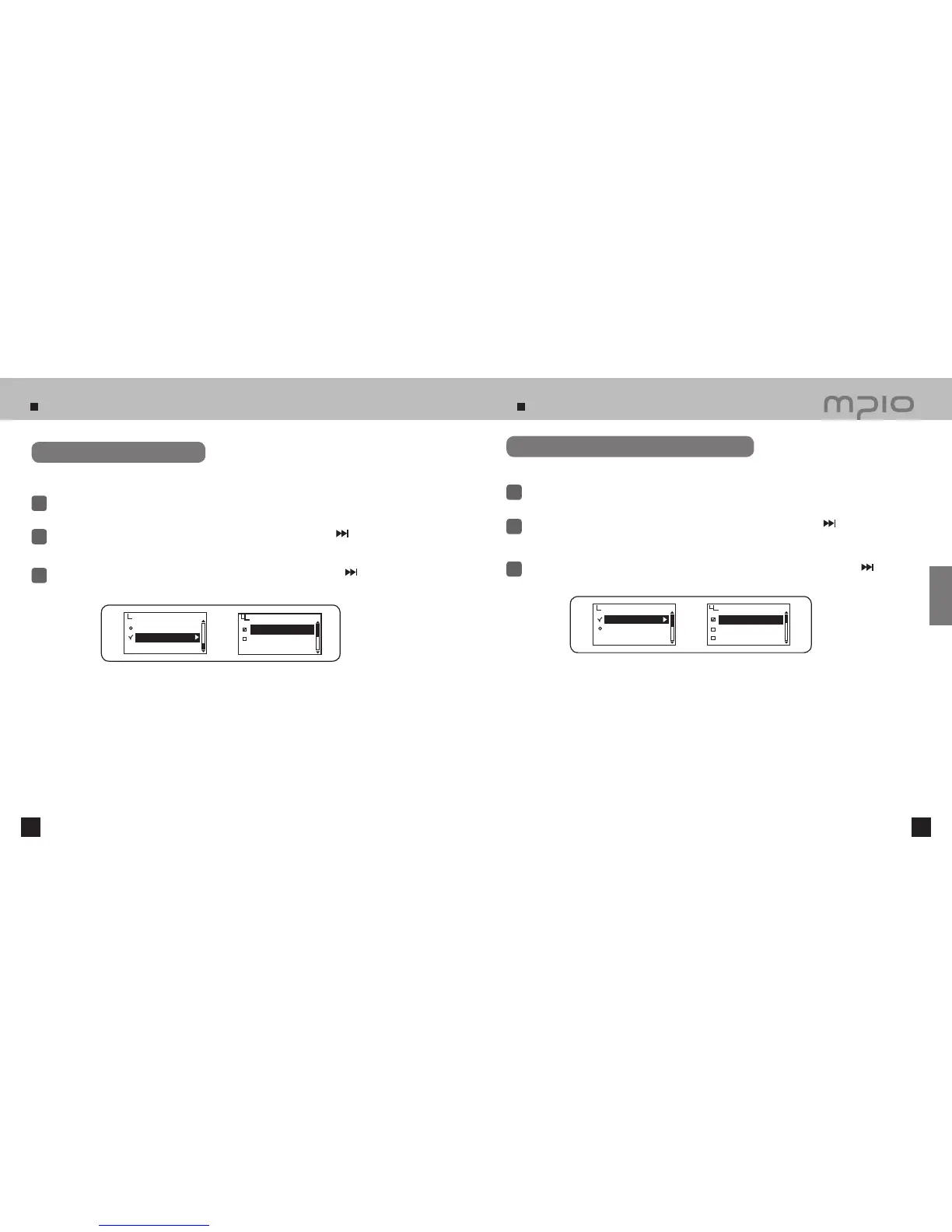
Setting Seek Steps
Select the seek steps for scanning frequencies.
Select FM Radio in menu.
1
Push the lever in + / − directions to select Seek Step and then, push the lever in
direction or
press it to enter.
2
3
Push the lever in + / − directions to select the seek step and then, push the lever in
direction or
press it to save. After saving, the device will return to its previous menu.
Setting the Quality of Voice Recording
Set the quality of voice recording.
Select Recording in menu.
1
Push the lever in + / − directions to select Voice-Quality and then, push the lever in
direction
or press it to enter.
2
3
Push the lever toward + / − direction to select the voice quality and then, push the lever toward
direction or press it to save. After saving, the device will return to its previous menu.
Seek Step
50kHz
100kHz
Auto Preset
Seek Step
FM Radio
Voice-Quality
FM-Quality
Voice-Quality
Low
Middle
High
Recording
Usage



 To Next Page