Setting System
60 61
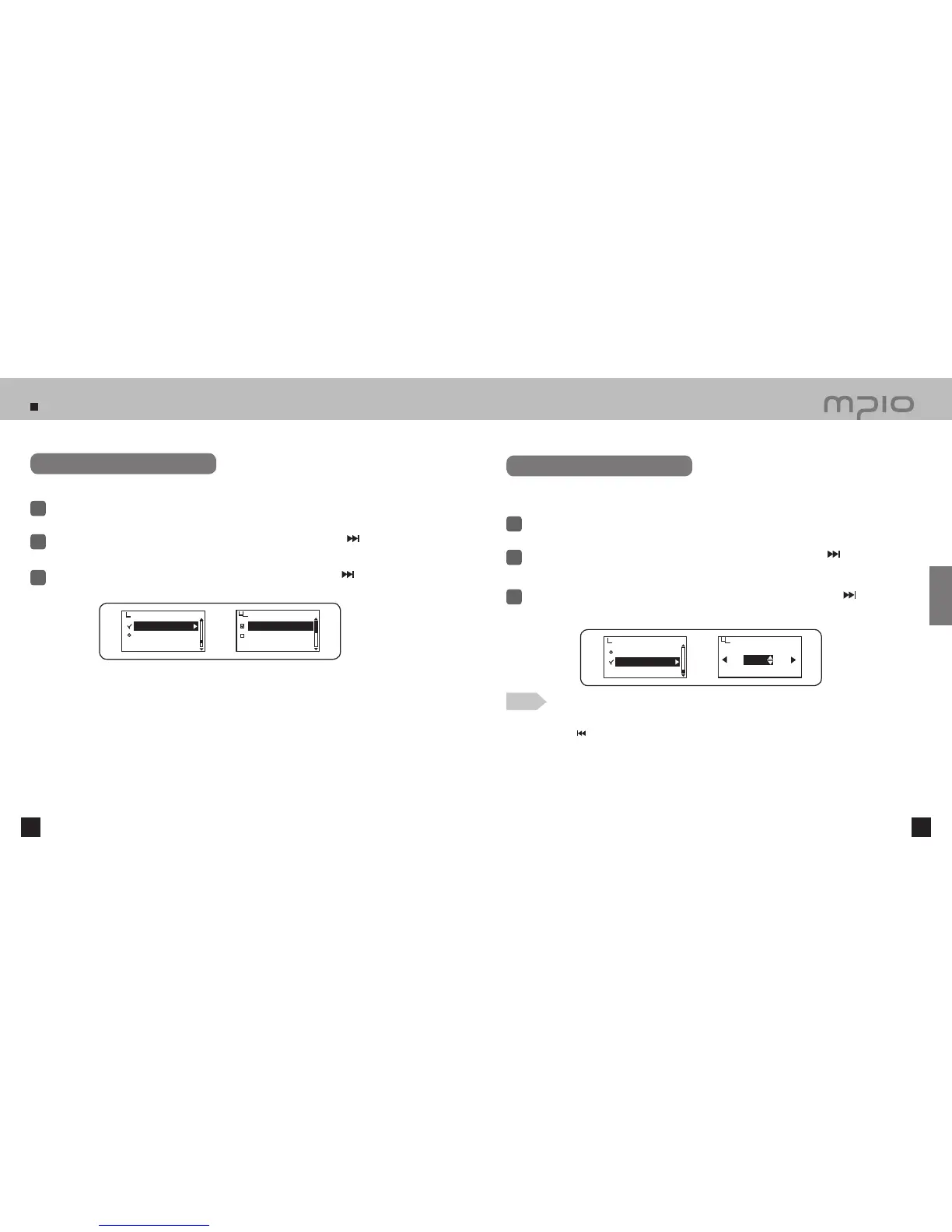
Initializing to Default
Select System in menu.
1
Push the lever in + / − directions to select Initial Setting and then, push the lever in
direction or
press it to enter.
2
Resets all the user’s menu settings and initializes all menu settings to default settings.
3
Push the lever toward + / − direction to select Yes and then, push the lever toward
direction or
press it to save. After saving, the device will return to its previous menu.
Initial Setting
Speed Control
System
Initial Setting
No
Yes
Setting Playback Speed
Select System in menu.
1
Push the lever in + / − directions to select Speed Control and then, push the lever in
direction
or press it to enter.
2
3
Push the lever in + / − directions to select the playback speed and then, press the lever in
direction
toward OK to save. Pressing the lever shortly will also save the setting. After saving, the device will return to
its previous menu.
Speed Control
EXIT
OK
100%
Playback speed can be adjustable and it is very useful on studying foreign language.
Playback speed control is applied to only MP3 file format.
Initial Setting
Speed Control
System
Note
●
Canceling playback speed settings
Push the lever in
direction and move to the EXIT to cancel the playback speed settings.
●
Setting playback speed is settable up to 75~150%.
●
The higher percentage represents increased speed. The default setting of 100% is recommended for listening to music.
●
The playback speed automatically returns to normal if the power is resumed after setting the ‘playback speed control’.
Usage



 To Next Page