Connecting to a PC
14 15
Click
Click
Click
Click
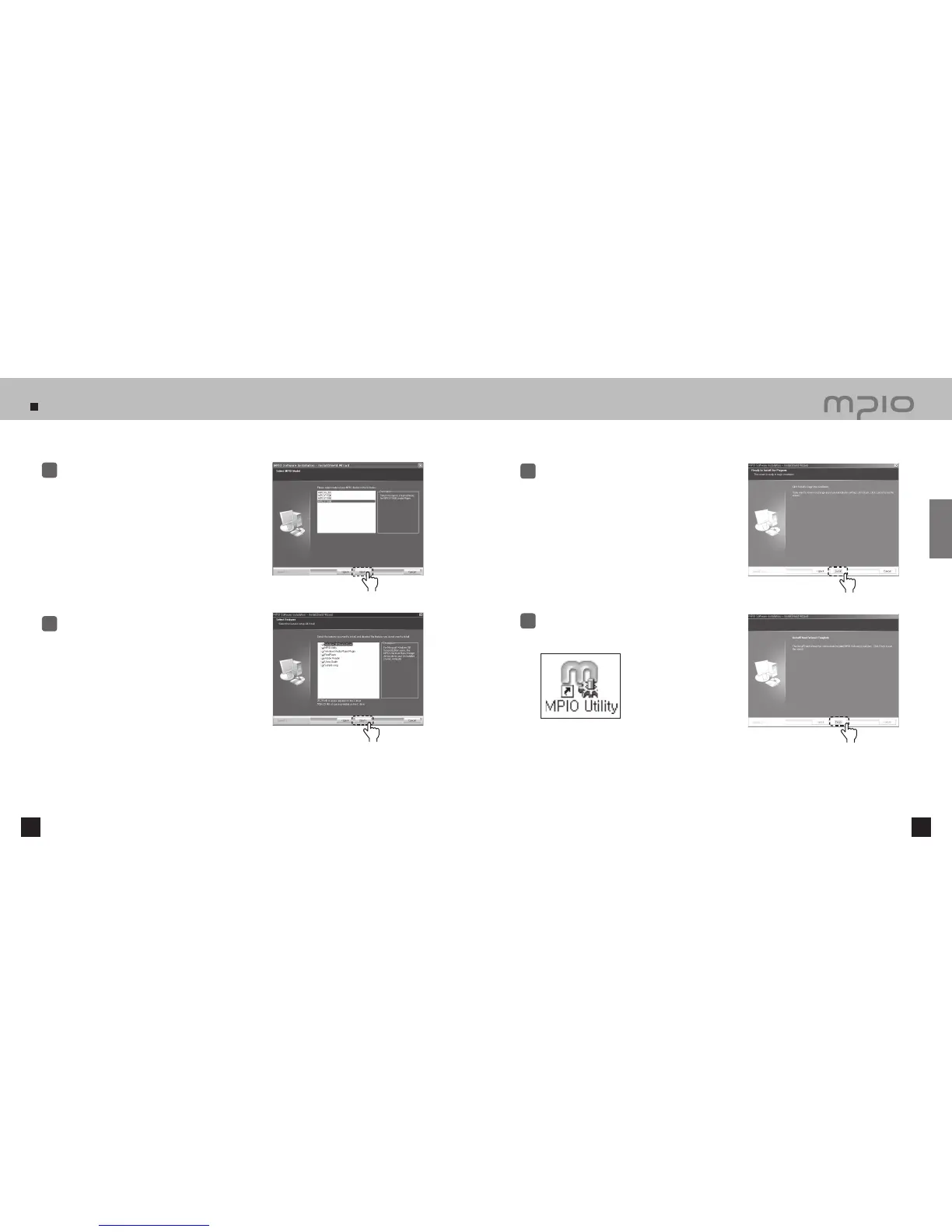
After selecting [FY600], click the [Next] button.
3
Click the [Next] button.
All the utility programs will be installed.
The user can select the programs needed to install.
But, the following items must be installed.
- Windows 98 Device Driver
(For Windows 98/98SE user’s only)
- MPIO Utility
- Windows Media Player Plug-in
4
Click the [Install] button to install the selected
utilities in order.
5
Click the [Finish] button to finish the installation.
Check the MPIO Utility icon on the desktop to
confirm installation.
6
Connection



 To Next Page