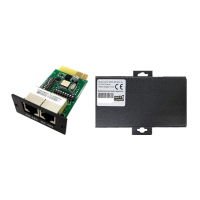
BMS RS-485 Card/Box Quick Guide
V.1.3
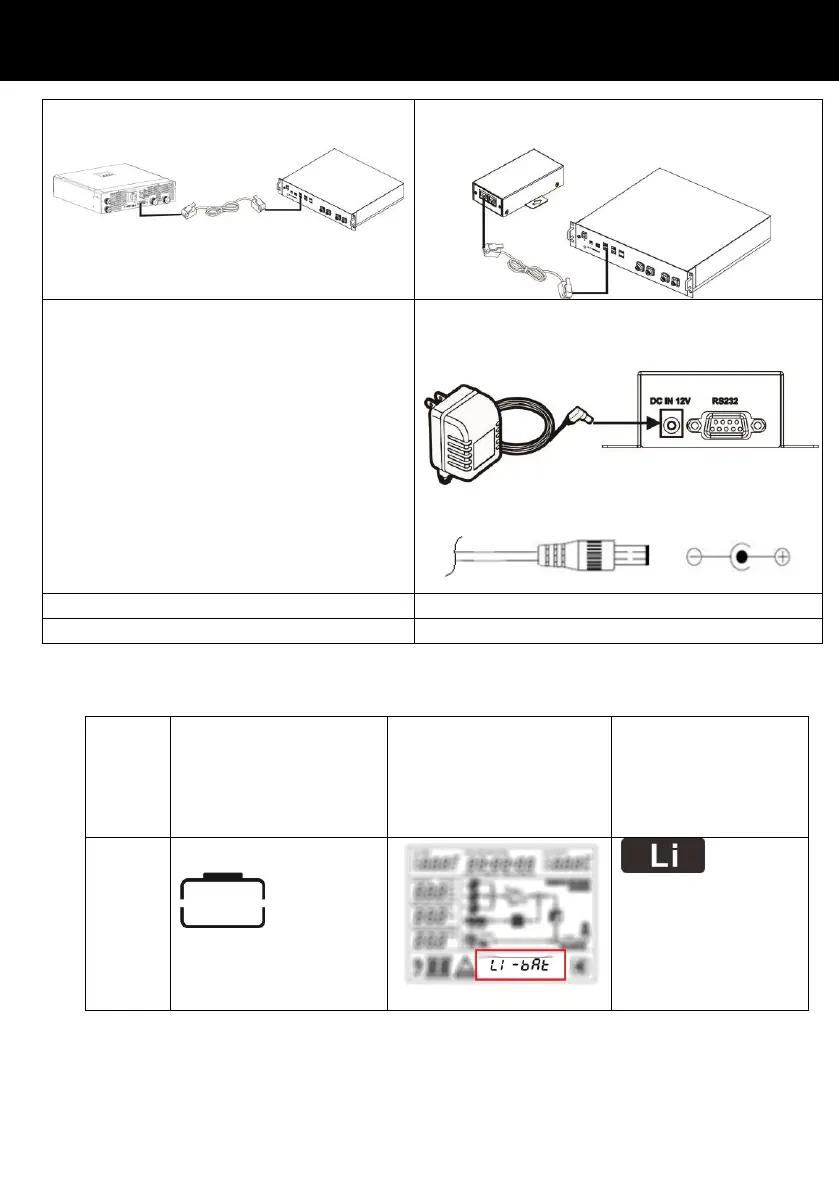
(2) Use supplied RJ45 cable to connect
RS485 card and Lithium battery.
(2) Use supplied RJ45 cable to connect RS485
box and Lithium battery.
(3) Switch on Lithium battery.
(4) Please purchase an AC/DC adapter
separately to supply DC input (12VDC) to
RS485 box.
Adapter plug dimension: OD=5.5mm ID=2.5mm
(4) Turn on the inverter.
(5) Switch on Lithium battery.
(6) Turn on the inverter.
After all wires are connected well and the communication between the inverter and battery is
successful, it will show different successful icon on the LCD screen. Please check below table.
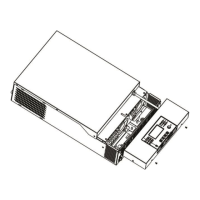
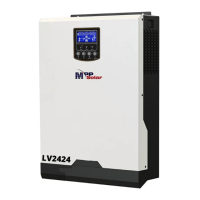
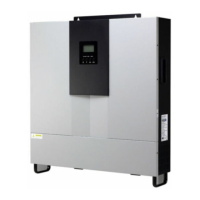
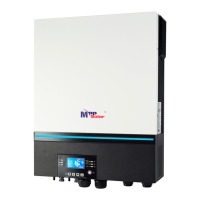
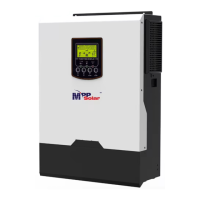
Hybrid inverter
3KW/4KW/5KW/5.5K
W
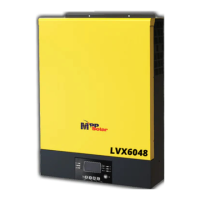
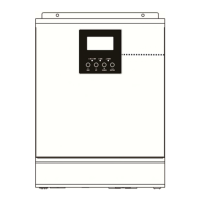
Split phase off-grid
inverter 6KW
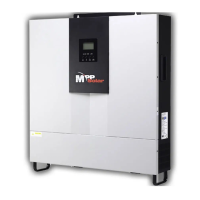
Hybrid inverter
3KW/4KW/5KW/10KW/
15KW
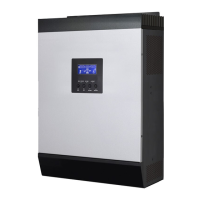
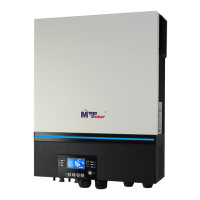
Single phase
off-grid inverter
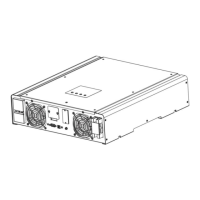
Online UPS
Frame of battery icon
will flash
“Li-bAt” icon will light on.



 To Next Page