Bolt™ Jr+ Quick Start Guide
25
3. Power up the Flair computer system and all of its components,
including the RT-14 interface box. You can do this while the robot is
powering up (step 2). Do not start the Flair application yet.
4. On the Flair PC, start the Flair application by double-clicking on the
Flair icon on the Desktop.
Flair automatically loads the relevant firmware into all attached axis
boards, including:
The Ulti-box that is mounted on the Bolt Jr+ arm
Any additional interface boxes or model movers that are
attached to the computer stack such as Turntable
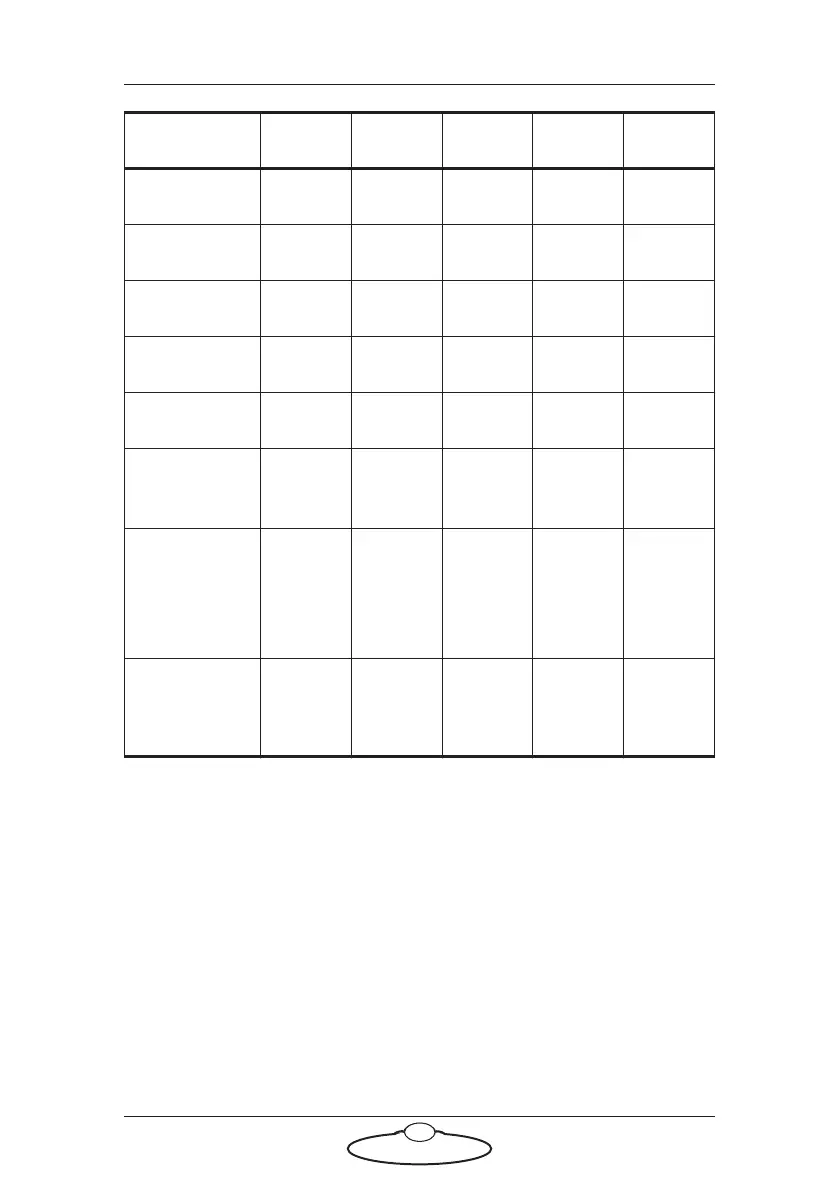
IFFF
IIII
IIOO
IOFO
IFOF
Loading
Flair
IIFI
IIFIF
(Flair
Running
and
Enabled)
IIOF
(Robot
enabled)
Power Auto Error Ready LAN



 To Next Page