Bolt™ Jr+ Quick Start Guide
24
Starting up the Bolt™ Jr+ on Pedestal system
Once you have attached all the cables, you power up the rig by switching
on the components in the order described below.
1. Make sure you have secured the area around Bolt Jr+.
Put up guard rails around Bolt Jr+ (and the track) as
necessary, and tell others on the set that you are now
powering up the rig.
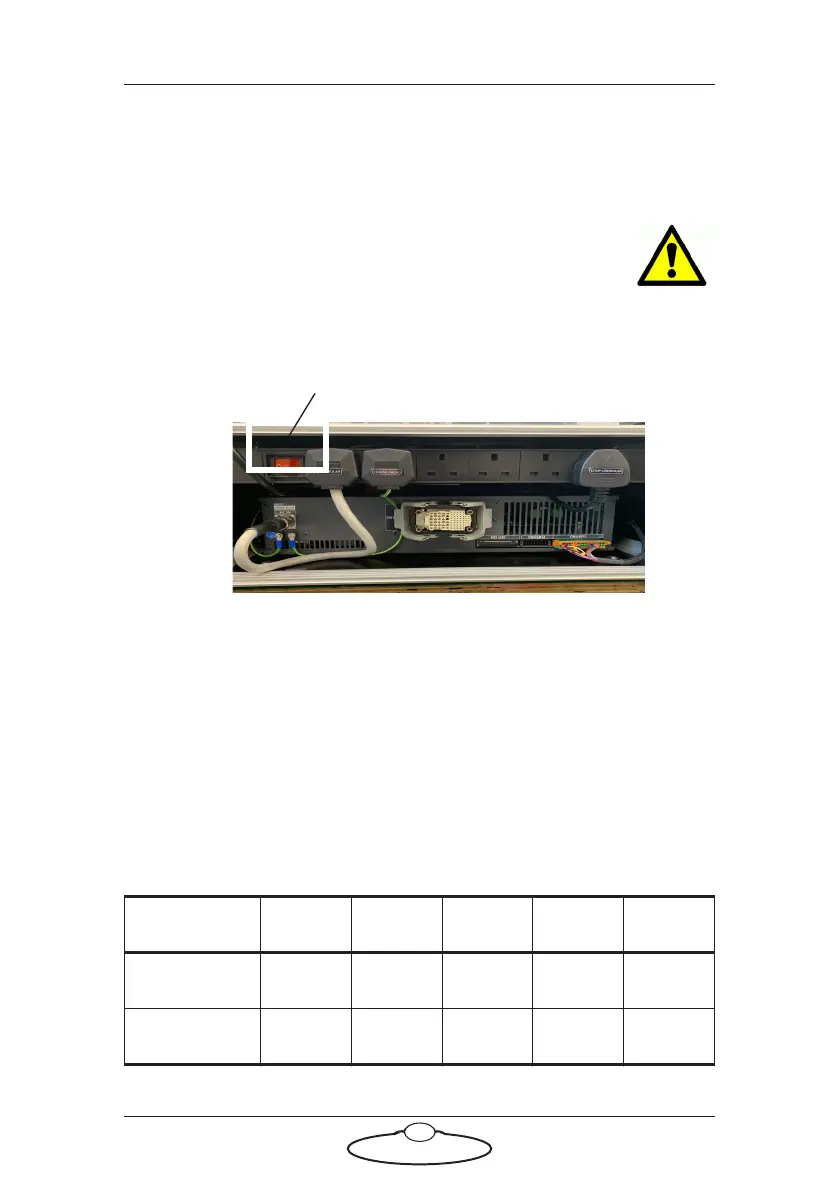
2. Power up the CR800 controller. Wait for the robot to boot up for a
few seconds.
The Bolt Jr+ start up sequence on the CR800 controller (digits on front
panel)
Power Auto Error Ready LAN
Power up IIII
IIIF
Power switch
Hint
Ensure that the Flair PC is not plugged to the same
power strip as the CR800 Controller.



 To Next Page