40
Control Module (ADSU) (Version with Integrated Electronics only)
GB
G1 Integrated SCBA System
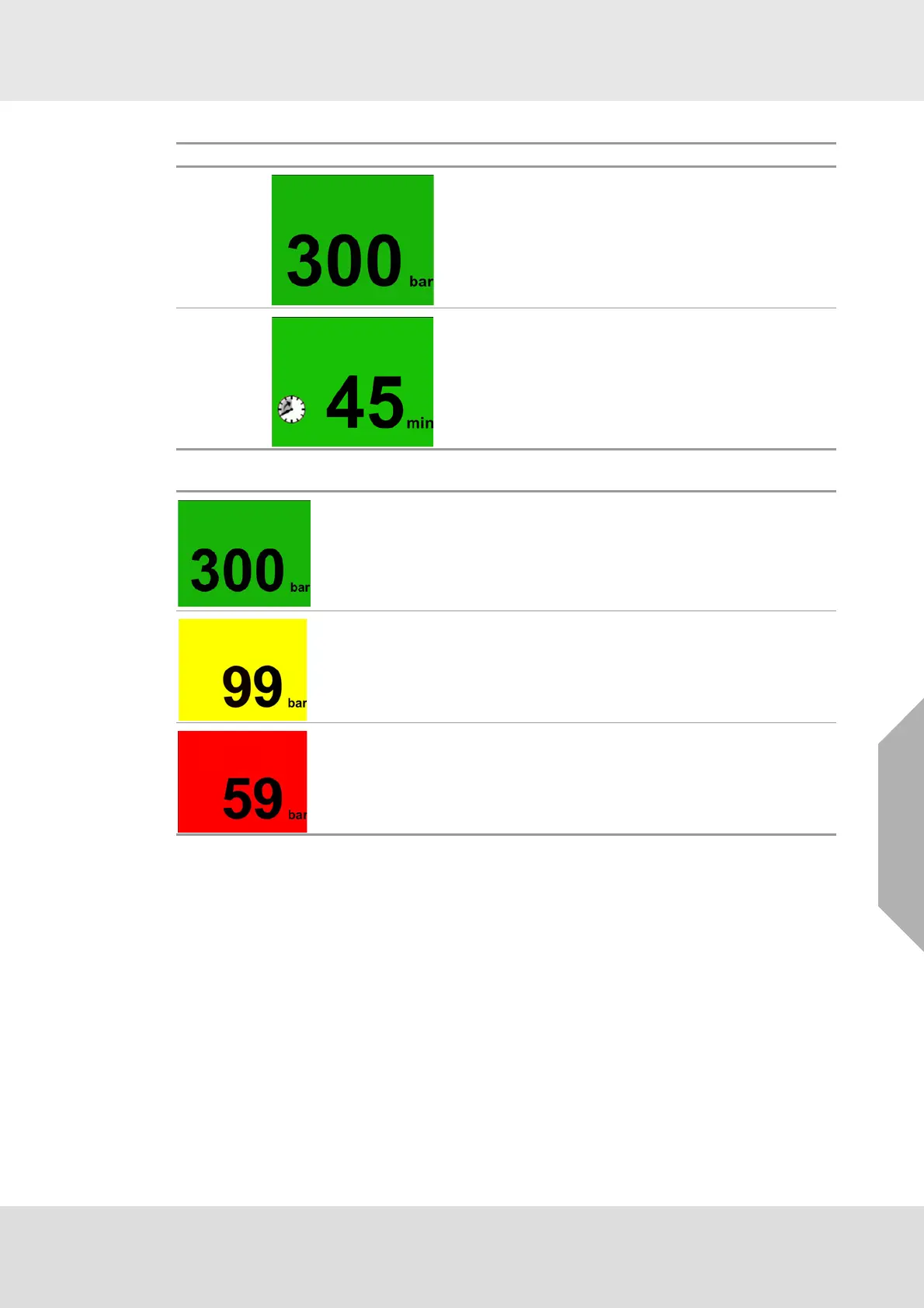
The background color of the screen corresponds with the system pressure:
Options Screen
Option 1
Pressure status provides the user the pressure of the
system.
Option 2
Time remaining feature calculates the amount of air used
and estimates how long it will take to use the remaining
air in the cylinder.
Green indicates pressure of 100 bar or higher.
Yellow indicates pressure between 99 bar and 60 bar.
Red indicates pressure lower than 59 bar.



 To Next Page