70
Telemetry Module
GB
G1 Integrated SCBA System
15.1 Scanning the ID Tag into the Power Module
Prior to pressurization of the SCBA and during use, the user can “tag in” to the SCBA. The most
recent ID Tag data that is stored in the power module will be used as the identification for the
SCBA in the data log or on the MSA Accountability System Software. If no ID Tag data has been
assigned to the SCBA, the power module serial number will be used as its identification on the
base station PC screen.
Tagging In when Unit is Off
(1) Take the ID tag and place in hand as shown.
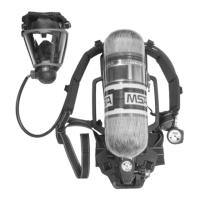
(2) Place the tag in front of the RFID reader located on the
power module.
The RFID reader is located on the user's right hand
side of the backplate
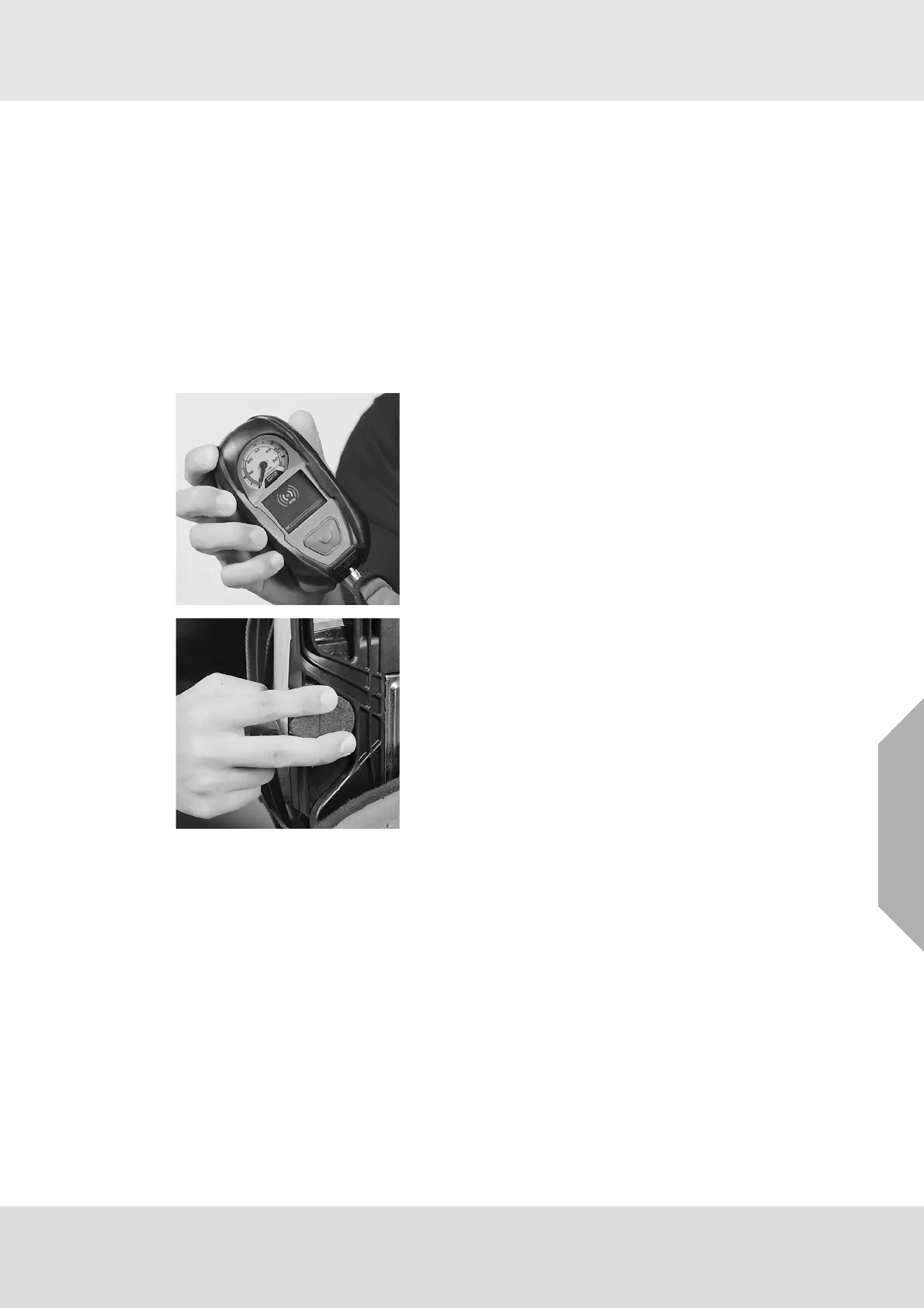
(3) Press and hold BOTH green RESET buttons at the
same time until the RFID symbol appears.
(4) Keep the tag located at the power module until the blue
bar moves across the screen.
a) If the tag was successful, the information will be
displayed on the tag. If it is not, repeat the steps
above until the tag information is displayed on the
screen.



 To Next Page