46
Control Module (ADSU) (Version with Integrated Electronics only)
GB
G1 Integrated SCBA System
9.7 Screen Displays During Tagging
To start the tagging procedure, press the RESET button until the RFID screen appears.
When the device has read the tag, it confirms with a beep.
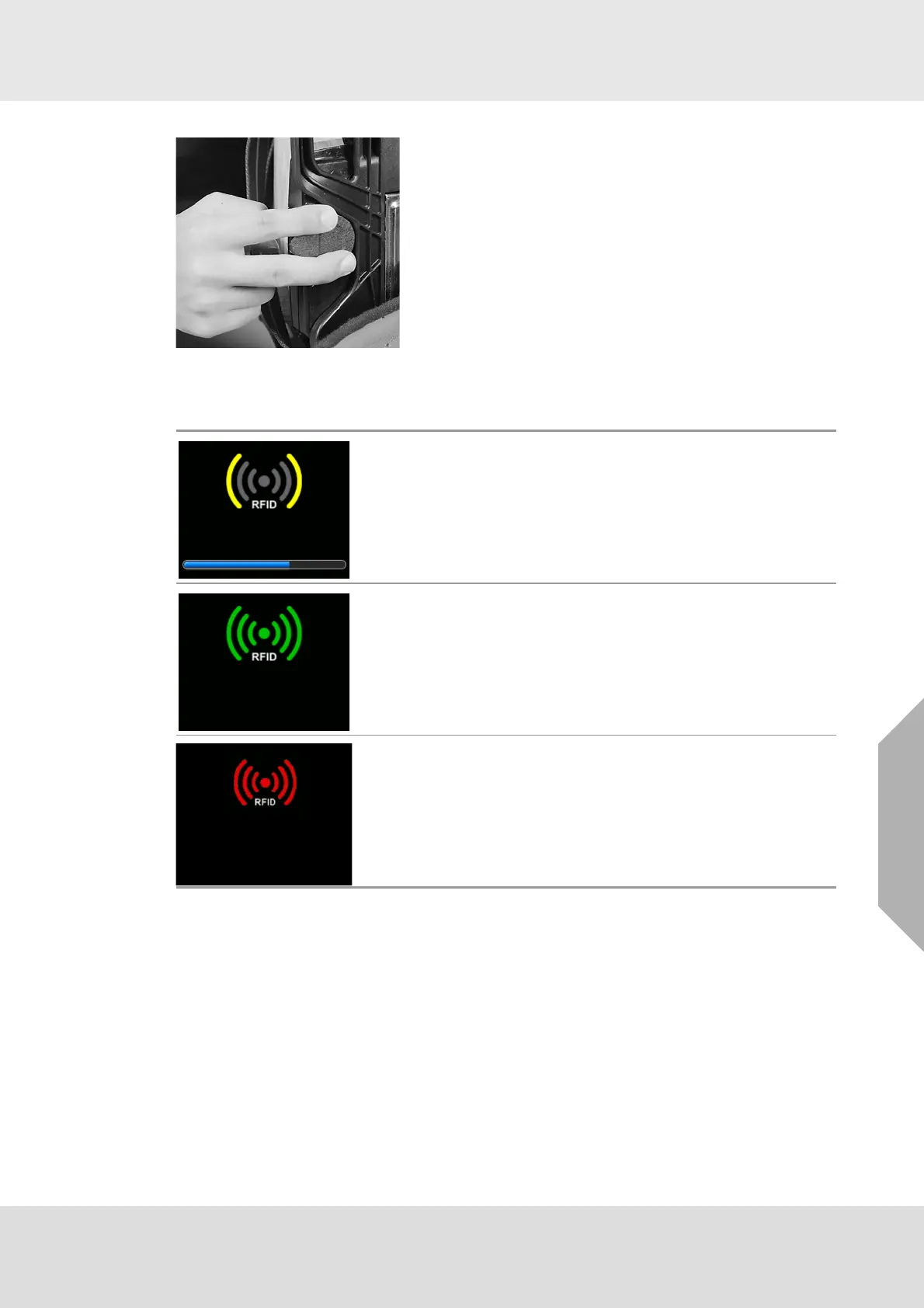
(3) Place the ID Tag over the RFID reader on the power
module. The RFID reader is located on the SCBA back-
plate on the user's right side.
The control module will display the ID tag information and
beep once complete.
(4) If the control module does not display the ID tag informa-
tion, repeat steps 1 and 2.
RFID screen
Personal ID TAG read
RFID could not be read - try again or check ID Tag note message
on control unit



 To Next Page