13
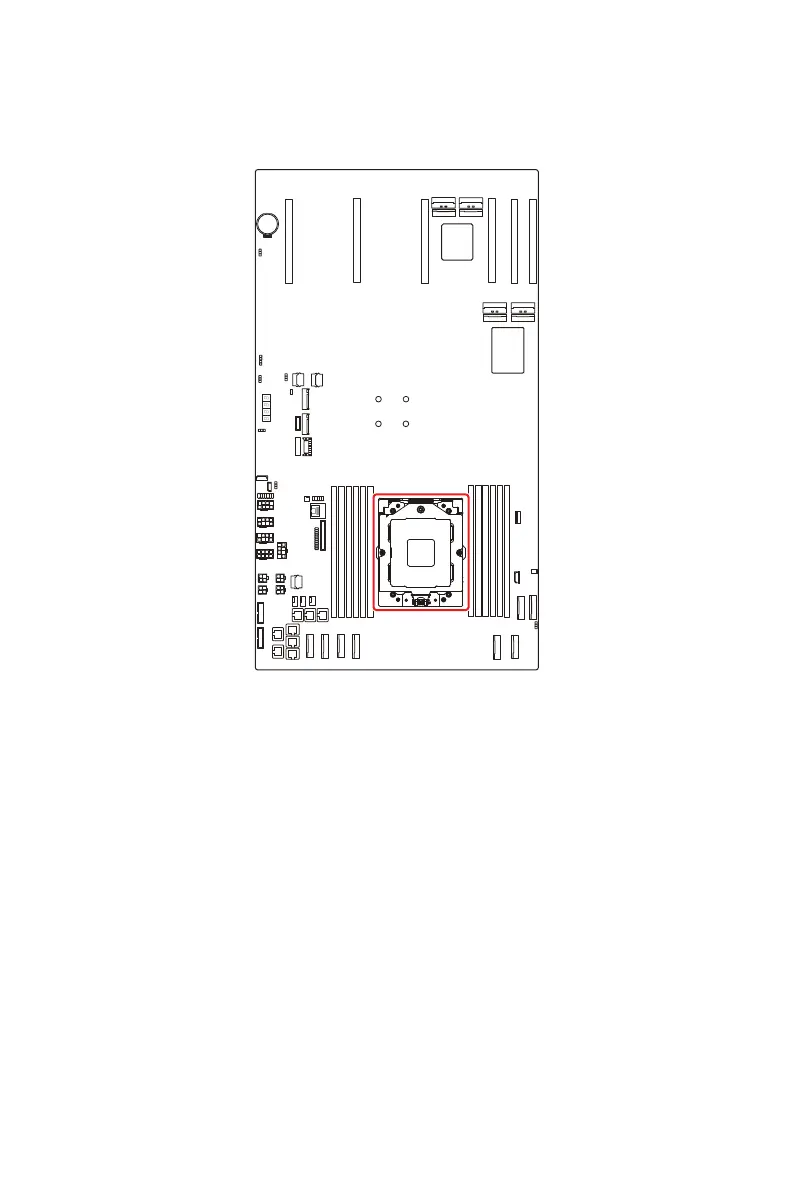
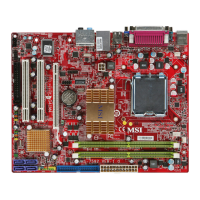
CPU Socket
CPU Socket
CPU0
⚠
Important
∙
Overheating will seriously damage the CPU and system. Always make sure the
cooling fan can work properly to protect the CPU from overheating. Make sure that
you apply an even layer of thermal paste (or thermal tape) between the CPU and the
heatsink to enhance heat dissipation.
∙
While replacing the CPU, always turn off the power supply or unplug the power
supply’s power cord from the grounded outlet first to ensure the safety of CPU.
∙
Do not touch the CPU socket content to avoid damage.
∙
Whenever CPU is not installed, always protect your CPU socket pins with the plastic
cap covered.
∙
Please refer to the documentation in the CPU cooler package for more details about
the CPU cooler installation.
∙
Read the CPU status in BIOS.




 To Next Page