Hardware Setup
2-13
The mainboard provides connectors to connect to FDD, IDE HDD, case,
modem, LAN, USB Ports, IR module and CPU/System FAN.
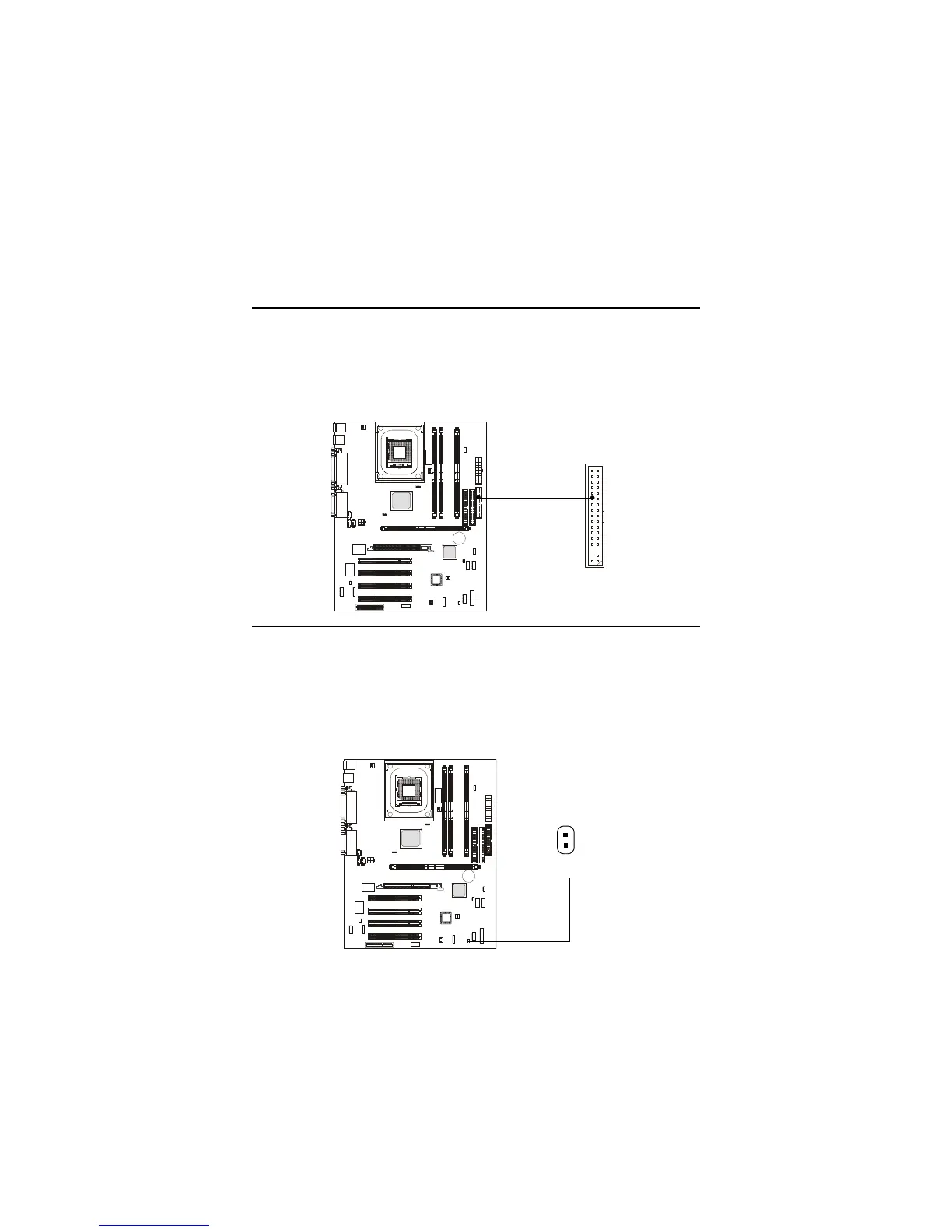
Floppy Disk Drive Connector: FDD1
The mainboard provides a standard floppy disk drive connector that
supports 360K, 720K, 1.2M, 1.44M and 2.88M floppy disk types.
Connectors
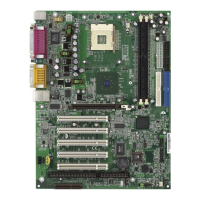
Remote Power On/Off Switch Connector: JRMS1
Connect to a 2-pin push button switch. When OFF, pressing the button
can turn the system on. When ON, pressing the button once will make the
system enter the sleep/suspend state. If the button is pressed for more than
four seconds, the system will be turned off. To change the setup, go to the
BIOS Power Management Setup.
FDD1
JRMS1


 To Next Page