2 Quick Start
9
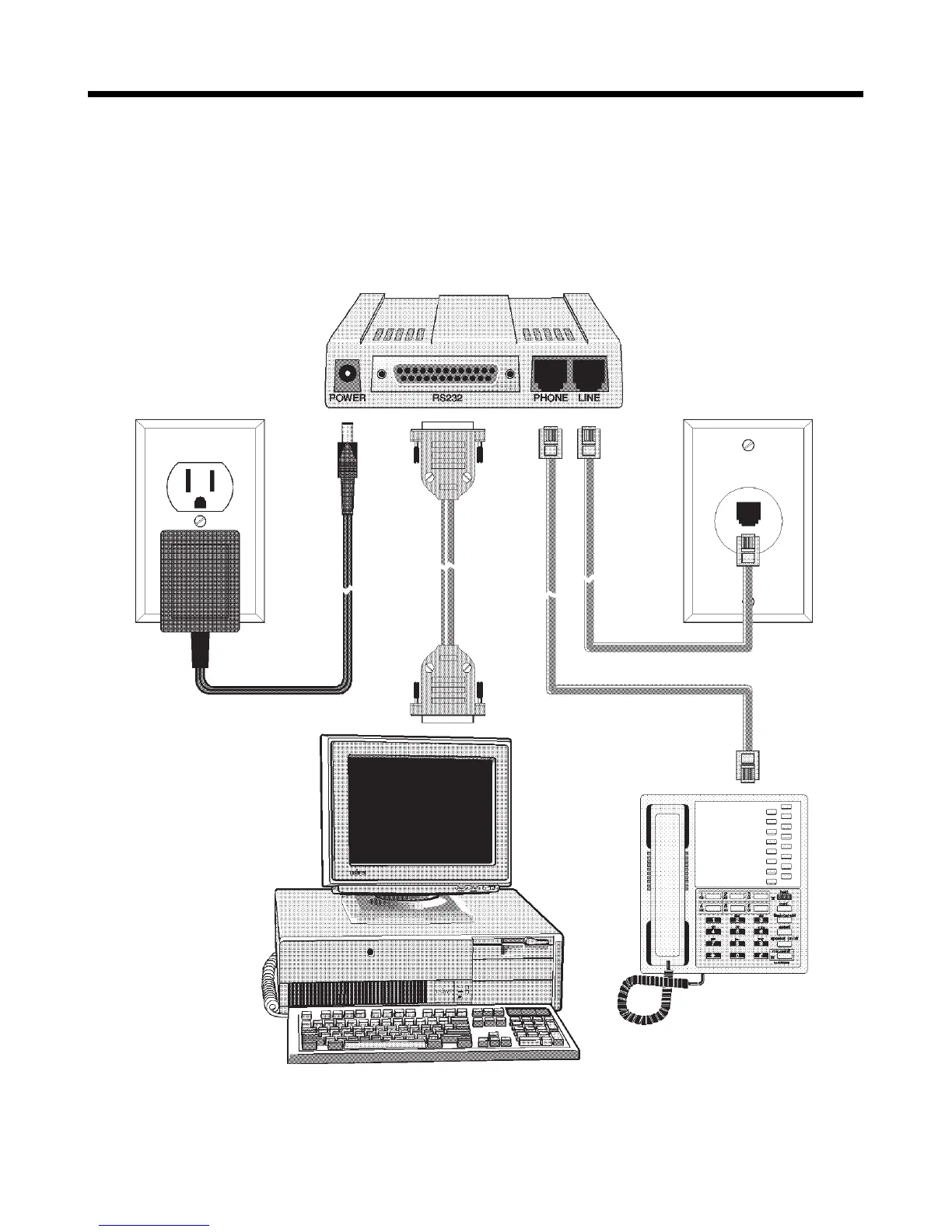
Step 2: Connect the Modem to Your System
Placing the MT2834ZDX in a convenient location, connect it to your
computer’s serial port, to the telephone line, to AC power, and, option-
ally, to your telephone.
Figure 2-2. MT2834ZDX connections.














 To Next Page