3 Features
27
Connections
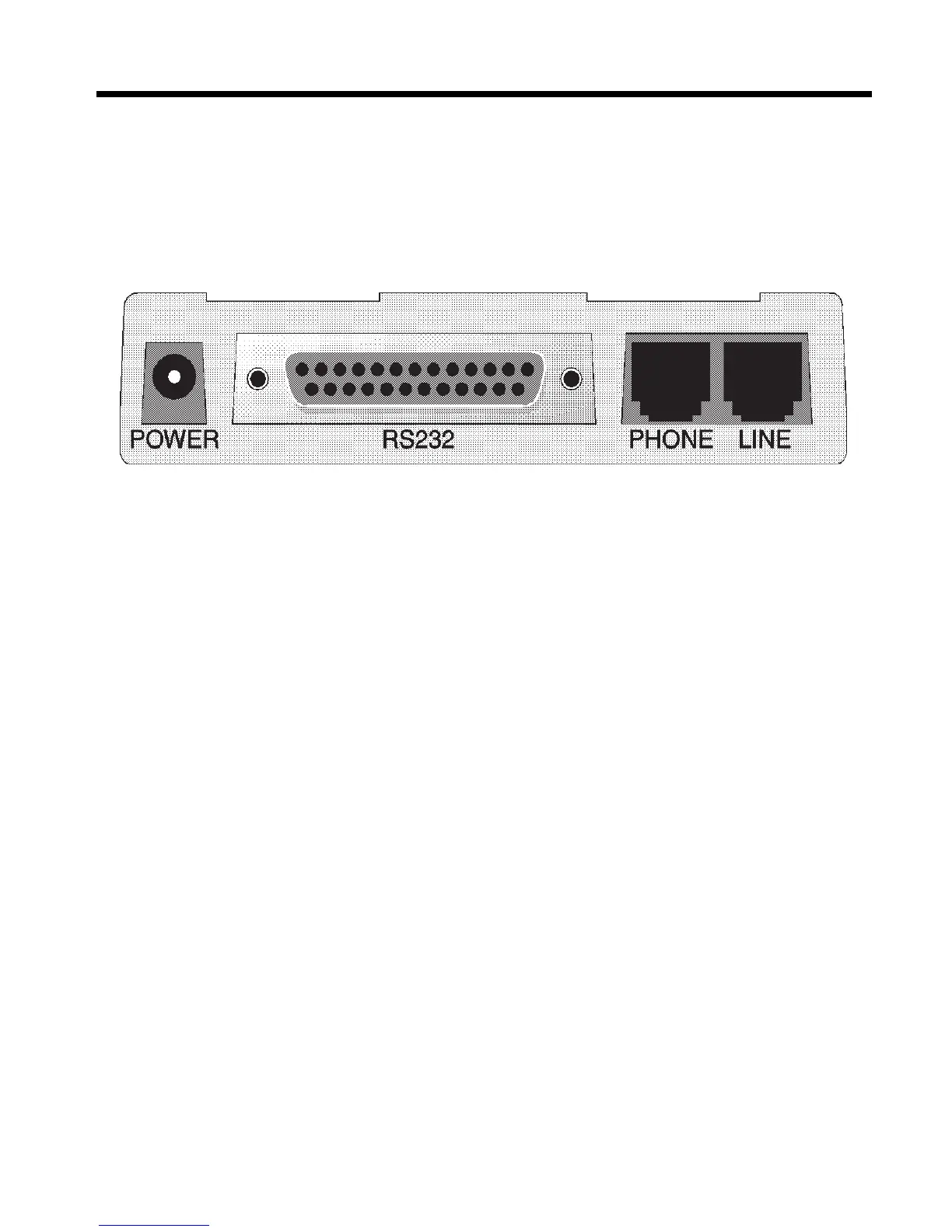
All models connect to your computer (“RS232”), to a telephone line
(“LINE”), to a power source (“POWER”), and, optionally, to a telephone
set (“PHONE”).
Figure 3-1. ZDX connectors.
Connecting to the Computer (“RS232”)
Using a matching serial cable, connect the RS232 connector on the
modem to one of the serial port connectors on the back of your comput-
er. On an IBM PC or compatible, there are usually two serial ports
named “COM1” and “COM2.” COM1 typically uses a DB-9 connector,
whereas COM2 may use a DB-25 connector. Most Apple Macintosh
computers use round mini-DIN-8 connectors for the serial ports.
Choose the one marked with the icon of a telephone; the Macintosh
gives priority to that port and will not interrupt your communications link.
Be sure to tighten the mounting screws on the DB connectors.














 To Next Page