Description
Control terminal
24 11.06.2014
Display
• Display process data.
• Display settings.
• Display diagnostic messages.
<Arrow key> Increase values.
Keys <1> to <3> Load and save recipes.
<Arrow key> Decrease values.
<Sealing> key Call up sealing time.
<Stop> key.
• Abort evacuation and then seal (e.g. if liq-
uid products begin to boil).
• Deactivate pump protection function
<Pump protection> Activate pump protection function see Section
4.9 "P
ERFORM PUMP PROTECTION FUNCTION"
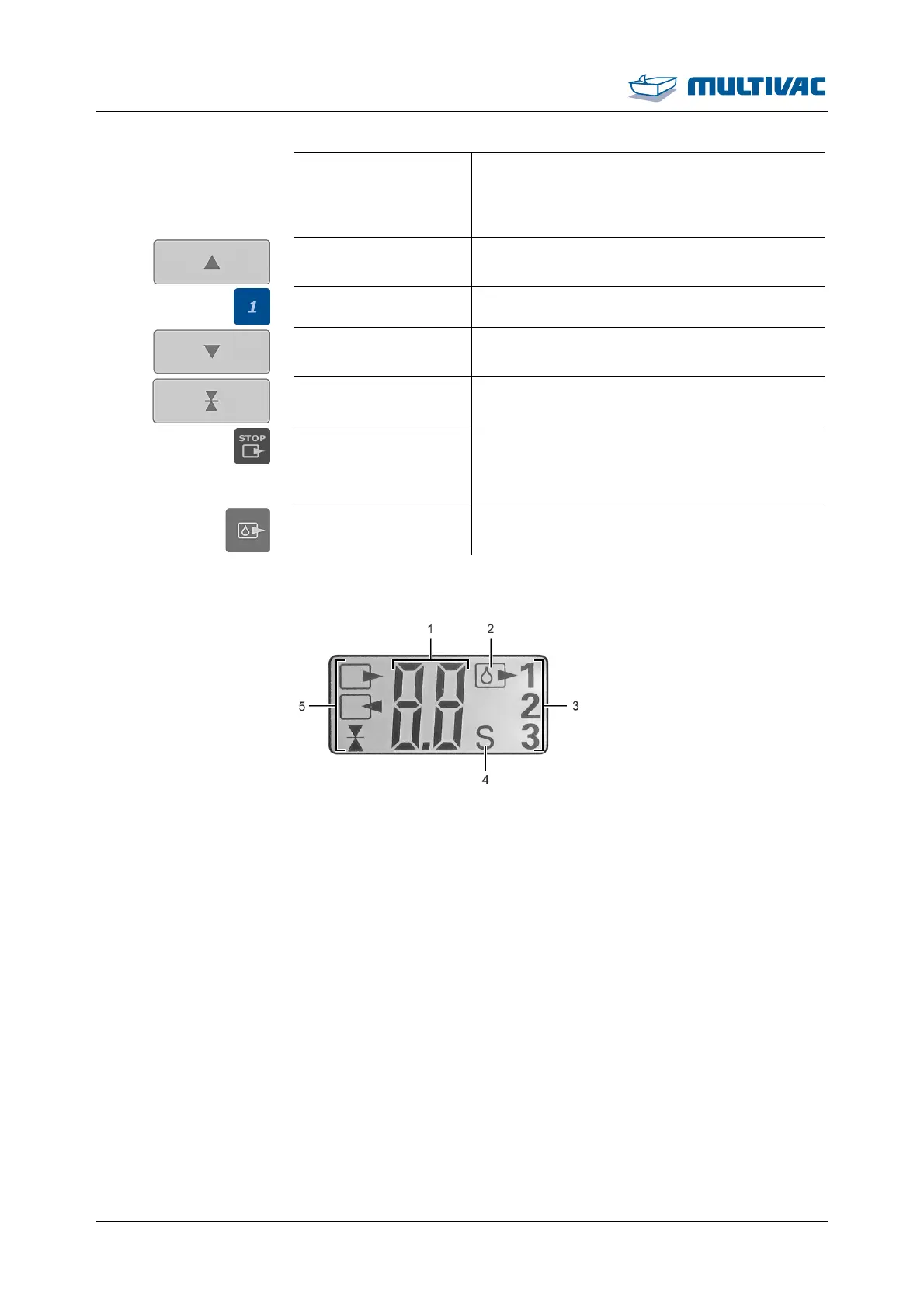
2.3 Display
Fig. 10: Display
1
Numeric display
2
Icon for pump protection
3
Recipe display
4
Display of the unit
5
Function display



 To Next Page