Operation
Switching off the machine
11.06.2014 41
¾ Close the stop-cock for the gas supply, if part of the machine.
¾ If required disconnect the machine from the mains electricity.
4.4 Setting the times
¾ Press the key for the desired function.
– The icon of the function flashes in the display.
¾ To set the evacuation time, press the <Evacuation> key.
¾ To set the sealing time, press the <Sealing> key.
¾ Using the <arrow> keys, set the desired value.
– The value is adopted.
¾ To change the value slowly, press the <arrow key> briefly.
¾ To change the value quickly, hold the <arrow key> pressed
down.
Info
If the value for the sealing time is set to 0, the function is switched
off and the icon for the function is not shown in the display.
¾ Press the key of the function again.
– The icon of the function is shown continuously in the display.
4.5 Packing products
¾ Open the chamber lid. Open the chamber lid more than half way
so that it remains open.
– The chamber lid remains open in the middle position.
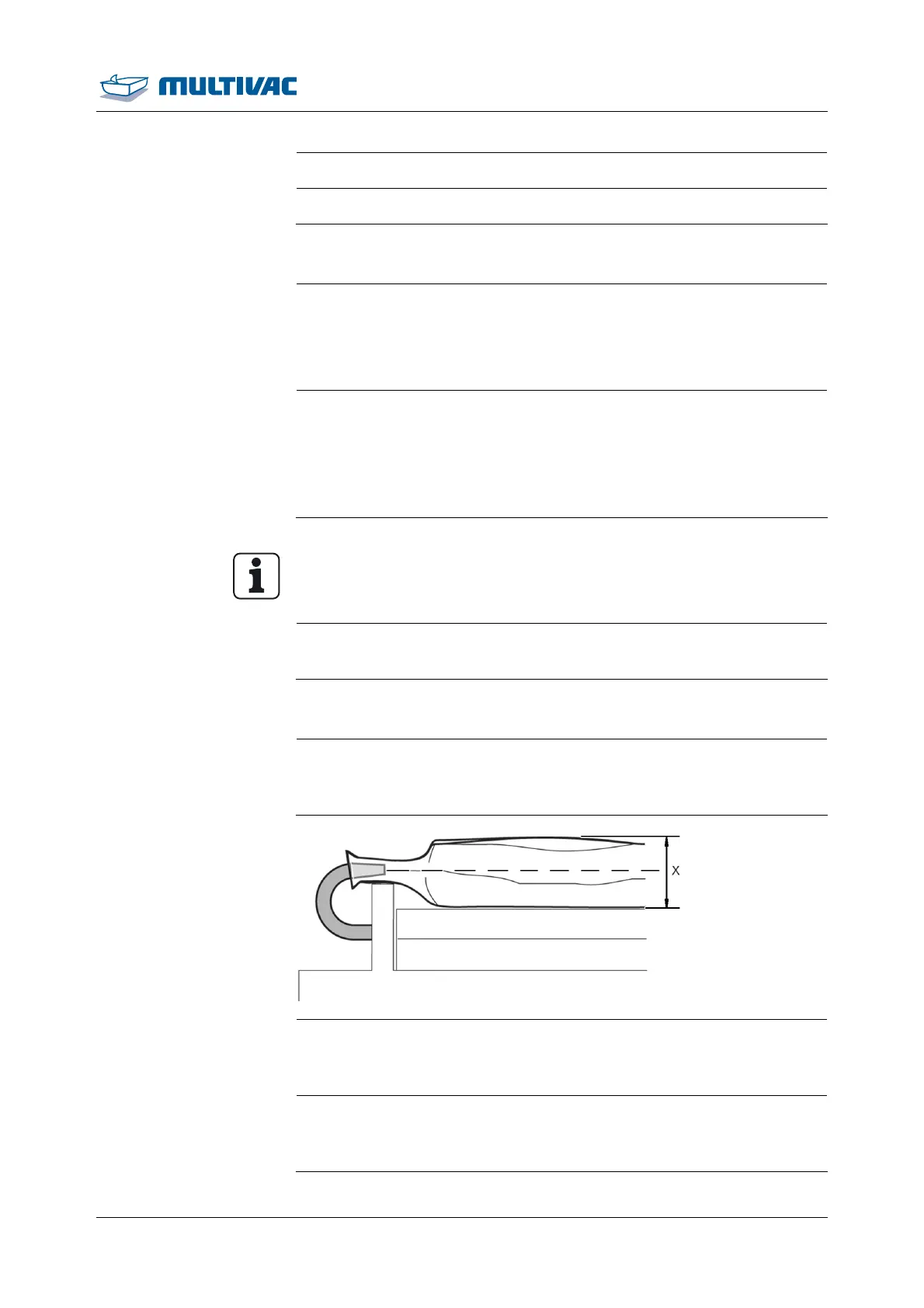
¾ If necessary, use filling plates.
– The pouch neck should be located at the centre of the pouch
height x.
¾ Use the sloping insert for packaging liquids, see Section 5.1 "IN-
SERT AND REMOVE THE SLOPING INSERT ".
– Liquid cannot escape from the film pouch.



 To Next Page