Entering Spaces
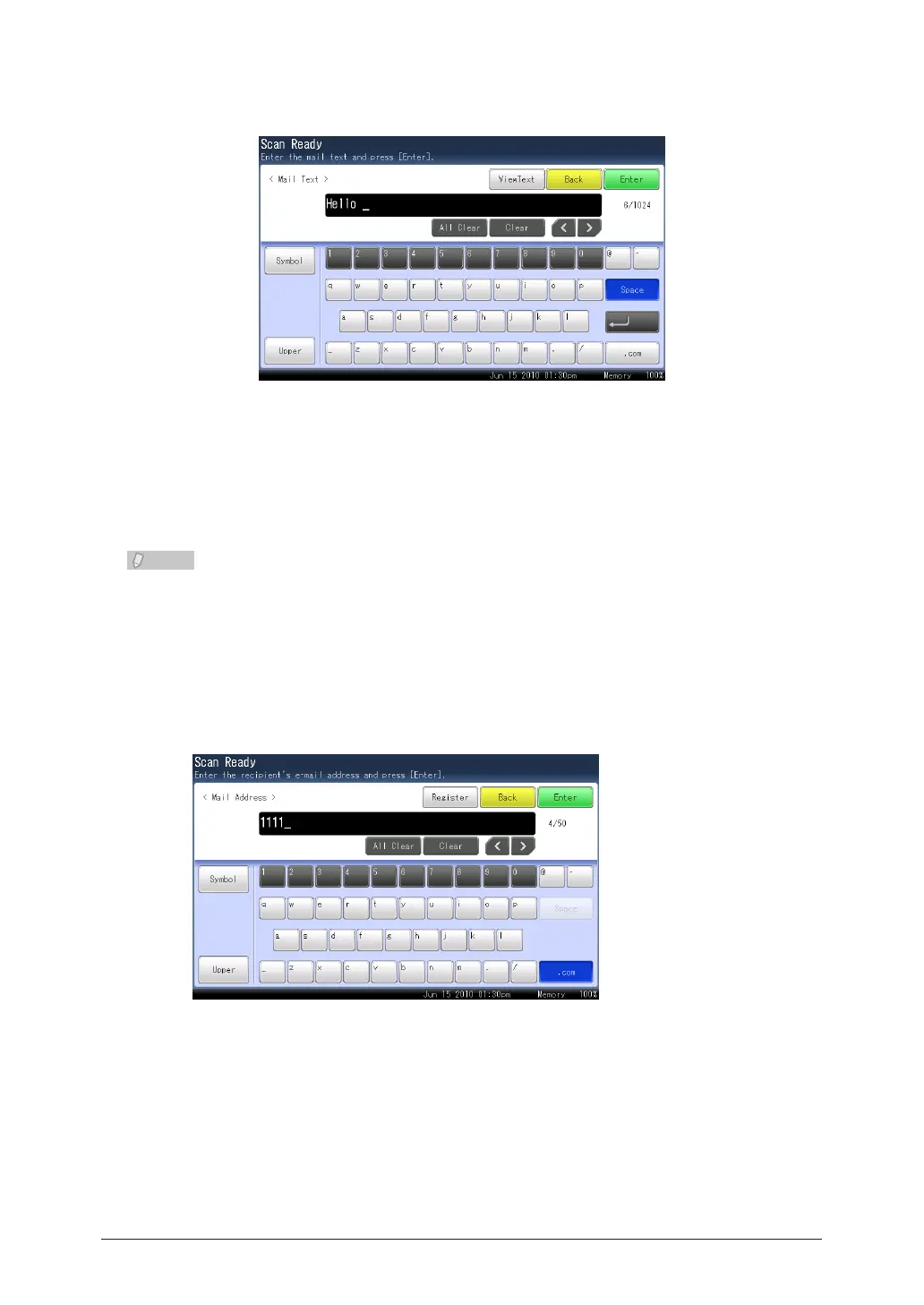
Press [Space] while entering characters.
Entering “.com”
You can press the [.com] button when entering e-mail addresses, etc. to easily enter
domain names. You can also register the parts other than the domain name in advance to
easily enter frequently used strings.
For details on registering domain names, refer to Chapter 7, “Registering Other
Settings” in the Scanner and Fax Guide.
Enter the e-mail address.
1
Press [.com].
2



 To Next Page
 Loading...






