vi How to Read This Manual
Key Descriptions
In this manual, the operating keys are described as follows:
The key names on the control panel are shown in < >, and the key names on the touch
panel are in [ ].
Keys on the control panel
Enclosed in < >, for example, <Job Confirm.
Fax Cancel>.
Touch panel keys
Enclosed in [ ], for example, [Auto].
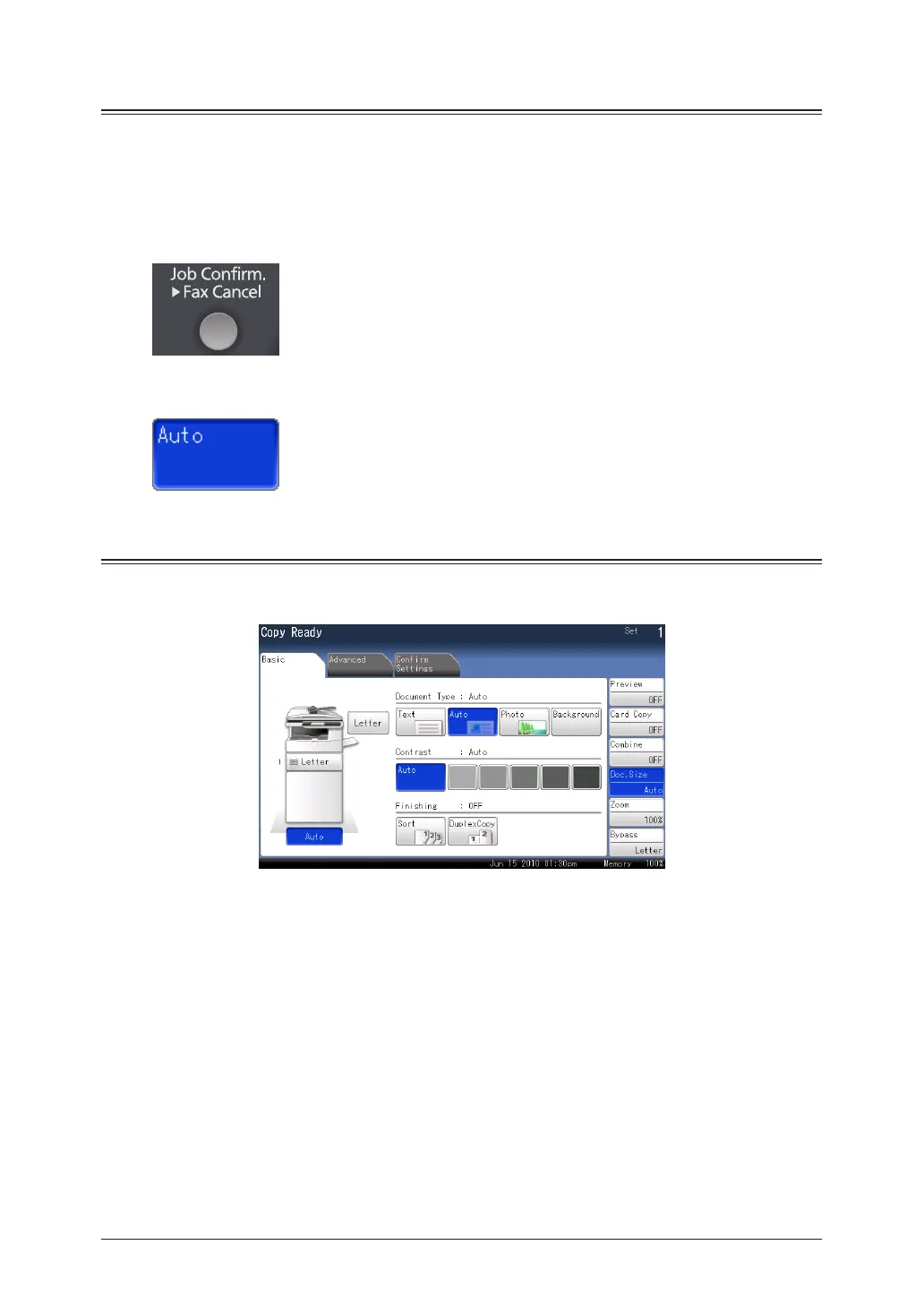
Screens
This manual uses the screens of the standard model, unless otherwise stated. The screens
you see may differ, depending on the options installed.



 To Next Page
 Loading...






