Section 40 00-02-0994
2016-06-28 - 14 -
• Down Key – Allows the operator to navigate down through the menu and page reverse on the
main pages.
Accessing the Menu
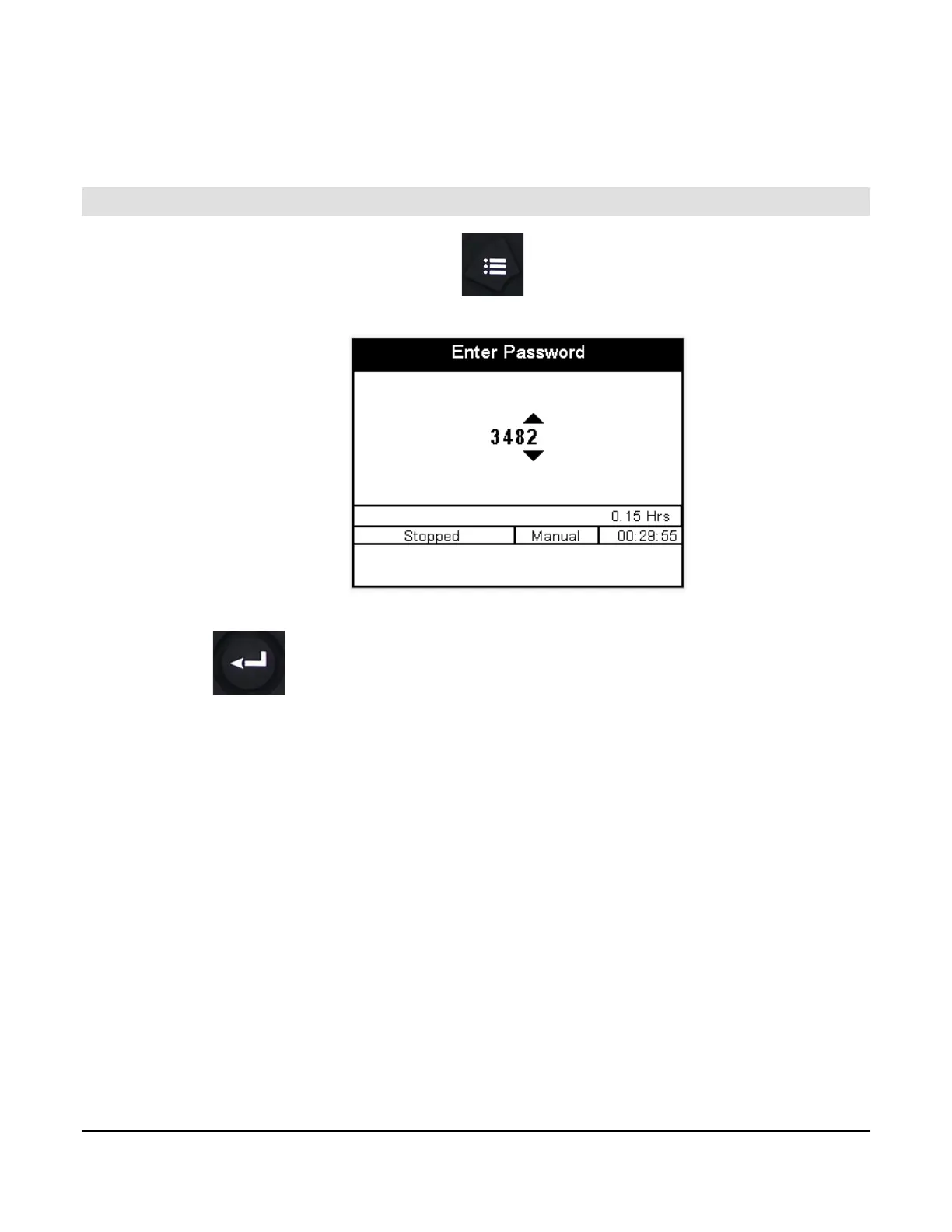
To access the MPC-20 menu, press the menu button:
The following screen will display to enter the password (3482):
The password will be entered left to right. Utilize the up and down arrows, and press the Enter button after each
correct number: . Entering this password will allow full access to the menu. If you enter the wrong
password, it will reset the display to 0000, allowing you to restart the entering process.


 To Next Page