A3 Scanner User Manual (PC)
7
Setting Up the Scanner
2. Select Acquire from the File menu (in some
programs, the Acquire command will appear in a
submenu under the Import command) and start
scanning and acquiring the images from the host
computer through the network.
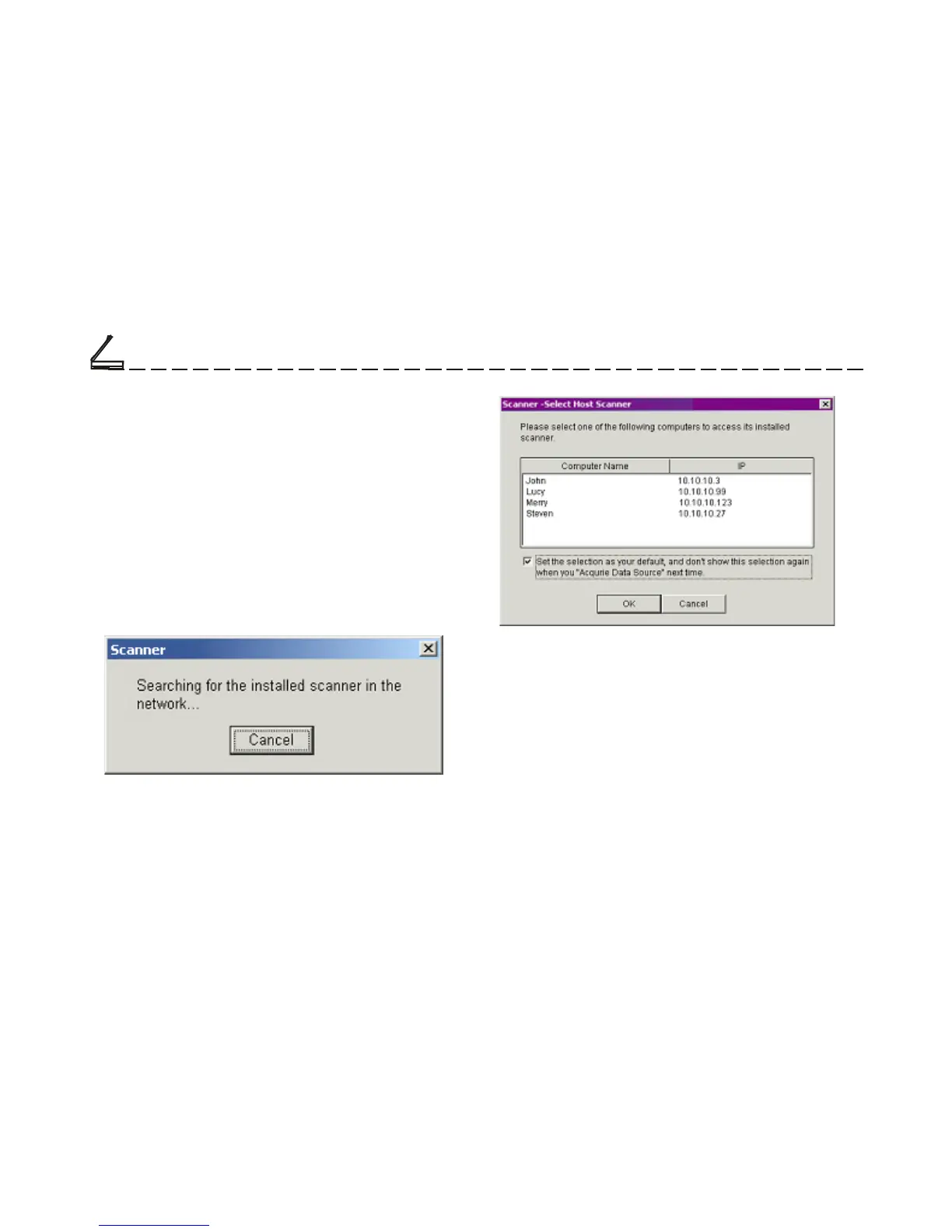
Note: If you are acquiring the above source
(Scanner-Network) for the first time, the software will
process the search in the network so as to find the
host computer that has installed this scanner. The
dialog box representing searching process appears.
You can also call out this dialog box by selecting
Start, Programs, Scanner. When you run Host
Scanner for Network Command, Dialog 1 appears
first ,and then Dialog 2.
(Dialog Box 1)
Computers that have installed this scanner appear in
the dialog box 2. You will be asked to select one of
them to access its installed scanner.
(Dialog Box 2)
Chapter One













 To Next Page