A3 Scanner User Manual (PC)
8
Setting Up the Scanner
Chapter One
Installing Hardware
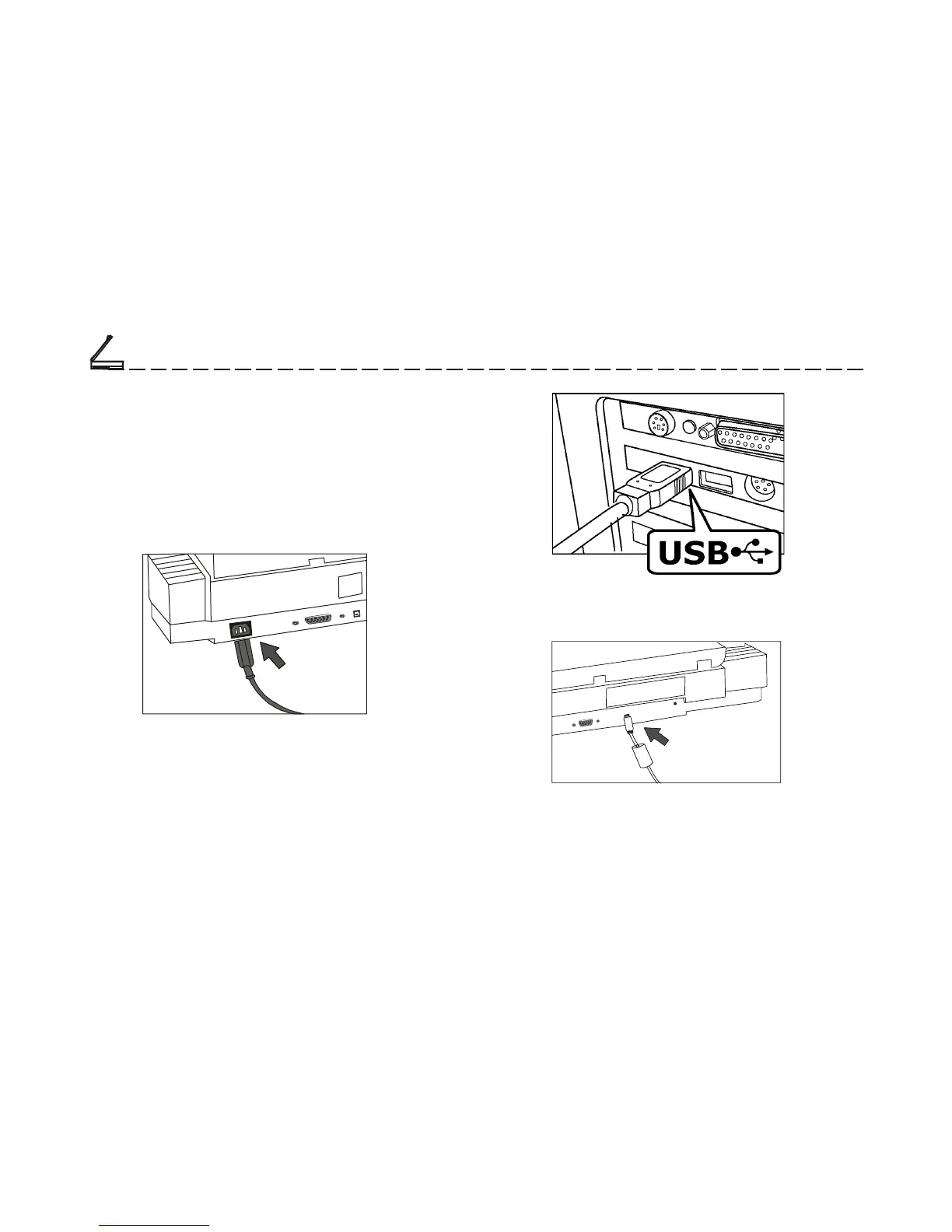
Refer to the following illustration and steps to
connect your scanner:
1. Connect the power adapter to the scanner and plug
it into an appropriate power outlet.
2. With the power to your computer on, connect the
scanner’s USB cable to the USB port of your
computer.
3. Connect the other end of the scanner’s USB cable
to the scanner’s USB port.
Upon connecting the USB port, the Windows
Operating system would automatically detect your
scanner and update your system configuration.













 To Next Page