A3 Scanner User Manual (PC)
24
Scanning Tutorial
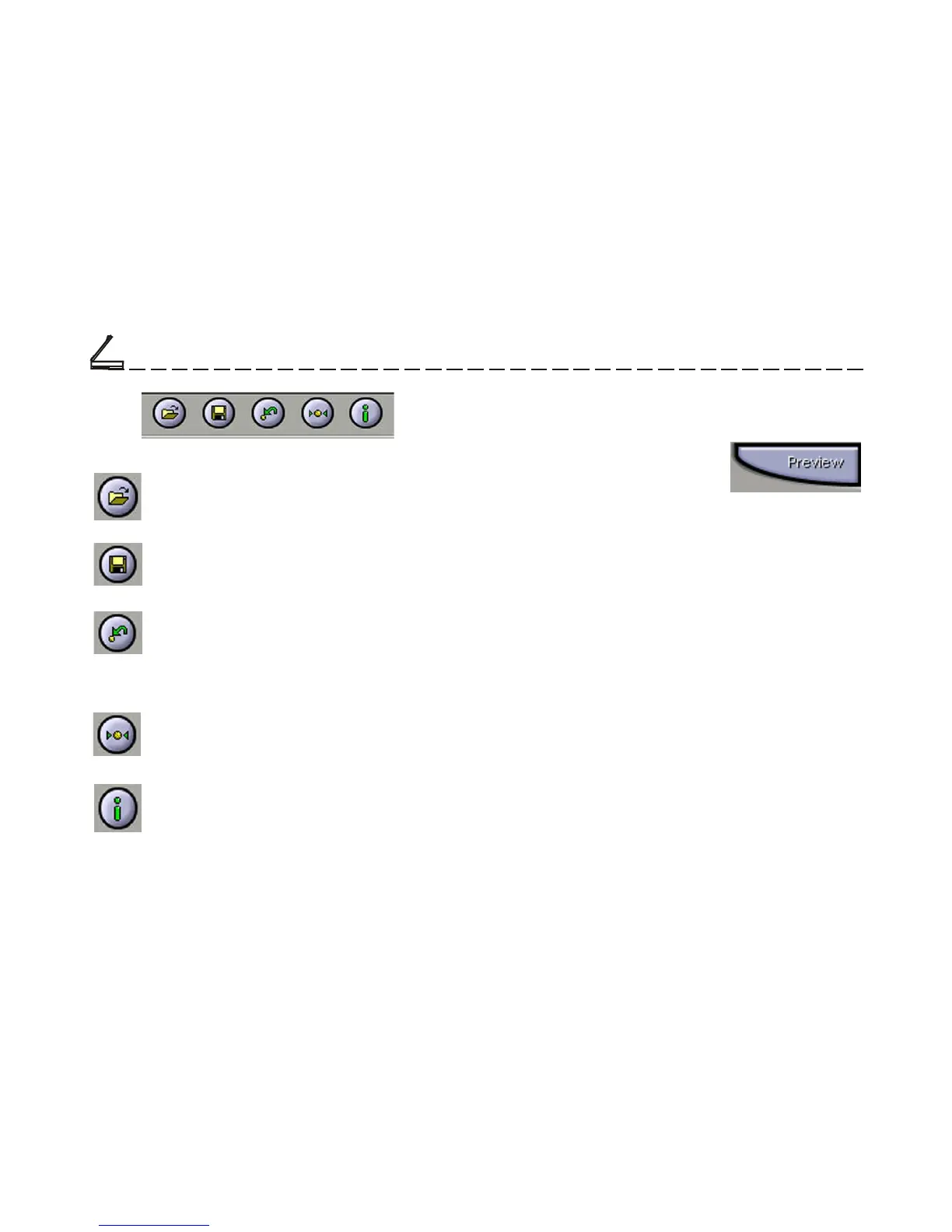
Previous Button
Returns the most recent selection to its
previous setting. (Reloads the last saved
image settings.)
Reset Button
Returns settings to their default values.
Load Button
Loads previously saved image settings.
Save Button
Saves the current image settings.
Info Button
Lists information about the current settings
being used.
Chapter Two
Prescan the Image
A Preview is a quick low-
resolution scan of the entire
original image. From this low-
resolution scan you can get a
clearer idea of the image area you want to include
when you click Scan. To Preview, the steps are:
1.Place the document face down on the scan
window glass.
2. Click the Preview button in the dialog box. After
the scanner has scanned the document, the scanned
image will appear in the Preview Window. From
the Preview image, you can now set the exact
image area you wish to include in your final scan.













 To Next Page