A3 Scanner User Manual (PC)
9 Chapter One
Just in Case it Happens
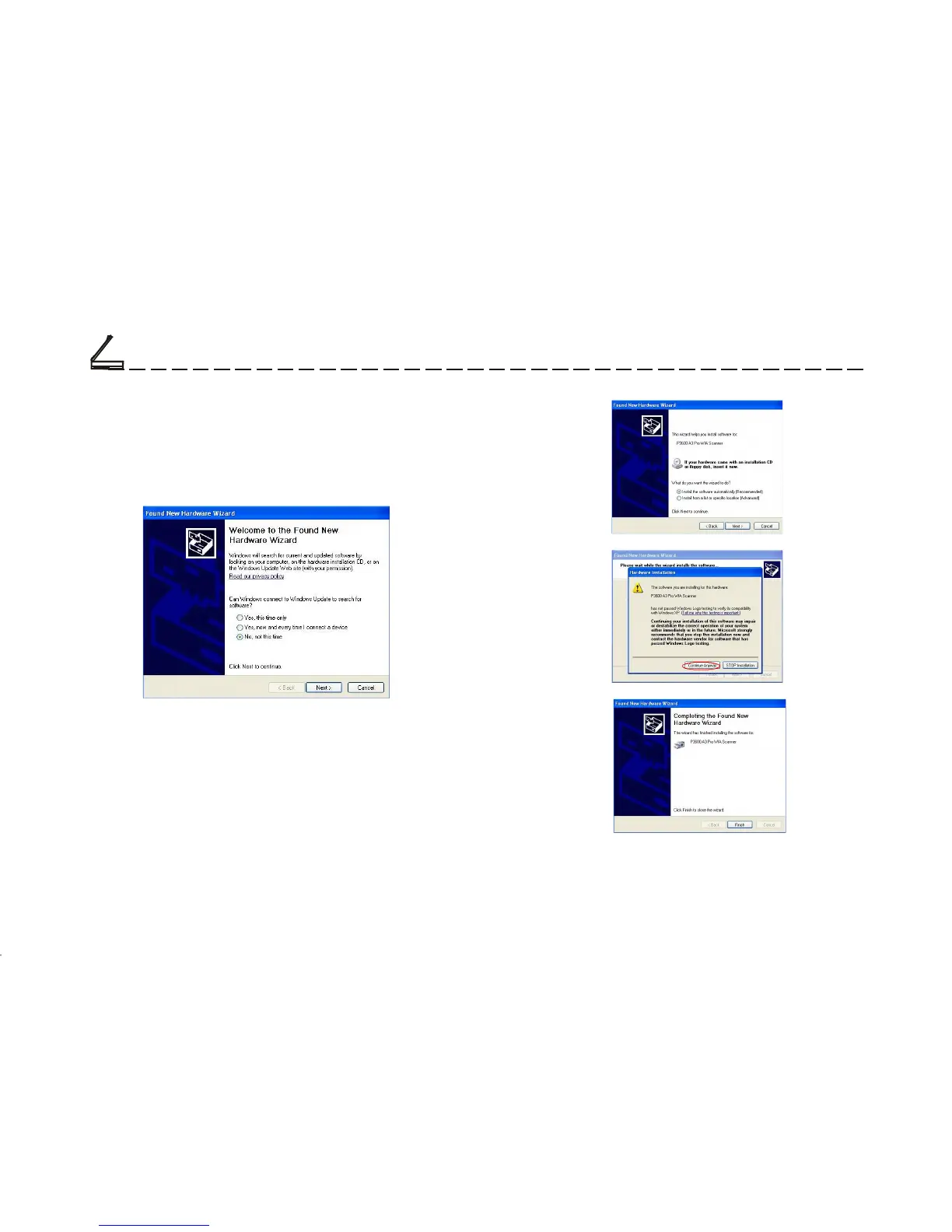
Upon installing the software drivers and connecting
the power adapter, if the Found New Hardware Wiz-
ard dialog box appears, perform the following steps:
Setting Up the Scanner
C
1. Click on the Next button.
2.
Follow on screen instructions to complete the
installation procedures.
3. Found New Hardware Wizard will remind
you when the hardware installation is complete.













 To Next Page