A3 Scanner User Manual (PC)
27
Using Batch Scan
Batch scanning is an easy way to multi-scan any part
of your document using different scan modes and
resolutions. In batch scanning, you can specify up to
a maximum of 30 scan regions, or you can scan a
single region several times using different combina-
tions of scan modes and resolutions.
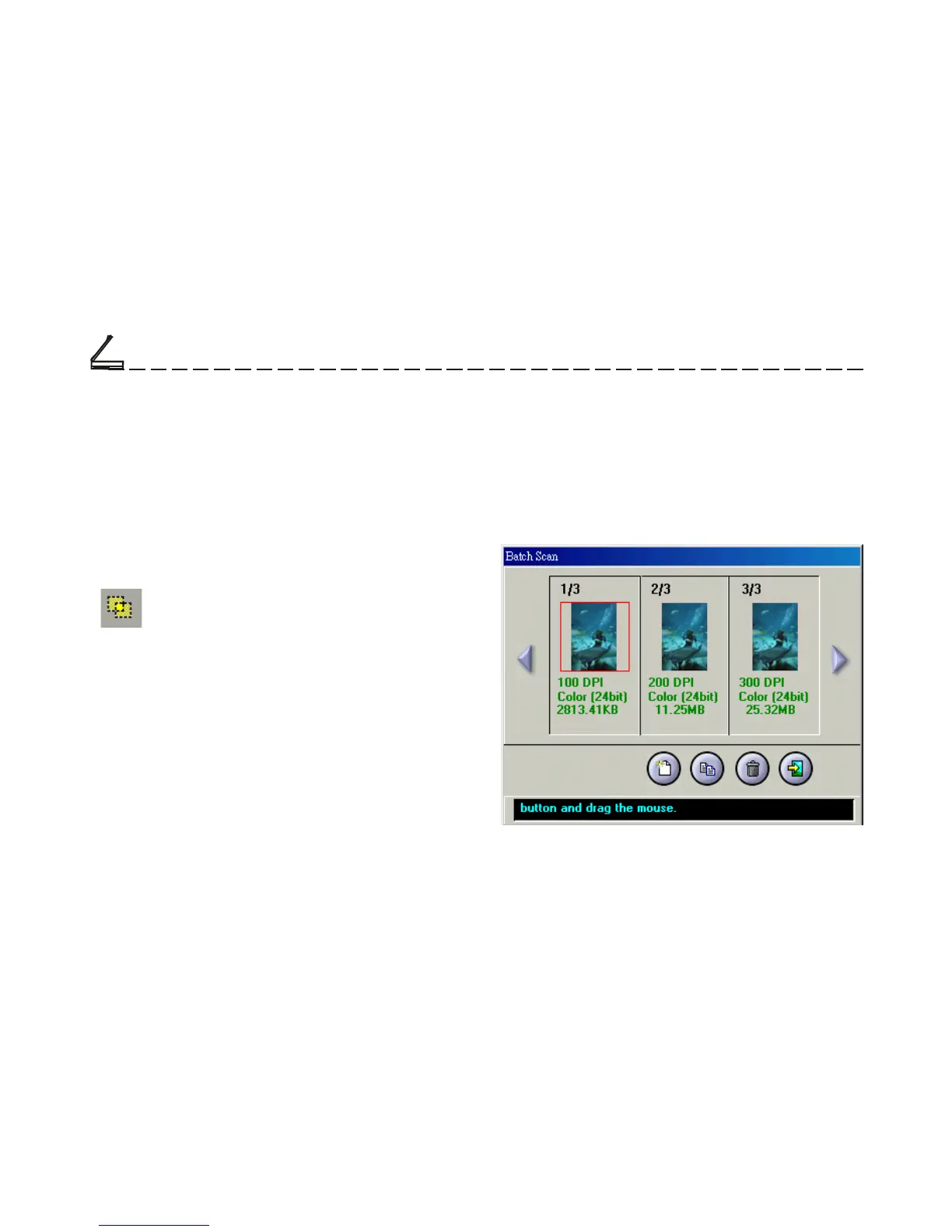
To activate batch scanning, click on the
Batch Scan button. This will bring up the
Batch Scan dialog box.
The Batch Scan Dialog Box
The Batch Scan dialog box contains several controls
that make batch scanning simple and easy to use. It will
also display the number of batch jobs that you make
when you create the scan regions.
Scanning Tutorial
Chapter Two













 To Next Page