A3 Scanner User Manual (PC)
11
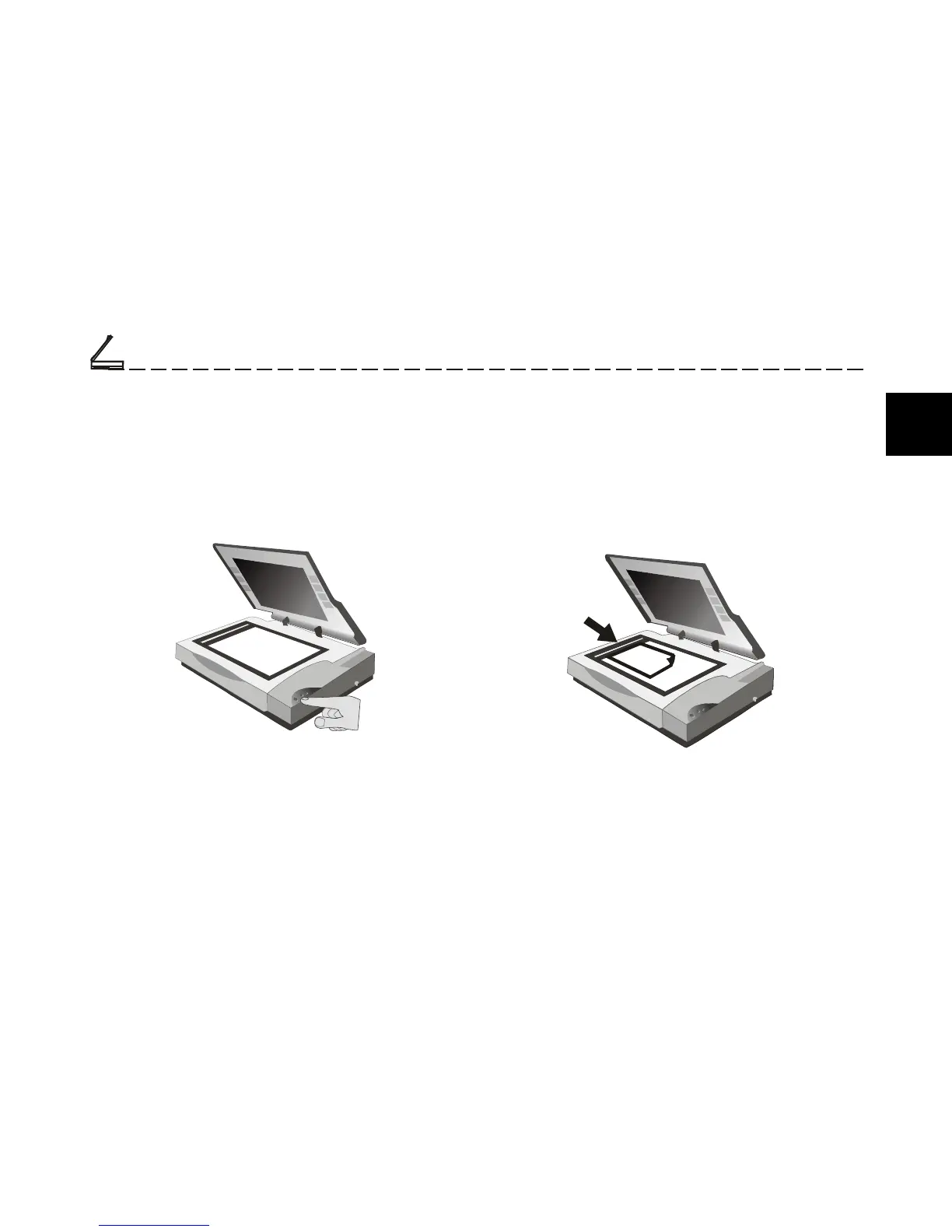
Position the Document
For the best possible image scans, it is important that
you position your documents correctly and carefully.
For this tutorial, use a paper-based document such
as a color photograph. Procedures for document
positioning are as follows:
1. Lift the scanner document cover.
2. Place the document face down on the glass and
in the upper center corner.
3. Slowly lower the scanner document cover,
making sure the document remains in position.
Power Up the Scanner
1. First, power up the scanner by pushing the power
button.
The LED power indicator on the front panel of
the scanner lights up and flashes for about a minute
and then remains lit, signifying that the scanner is
ready.
2. Power up the computer and wait until the
computer finishes booting.
Scanning Tutorial
Scanning Tutorial
2
Chapter Two













 To Next Page