A3 Scanner User Manual (PC)
14
OCR (Optical Character Recognition)
Clicks to recognize the document with the images/
characters you put on your scanner window glass.
Exit
To exit (or close) the Panel, simply click on the
Exit icon.
Help
Help allows you to get information about the
various topics and procedures enabling you to use
and have a clearer understanding about your
scanner and its functions.
Personal Style
Allows you to make changes to your systems.
Link
To use the additional programs bundled with your scan-
ner, click on this button to call out the following items:
Bundled Software and Bonus features -
Additional programs bundled with your scanner to
enhance your image editing process.
Scanning Tutorial
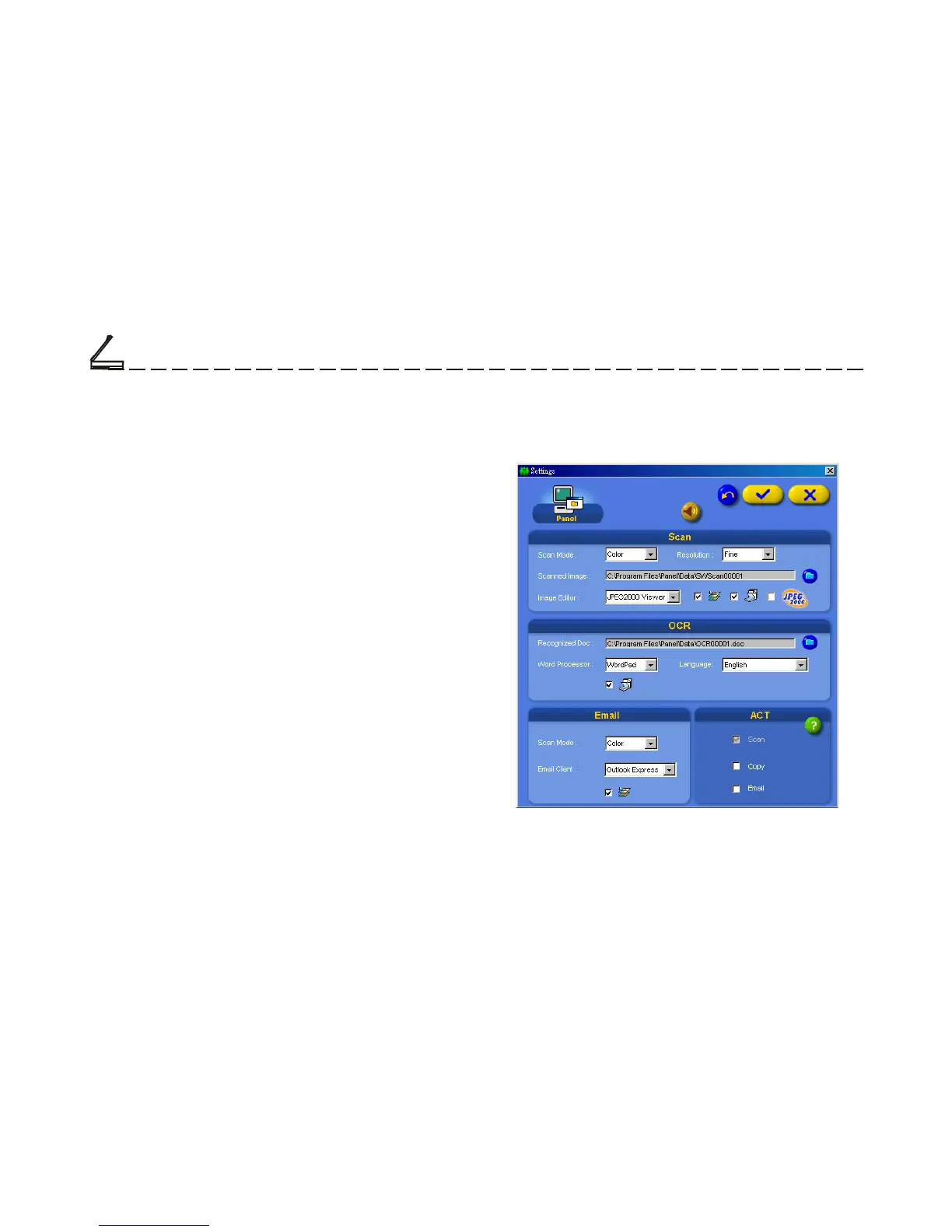
Setting dialog box
For detailed information of how to use these
functions, please click the Help button on the panel.
Settings
Clicks to call out Settings dialog box and do your
favored settings.
Chapter Two













 To Next Page