A3 Scanner User Manual (PC)
21
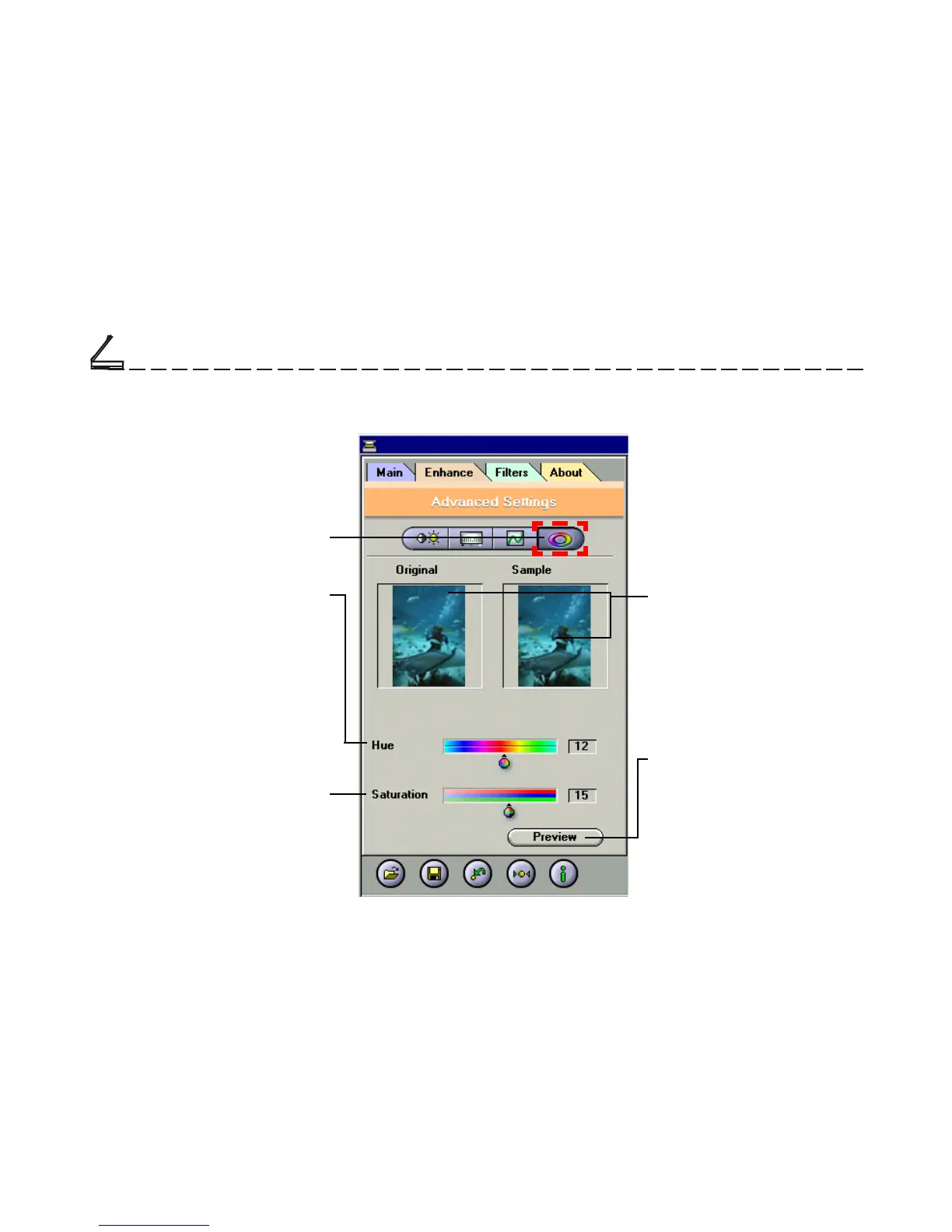
Thumbnails
Are used to see the effects of
any changes in the control
settings.
The Enhancement Folder: Hue/Saturation Control
Control
Hue/Saturation Control
Preview Button
This button allows you to see
the effect of any changes
made to the image prior to
scanning. Any changes will
appear in the preview window.
Saturation Slider
Lets you adjust an image’s color
purity.
Hue Slider
is composed of two color bars.
The upper one is static and the
lower one movable. Slide the
latter, and you will see the image
shift its overall coloring.
Chapter Two
Scanning Tutorial













 To Next Page