A3 Scanner User Manual (PC)
3
• LED Ready Indicator
When scanning or warming up, the LED ready
indicator will keep flashing. When the scanner is
available for scanning, the LED ready indicator
will remain lit.
• Power Switch
Powers ON/OFF electrical power.
Setting Up the Scanner
Chapter One
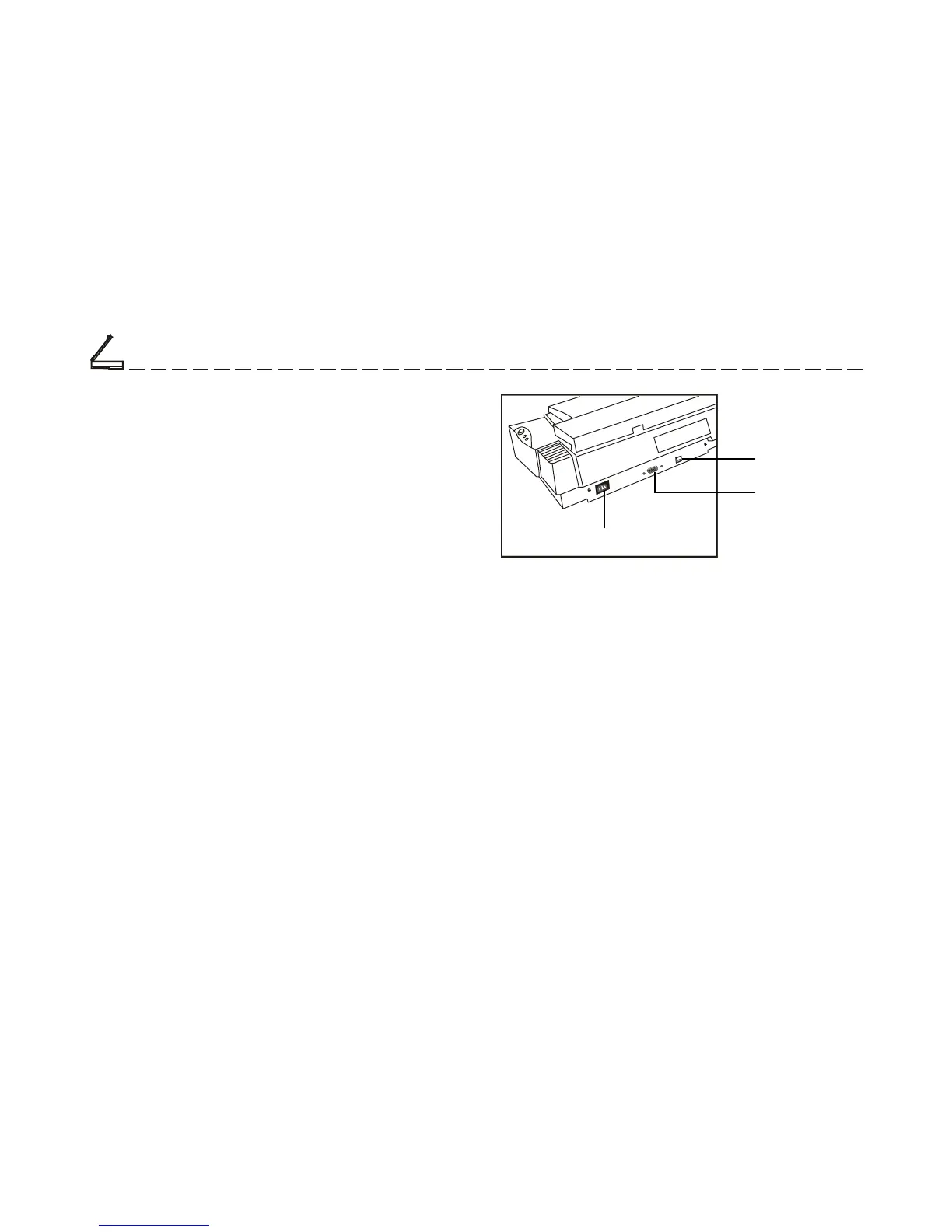
Power Cord Receptable
USB Port
Transparency
Adaptor Port
• USB Port
The Universal Serial Bus Port on the rear panel
are true plug-and-play serial ports for attaching
your scanner to your computer.
• Transparency Adapter Port
This port is for connecting an optional transpar-
ency adapter.
• Power Cord Receptable
Connect the scanner Power Cord to the Receptable.
This is used for your scanner’s power supply.













 To Next Page