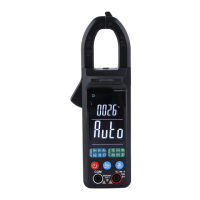
a. Press the “REL” button to enable the relative value mode.
b. Press the “HOLD” button to enable the data holding; hold down the “DS/HOLD” button to enable the data
storage and waveform storage list.
c. If the graphical waveform display mode is selected (Enabled only in
automatic range state), hold down the “DIS” button to display the
waveform and data of the current voltage.
d. Press/hold down the “DIS/AUTO” button to enable manual/auto range.



 To Next Page