Mutoh Ultima Multi-Purpose Cutting Plotter - Operation Instructions
24
AP-75125, Rev 1.3 ; 20/10/04
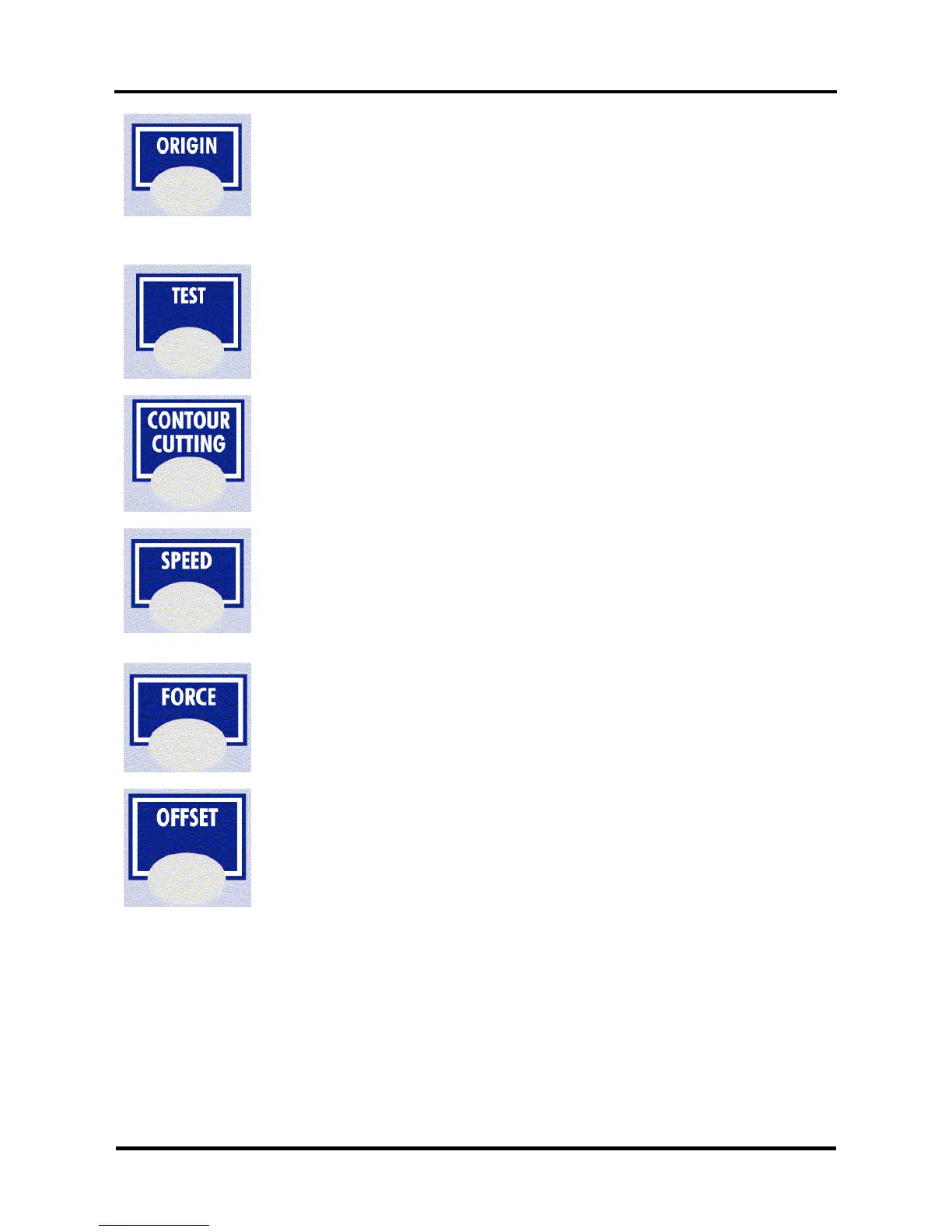
ORIGIN
By pressing the [ORIGIN] key you can change the origin point and origin direction
Origin direction: L Right (lower right), MANUAL and CENTER
When you select MANUAL, you can change the origin point by moving the head with
the [JOG] keys to the desired origin point (the LED blinks). When you press the
[ENTER] key the new origin is confirmed and the origin LED lights.
TEST
By pressing the [TEST] key you can select one of the test plots out of the list to cut.
CONTOUR CUTTING
In this menu you can start an automatic or manual aligning procedure by selecting the
desired one of the shown list.
SPEED
Press the [SPEED] key to enter the setting menu to change the speed.
Press the [UP] or [DOWN] key to change the speed. Press the [ENTER] key to
confirm the change. If you do not want to change the speed press the [CANCEL] or
[EXIT] key.
FORCE
Press the [FORCE] key to enter the setting menu to change the force.
Press the [UP] or [DOWN] key to change the force. Press the [ENTER] key to confirm
the change. If you do not want to change the force press the [CANCEL] or [EXIT] key.
OFFSET
By pressing the [OFFSET] key you can change the offset of the knife:
When you enter this menu you can input the offset or the base offset for cutting the
calibration figures.
When you press the [ENTER] key you get a dialog on the cutter that asks if you want
to do a test cut (select 1 or 2) or not.
When you perform a test cut 10 reference pictures around the selected base offset are
cut. You can choose the best one by selecting one of the pictures with the laser
pointer and the [UP] and [DOWN] key.



 To Next Page