AP-76943_Rev 1.0 Page 9/19
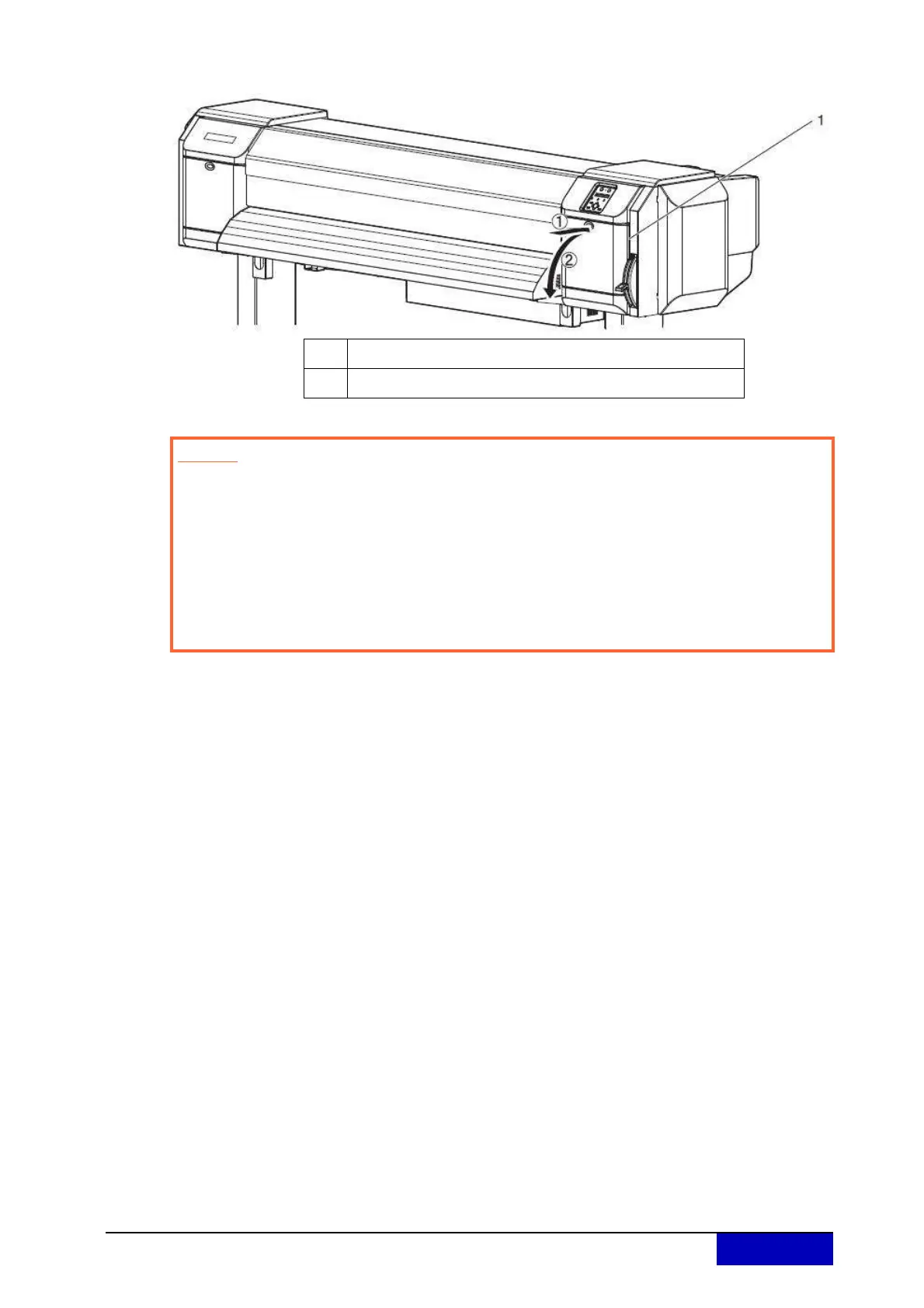
Step 4: Open the maintenance cover at the right side of the printer.
No. Name
1 Maintenance cover
Caution
When cleaning the cleaning wiper
Do not touch the cleaning wiper and head cap unit with your hands.
Head cleaning may not be performed correctly because of skin oil.
Make sure to wipe the print head using the cleaning stick.
A cleaning stick moistened with water may cause the print head to clog. When
moistening, always use the cleaning liquid matching your ink type.
Do not reuse the cleaning stick.
The attached dust, etc may damage the print head.











 To Next Page