Page 8/19 AP-76943_Rev 1.0
3 Cleaning the cleaning wiper
(1) Cleaning frequency
Once a week, or when blurs or lacking parts appear on printed media after head cleaning.
(2) Cleaning procedures
Use the cleaning stick moistened with a suitable cleaning fluid to clean the cleaning wiper.
Step 1: If the printer is powered ON, make sure that printing or other operations are not in
progress.
Step 2: Display the CR Maintenance menu
Press the [Menu] key.
“Menu1: Setup>” is displayed.
The operation panel shifts to the Setup menu display.
Press [>].
“Set1: User Type” is displayed.
Press [+] or [–] to select “Set20: CR Maintenance”.
Press [Enter].
“CR Mainte.: Start” is displayed.
The display enters the CR Maintenance menu.
Step 3: Press the [Enter] key.
Maintenance starts.
The print head moves to the left.
The cleaning wiper shifts towards the front.
“CR Maintenance: End” is displayed.
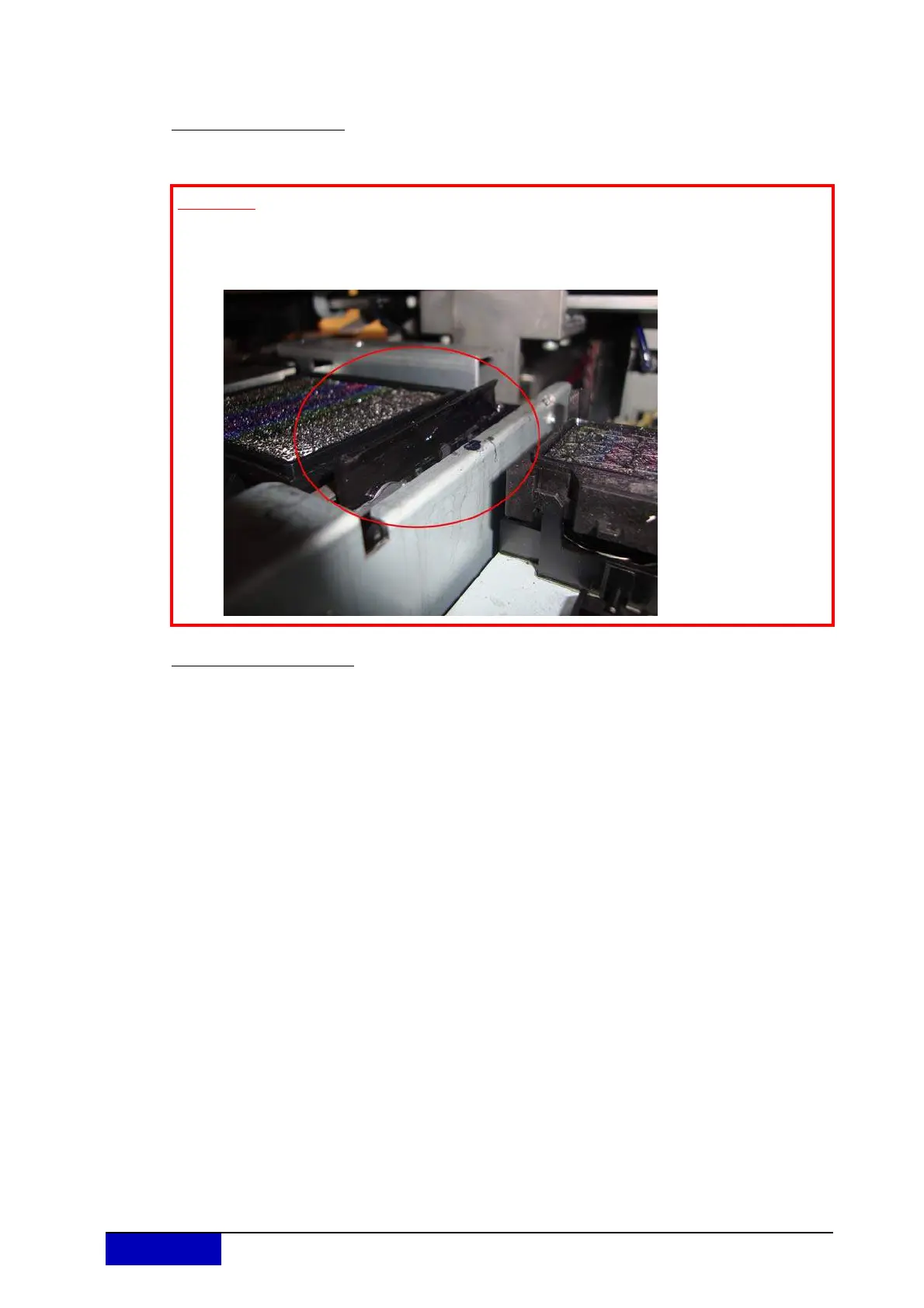
Important
Please make sure the wiper is in optimal condition. If you do not clean the wiper
regularly, ink residue will stick to the wiper (as shown below), which will lead to
bad printing quality.











 To Next Page