VJ-1638/1638W OPERATION MANUAL ERRATA
October 2012
VJ1638xE-A-01c 18 MUTOH INDUSTRIES LTD.
24. Check the color difference (dE).
Followings are the commonly recognized indications of color difference (dE).
・ dE < 1.0: No discernable difference in color.
・ dE < 3.2: Minimally discernable color difference for colors viewed side-by-side.
・ dE < 6.5: Minimally discernable color difference for colors in close proximity, not
side-by-side.
NOTE
In order to perform the Color Verify correctly, make sure to specify the following settings same as the
setting when the baseline was saved. If these settings are different, the color difference may become
large.
Each Heater Temperature Setting, Effect Setting, CR Print Width Setting, Overwrite Setting
Since the room environment (temperature, humidity) may affect the print color, create the environment in
accordance with the environment condition described in the operating manual “8.1.1 Printer Specification”
“Environment Condition”. In addition, make sure to place the media and ink in the printing environment for
2 hours before use.
“Color Verify” is a function to check the color variation in print color caused by various causes. This
function is not to guarantee the color reproducibility.
Since the judgment of color acceptance is largely dependent on the human eye, we recommend to
perform the print to check the color.
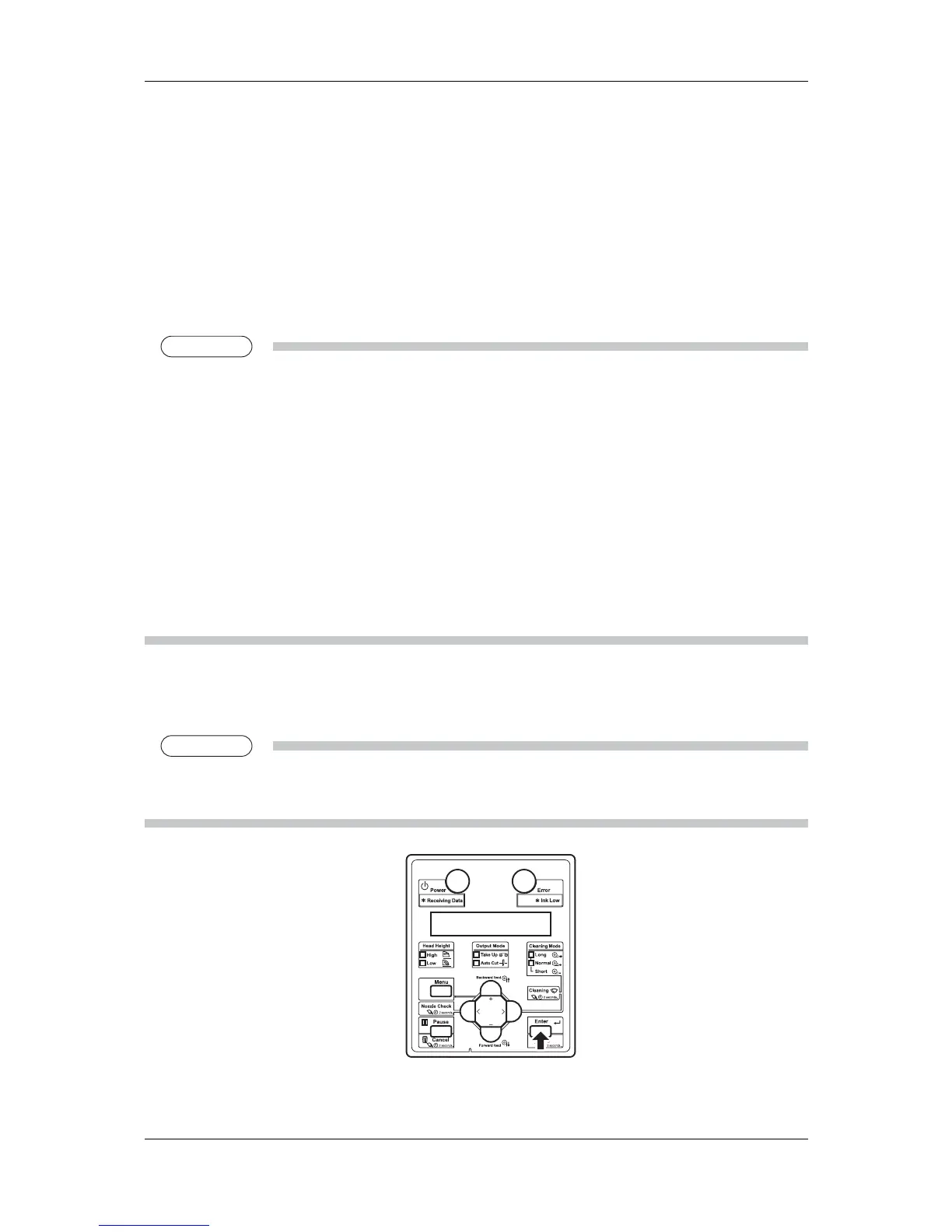
The message “Update Result?” is displayed on the operation panel.
25. Press [Enter] key to save the measurement value of the currently printed color patches.
NOTE
When the measurement value is saved, the baseline will be replaced by the currently measured value.
Press [Cancel] key to not to save the measurement value.
"Ready to Print" is displayed on the operation panel.














 To Next Page