myPOS Smart Technical Specicaon & Warranty (Updated March 2018) | page 3
myPOS Mini - User Manual | page 3
Android
If you are using a mobile phone which runs Android 4.2 or later, you can connect
your myPOS Mini via Bluetooth or Wi-Fi (Personal Hotspot).
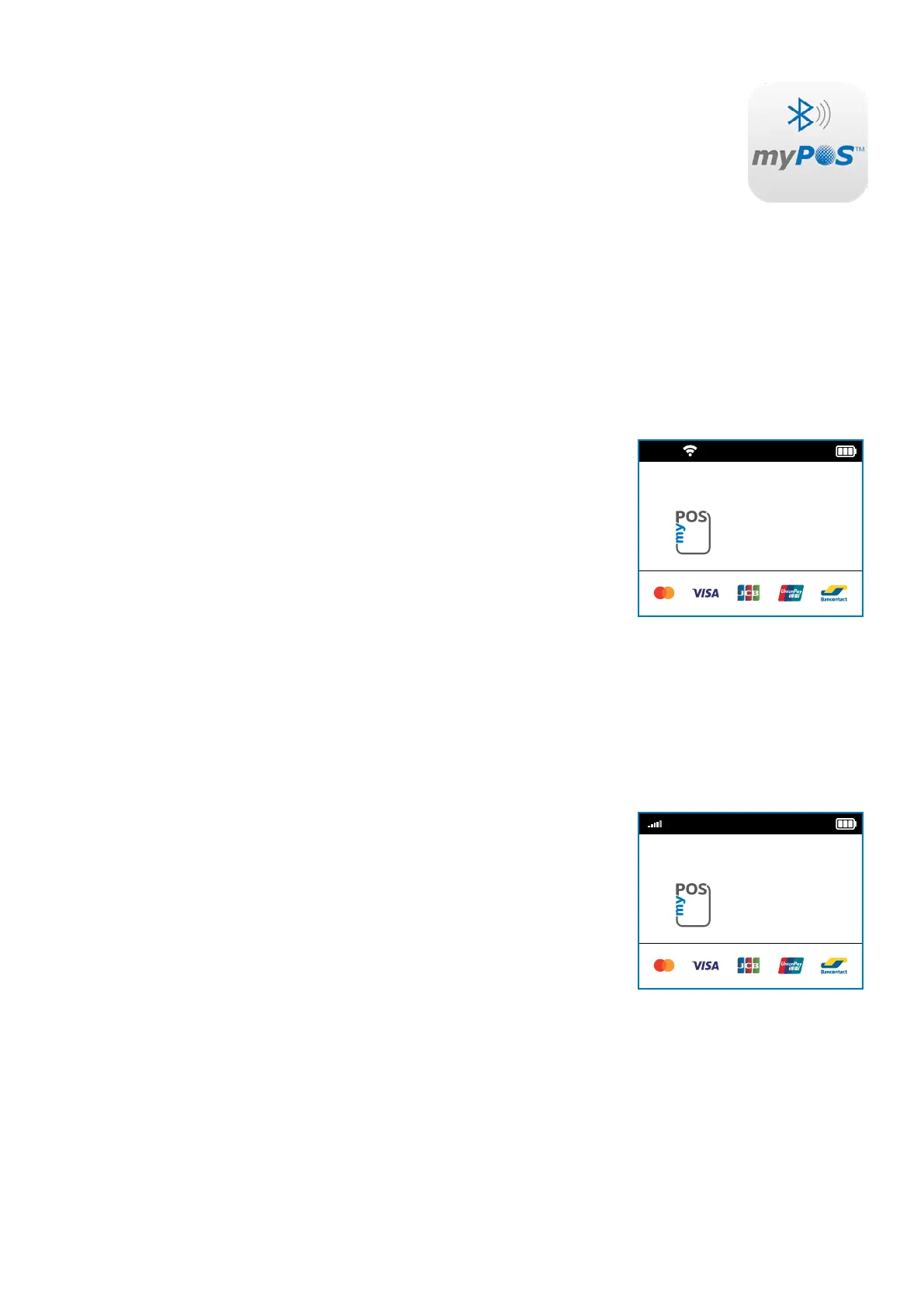
To connect via Bluetooth, download the free myPOS Bluetooth Service App from
Google Play Store and install it on your mobile phone. Starng the myPOS Bluetooth
Service applicaon will automacally launch a communicaon service. You can
then close your myPOS Bluetooth Service App, as it is not needed anymore for
your myPOS Mini operaon. Please follow the procedure described in the “How to
connect your myPOS Mini with Bluetooth“ secon.
To connect via Wi-Fi (Personal Hotspot) acvated on your mobile phone, please
follow the procedure described in the “How to connect your myPOS Mini with Wi-Fi“
secon.
Using myPOS Mini with
a wireless router (Wi-Fi)
Make sure your Wi-Fi router is connected to the Internet. In order to connect your
myPOS Mini device to your Wi-Fi router, please read carefully the informaon below.
Please be aware that the supported encrypon methods for Wi-Fi networks are WPA
and WPA2.
For proper operaon of the myPOS Mini device, please make sure that:
• your router does not have any network trac restricons or lters
• your router does not require seng a special TCP/IP conguraon on your
network devices (myPOS Mini will use the default sengs only)
• Network signal is strong enough. The network signal strength is indicated via
a Wi-Fi signal icon located in the upper part of your myPOS Mini screen.
To connect via a Wi-Fi router, please follow the procedure described in the ”How to
connect your myPOS Mini with Wi-Fi” secon.
Using myPOS Mini with SIM card
Make sure your SIM card has the mobile data service acvated. For proper operaon
of the myPOS Mini device, please make sure that:
• the SIM card is inserted correctly in the SIM slot (the front one). Please refer
to pictogram on page 6.
• you have a SIM adapter if your SIM card is micro or nano. Your myPOS Mini
device is working with standard SIM card size.
• network signal is strong enough. The network strength is indicated via a
signal strength icon located in the upper part of your myPOS Mini screen.
To connect via a mobile data connecon, please follow the procedure described in
the “How to connect myPOS Mini using SIM Card” secon.
WARNING! Please proceed with cauon if you are using SIM card adapter for ng
a smaller SIM card into a myPOS myPOS Mini as there is a high risk of damaging your
POS device. This damage is not covered by the warranty. We recommend you placing
a regular-sized SIM card instead.
12:30
HELPS MY
BUSINESS GROW
12:30
HELPS MY
BUSINESS GROW



 To Next Page