PPA55xx Quick User Guide
Page 104
7 Remote Settings
The Remote Settings menu provides an interface for the user to set the method
of connection and the ability to configure the ports as required
Resolution
The default resolution setting for the
PPA55xx is “Normal” this will set the
Data Resolution to 5 decimal points
plus any exponent eg: +1.2345+E00
Selecting “High” will set the Data
Resolution to 6 decimal points plus
any exponent eg: +1.23456+E00
For higher speed transfer a
proprietary binary format can be
selected which compresses the data
into 4 bytes
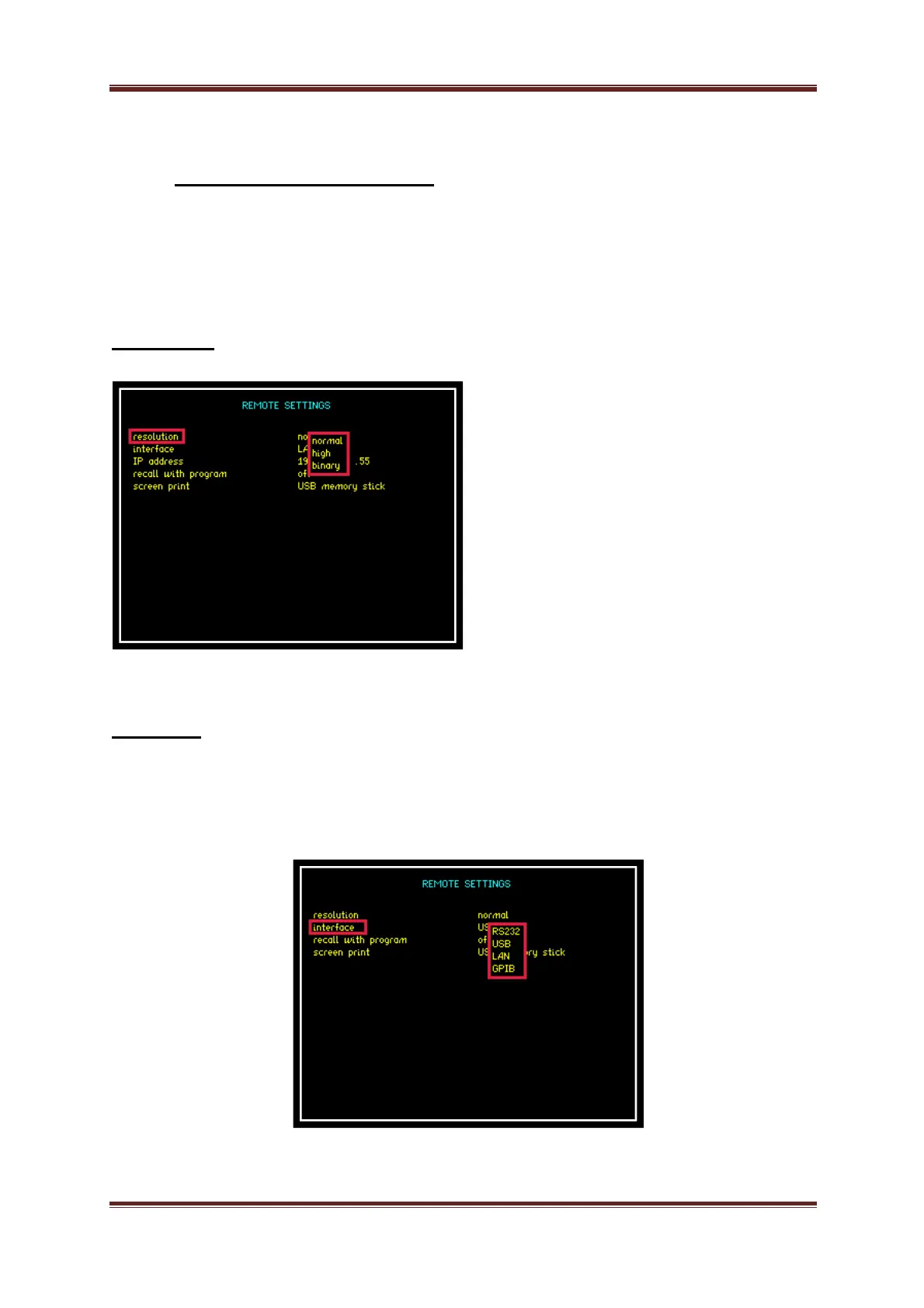
Interface
The PPA55xx is fitted as standard with an RS232 serial communications port and
USB, LAN and IEEE488 (GPIB) Interfaces for communication purposes between
the instrument and PC
Selection is made via the interface parameter within the remote settings


 To Next Page
 Loading...