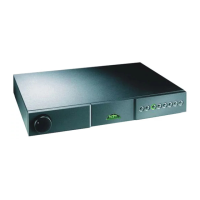
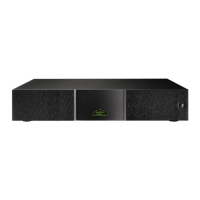
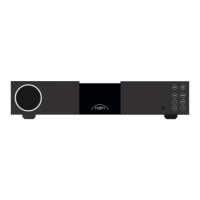
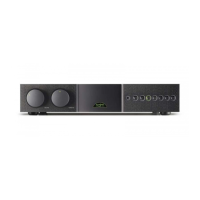
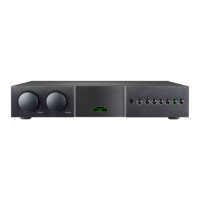
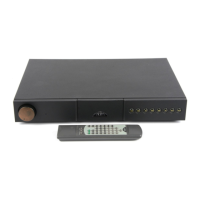
NAC 282
11.6 Mute and Mono
Mute and mono functions can be controlled independently for
source and record signals via the buttons to the left of the two
banks of source and record selection buttons. Mute silences the
output signal, while mono sums the left and right channels.
11.7 Display
The NAC 282 front panel button display can be switched off
by pressing the remote handset (in preamplifier mode)
function. Any subsequent handset or front panel operation will
temporarily restore the display. A second operation of the
function will permanently restore the display.
11.8 Switch-on
After switch-on, via the NAPSC and power supply, or power
amplifier,
button, the NAC 282 will remain muted for 30
seconds while control systems and circuits stabilise. The source
side will then un-mute automatically leaving the record side
muted (and its circuits unpowered).
A flashing mute indicator after switch-on indicates that the
preamplfier power supply or link plugs are incorrectly connected.
11.9 Remote Control
The
remote handset supplied with the NAC 282
duplicates all configuration and control functions. See Section
24 for more information. The
handset will
also control the NAC 252. See Sections 23 and 25 for more
information.
11.10 Defaults
To restore all programmable settings to the factory defaults press
and hold the remote handset
key while the preamplifier is
in program mode. The preamplifier will exit from program mode
following this operation.
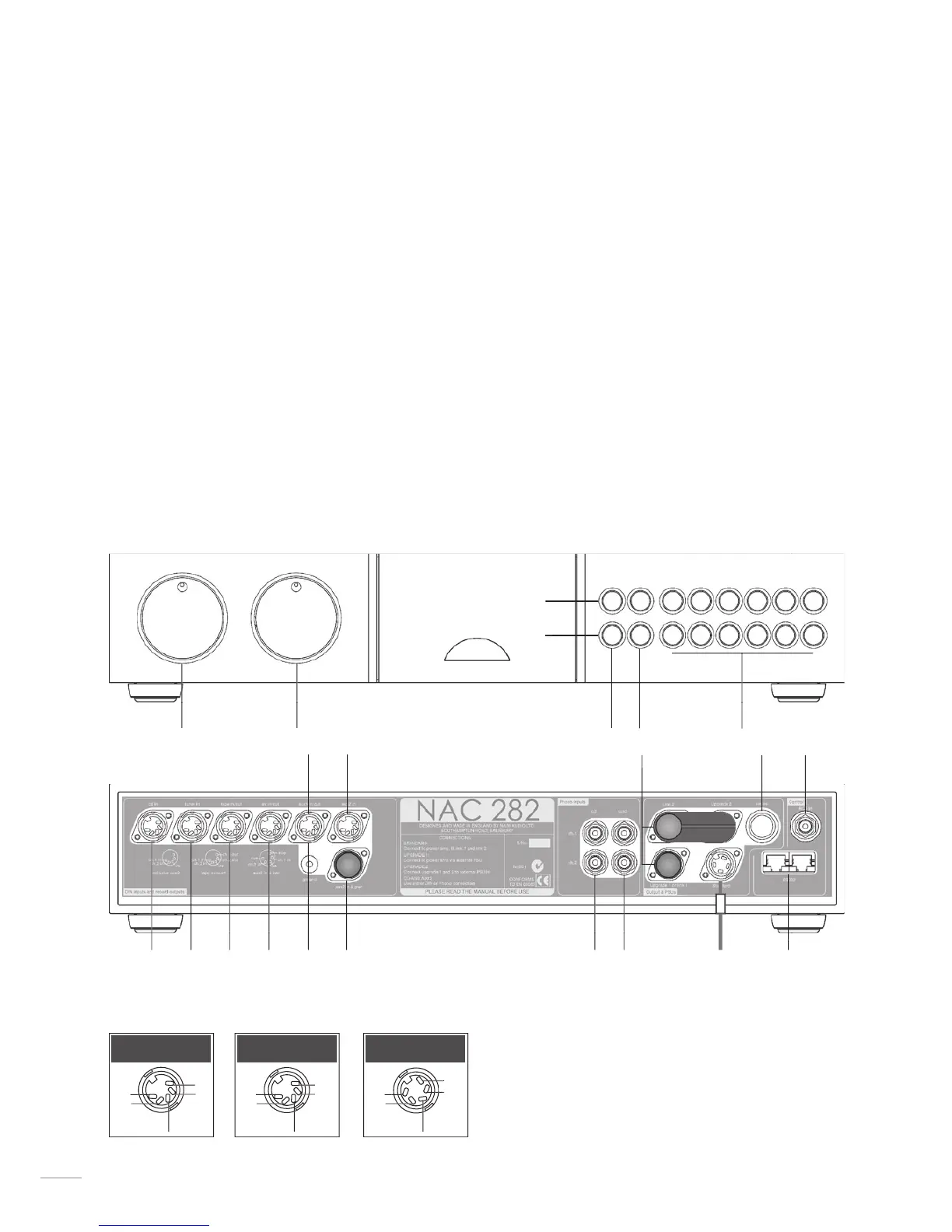
12.1 NAC 282 Front
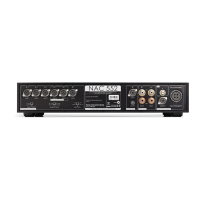
The NAC 282 AUX 2 input is provided with two sockets. The
lower socket, fitted on delivery with a blanking cover, is intended for
use with a Stageline or Prefix RCA Phono stage and incorporates
an appropriate DC power supply. The two sockets must not be used
simultaneously.
The RS232/comms interface is an optional upgrade. It can
be specified at time of order or fitted retrospectively. Contact your
local representative or Naim Audio directly for further information.
power supply/output option sockets
with link and blanking plugs fitted


 To Next Page