- 7 -
MICROSOFT WORD 2002 89-22091 / VERSION 1 / 13.03 2007
Functional description for control unit ED520
6.1 Setting of time interval for automatic closing
The time interval for automatic closing is adjusted under function 4-a.
After selection of the function, the display will indicate the present adjustment.
The time interval can now be increased by pressing SW1 or decreased by pressing SW2.
When the desired value is reached, SW1 or SW 2 is activated for 3 seconds in order to store the chosen
value, and the display briefly indicates "S=" to indicate that the value is stored.
The time interval for automatic closing is adjustable from 2 seconds to 30 minutes.
LD1 indicates that the seconds are adjusted, and LD2 indicates adjustment of minutes.
The following time intervals are available for setting of automatic closing:
2s – 5s – 10s – 15s – 20s – 30s – 45s – 1m – 2m – 3m – 4m – 6m – 8m – 10m – 15m – 20m – 25m –
30m.
Factory setting for automatic closing is 30 seconds.
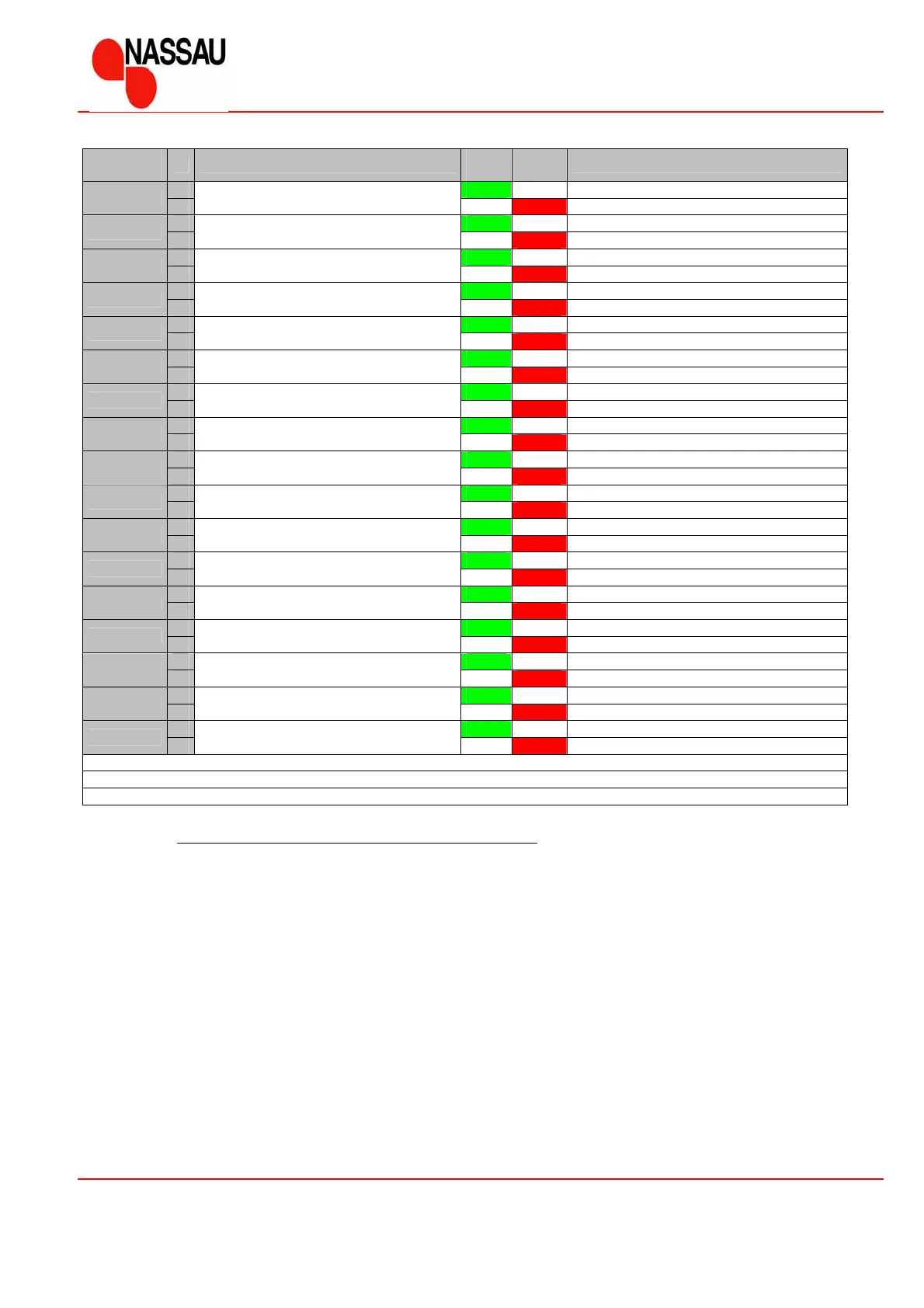
Function
number
Function
LD1
Green
LD2
Red
Setting
a UP function
1
b
Pull switch function
Toggle function
a
Up – Stop – Up – Stop …
2
b
Pull switch toggle function
Up – Stop – Down – Stop – Up …***
a UP function outside
3
b
Extra input
Automatic closing ON/OFF
a With automatic closing *
4
b
Automatic closing
Without automatic closing
a With carwash function
5
b
Carwash function at automatic closing
Without carwash function
a With forced closing *
6
b
Forced closing at carwash function
Without forced closing
a
Inside
7
b
Radio/Pull
Outside
a Show value for programmable height
8
b
Programmable opening height
a With step at bottom position
9
b
Step at bottom position
Without step at bottom position
a Choose factory settings **
10
b
Basic setting
a Viewing cycle counter value
11
b
Cycle counter
a Viewing the 2 latest failure
12
b
Latest failure
a Run-in sequence
13
b
Run-in
a Motor stop limit adjustment
14
b
Motor stop limit
a
Automatic mode
15
b
Mode
Normal hold to run mode
a Set safety functions
SF
b
Safety functions
a Finish comfort settings
EC
b
Finish
* Time or value is adjusted subsequently
**Factory settings #0 are marked with bold
*** only to be used together with safety photo-cells



 To Next Page