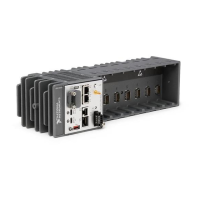
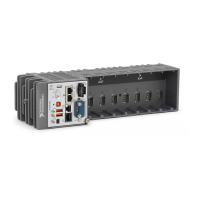
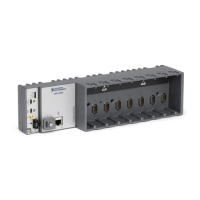
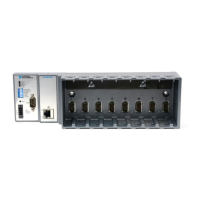
cRIO-904x Startup Options
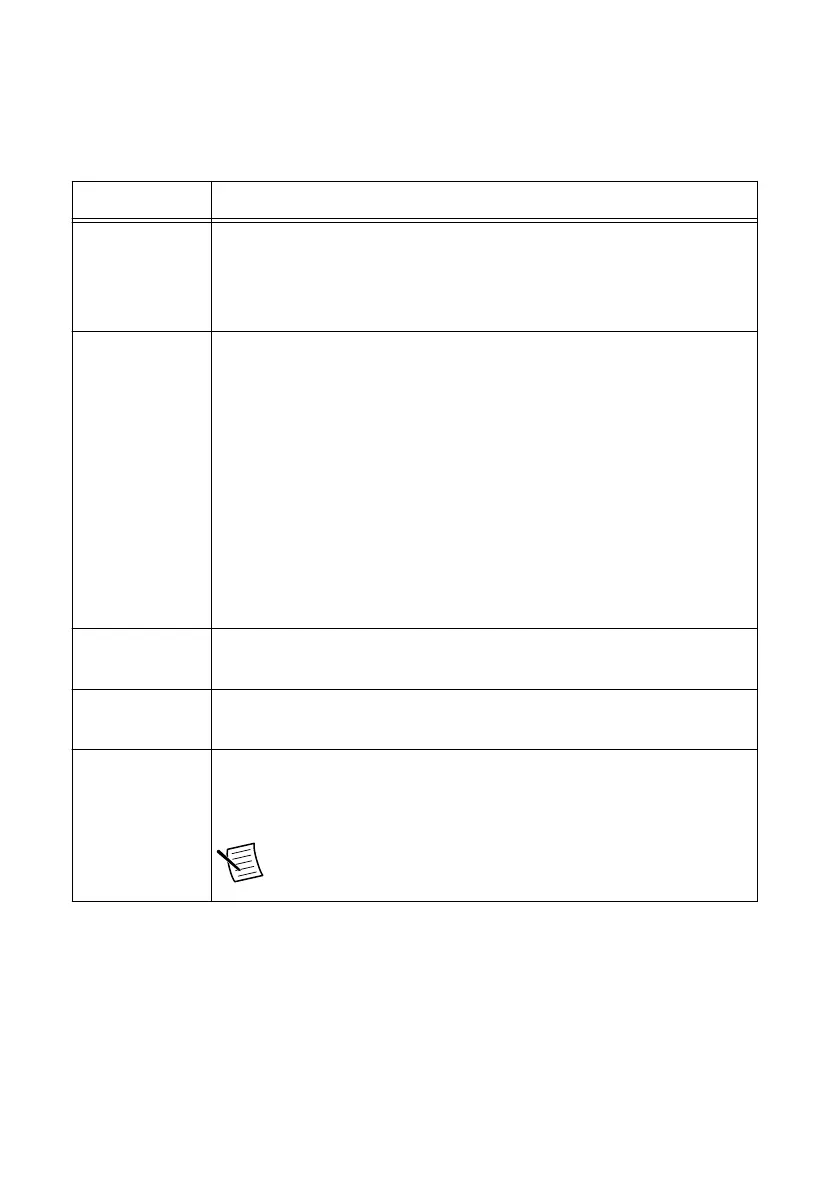
You can configure the following cRIO-904x startup options.
Table 1. cRIO-904x Startup Options
Startup Option Description
Force Safe Mode Rebooting the cRIO-904x with this setting on starts the cRIO-904x
without launching LabVIEW Real-Time or any startup applications. In
safe mode, the cRIO-904x launches only the services necessary for
updating configuration and installing software.
Enable Console
Out
Rebooting the cRIO-904x with this setting on redirects the console output
to the RS-232 serial port. You can use a serial-port terminal program to
read the IP address and firmware version of the cRIO-904x. Use a null-
modem cable to connect the RS-232 serial port to a computer. Make sure
that the serial-port terminal program is configured to the following
settings:
• 115,200 bits per second
• Eight data bits
• No parity
• One stop bit
• No flow control
Disable RT
Startup App
Rebooting the cRIO-904x with this setting on prevents any LabVIEW
startup applications from running.
Disable FPGA
Startup App
Rebooting the cRIO-904x with this setting on prevents autoloading of any
FPGA application.
Enable Secure
Shell (SSH)
Logins
Rebooting the cRIO-904x with this setting on starts sshd on the
cRIO-904x. Starting sshd enables logins over SSH, an encrypted
communication protocol.
Note Visit ni.com/info and enter the Info Code openssh for
more information about SSH.
cRIO-904x User Manual | © National Instruments | 5


 To Next Page
 Loading...