NV10LT/NV7.5LT INSTALLATION MANUAL INSTALLING OPTIONS
PAGE 2.3.6 VERSION 5.0 2021-03-01
Installing the Orban Inside Card
The NV10LT/NV7.5LT is factory configured with no internal audio processor. You can install an Orban
Inside audio processor card in one or both exciters, as applicable. The controller and optional exciter, if
applicable, must be removed from the transmitter to install the Orban Inside card. Once the Orban
Inside card is installed, you can configure its audio processor settings using the remote AUI (see the
NV10LT/NV7.5LT Operation & Maintenance Manual for more details).
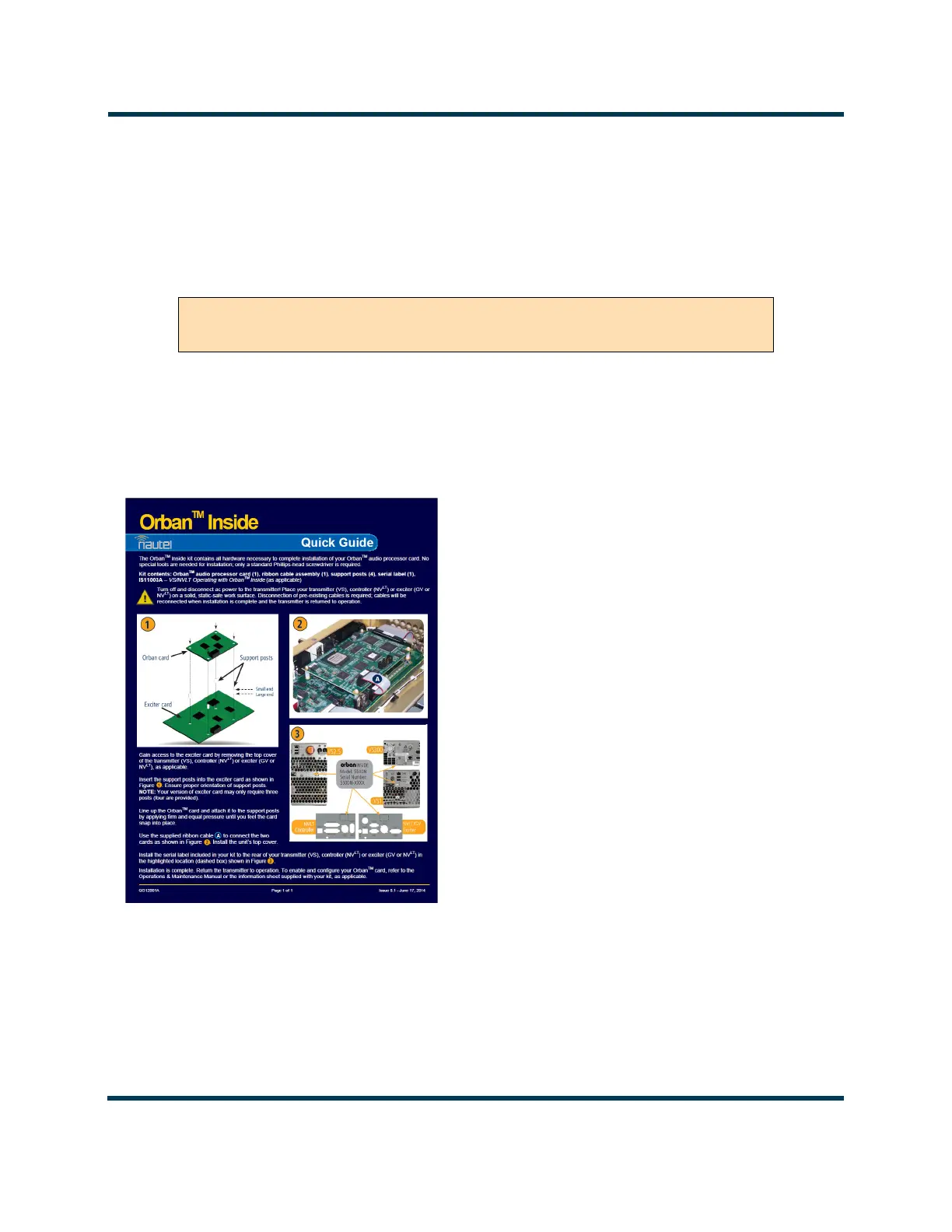
1. Obtain the “QG12001* - Orban Inside Upgrade Quick Guide”(see Figure 2.3.5) that was provided
with the Orban Inside Kit and complete its outlined procedure for each desired exciter. The
controller’s integral exciter is exciter A and the optional exciter is exciter B.
Figure 2.3.5: Orban Inside Upgrade Quick Guide (QG12001*)
2. If you are performing this upgrade in conjunction with the NV10LT/NV7.5LT’s initial installation,
leave the front and rear panels off to allow further installation. If you are performing this upgrade
after initial installation has already been completed, re-install the front and rear panels.
WARNING! ENSURE THAT AC POWER IS NOT BEING APPLIED TO THE
TRANSMITTER DURING THIS PROCEDURE.



 To Next Page