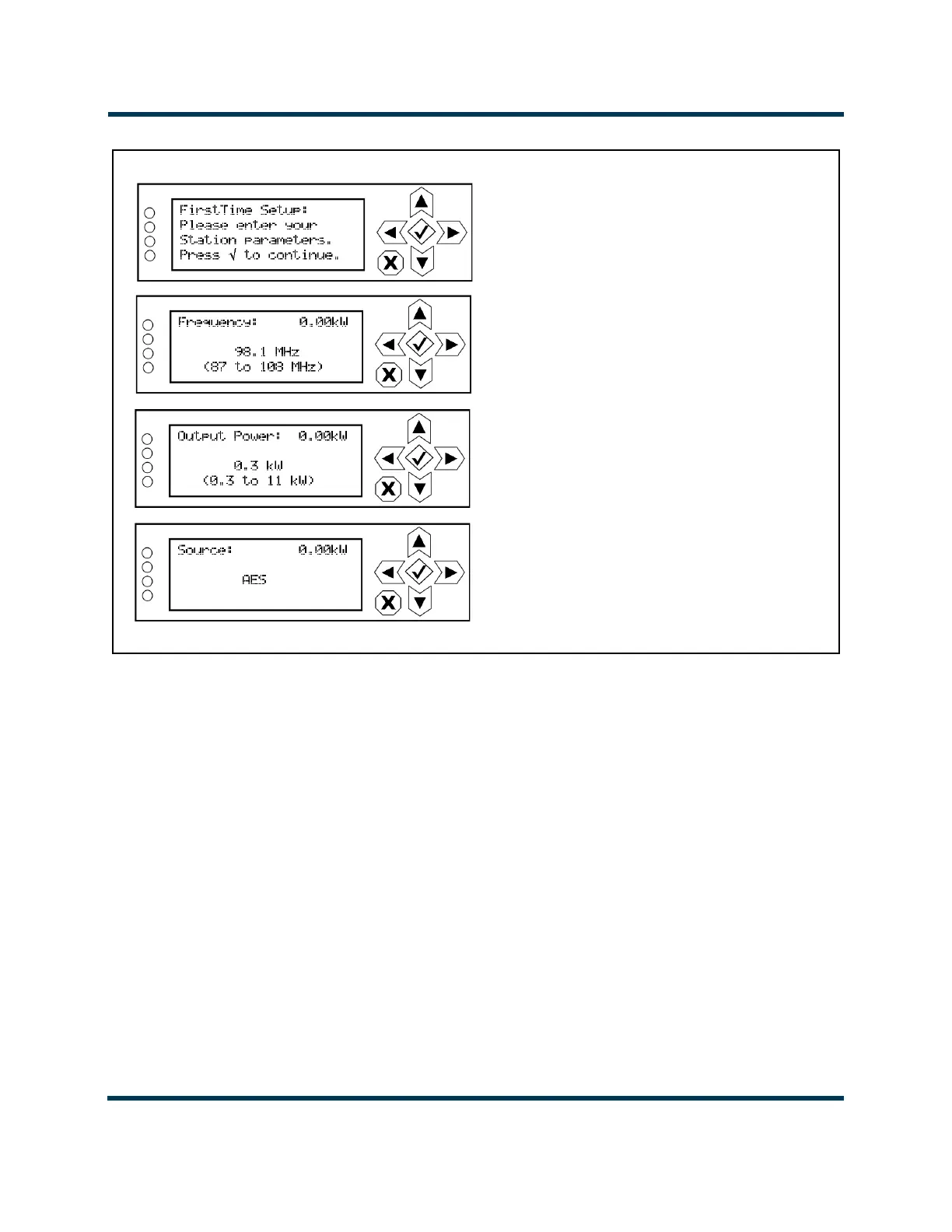
SET FREQUENCY
Press up/down arrows to adjust.
Defaults to 98.1 MHz.
Press checkmark to save and
continue. Press X to cancel.
SET OUTPUT POWER
Press up/down arrows to adjust.
Defaults to minimum power level.
Press checkmark to save and
continue. Press X to cancel.
SELECT AUDIO SOURCE
Press up/down arrows to select AES,
MPX, Analog L/R or Audio Player. Press
checkmark to save and continue (see
Figure 2.9.2 on page 2.9.5 or Figure 2.9.3
on page 2.9.6). Press X to cancel.



 To Next Page