WORKOUT PAGE:
1. Step rate may be changed anytime.
a. Tap the LEVEL + button to increase the resistance.
b.
Tap the LEVEL - button to decrease the resistance.
2. New Intensity Level will be continued throughout the program, until new level is changed.
le will change accordingly)
3. Default time = 20 minutes (Count Down)
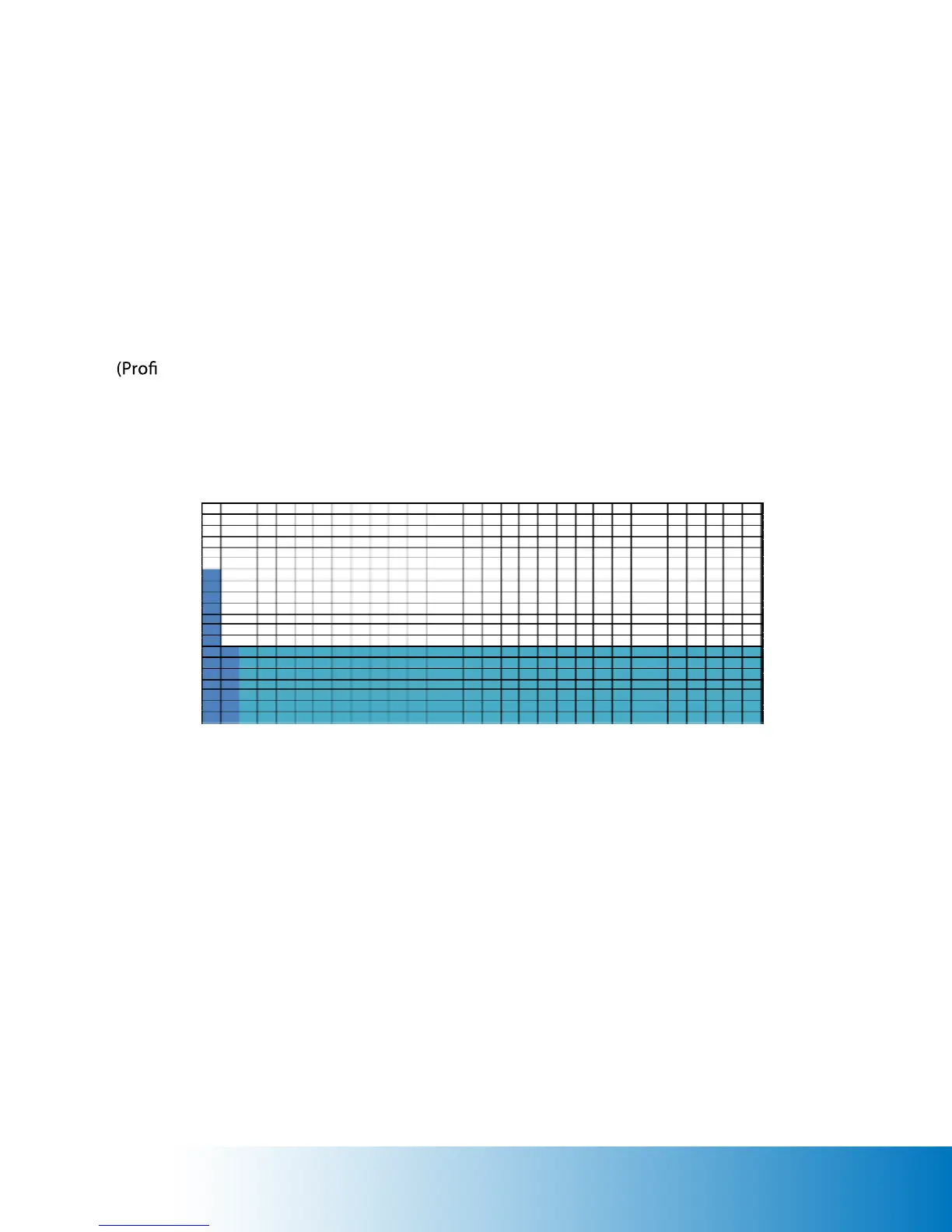
PROFILE:
Quick Start Program


 To Next Page