1. Installation
1-10
Low Battery Indicator
When the battery in the handset is low and needs to be charged, you will see a
“BATT LOW” warning icon on the display.
Return the handset to the desktop charger for charging or replace the handset
battery with the spare battery.
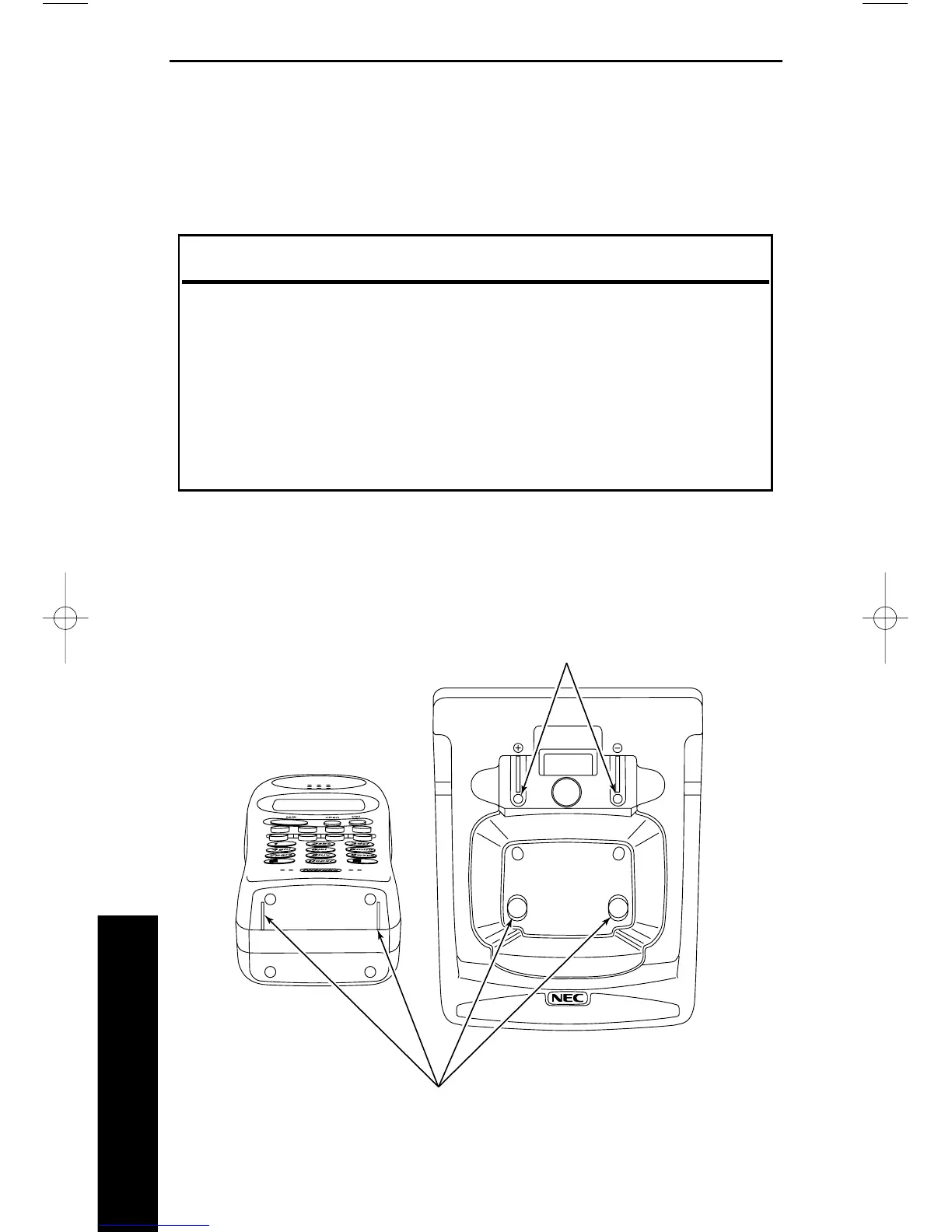
Cleaning the Battery Contacts
To maintain a good charge, it is important to clean all charging contacts on the
handset and desktop charger about once a month. Use a pencil eraser or other
contact cleaner. Do not use any liquids or solvents.
When the Low Battery Indicator Appears While
On a Call In Standby Mode
Only the TALK button operates None of the buttons operate
Handset beeps once every 3 seconds Handset beeps once
Complete your call as quickly as possible Cannot make a call
Replace the battery within Replace battery before
20 seconds to continue call making a call
Installation



 To Next Page