BASIC OPERATION
2-5
2. Features
Basic Operation
Operation of the phone is performed using the handset out of the desktop
charger. The exceptions are charging the handset battery and transferring a call
to your desk phone.
For a Quick Reference Chart of feature operations, refer to pages 2-97 (Onyx
VSi system) or 2-99 (i-Series system).
Using the Handset
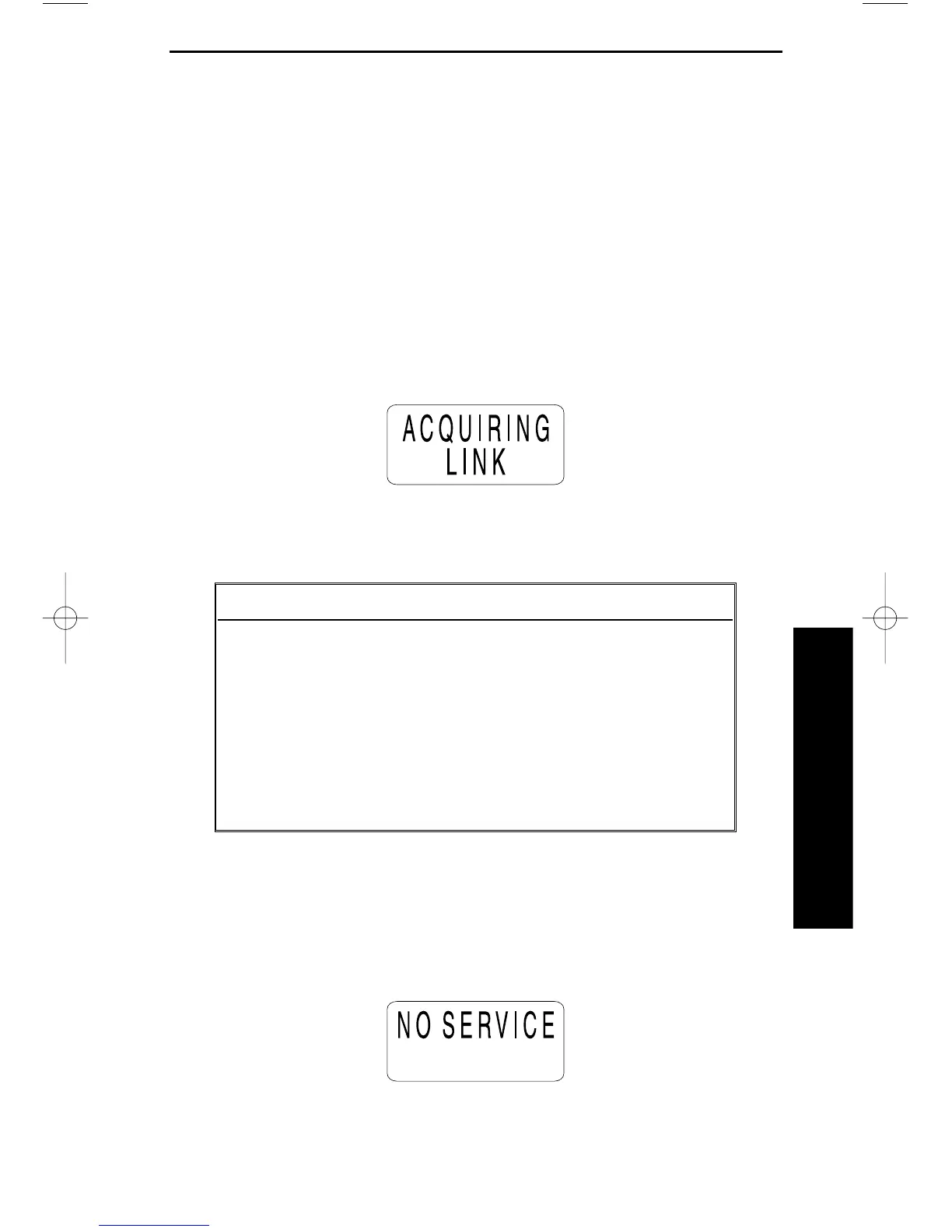
When you pick up the handset and press TALK, you will see:
You may then possibly see one of the following:
When communication is made between the base unit and the handset, the
screen will go to standby mode, and the phone is ready to use.
If the handset is at the range limit of the phone, you may see:
Condition Indicator LCD Display
Line OK TALK LED
No Connection Error Tone NO SERVICE
to Base Unit
Channel Busy Error Tone SYSTEM BUSY
Line in Use Error Tone LINE INUSE



 To Next Page