38
3. Convenient Features
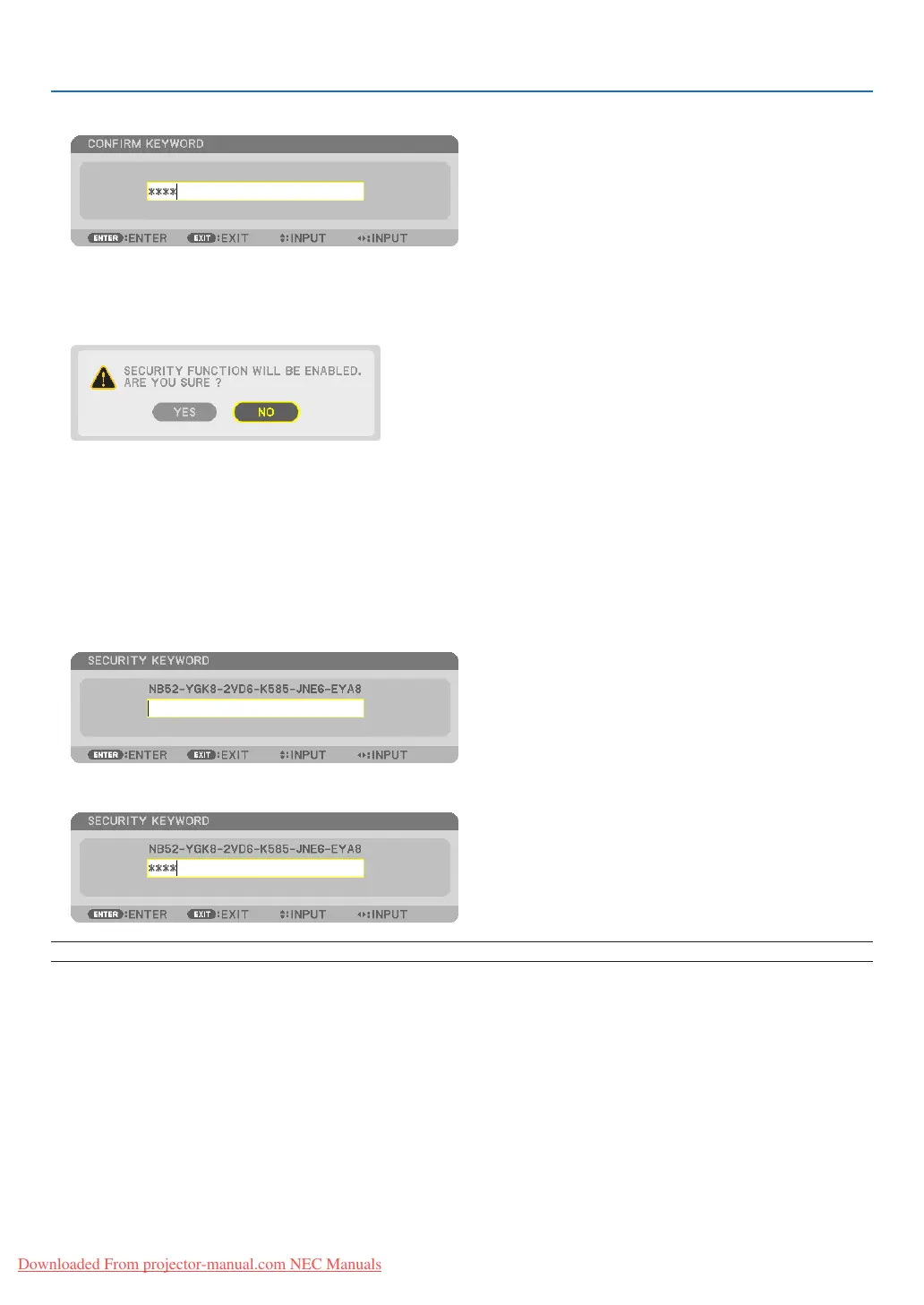
7. TypeinthesamecombinationofbuttonsandpresstheENTERbutton.
The confirmation screen will be displayed.
8. Select[YES]andpresstheENTERbutton.
The SECURITY function has been enabled.
Toturnontheprojectorwhen[SECURITY]isenabled:
1. PressthePOWERbutton.
The projector will be turned on and display a message to the effect that the projector is locked.
2. PresstheMENUbutton.
3. TypeinthecorrectkeywordandpresstheENTERbutton.Theprojectorwilldisplayanimage.
NOTE:Thesecuritydisablemodeismaintaineduntilthemainpoweristurnedofforunpluggingthepowercord.
Downloaded From projector-manual.com NEC Manuals



 To Next Page