4
1. Introduction
AC IN
VID
EO
IN
AUDIO IN
USB
LAN
A
U
D
IO
IN
H
D
M
I IN
A
UD
IO IN
C
O
M
PU
T
ER
/
CO
M
PO
N
EN
T 2 IN
CO
M
P
U
T
ER /
C
O
M
P
O
N
EN
T 1 IN
PC CONTROL
M
O
N
ITO
R
O
U
T
A
UD
IO O
U
T
S-VID
EO
IN
AUDIO IN
L/M
O
NO
L/M
ONO
R
R
U
SB
L
A
M
P
S
T
AT
U
S
SOURCE
AUTO ADJUST
3D REFORM
S
EL
EC
T
U
S
B
L
A
M
P
S
T
A
T
U
S
S
O
UR
C
E
A
U
TO
A
D
JU
S
T
3D
R
EF
ORM
S
ELE
C
T
❸
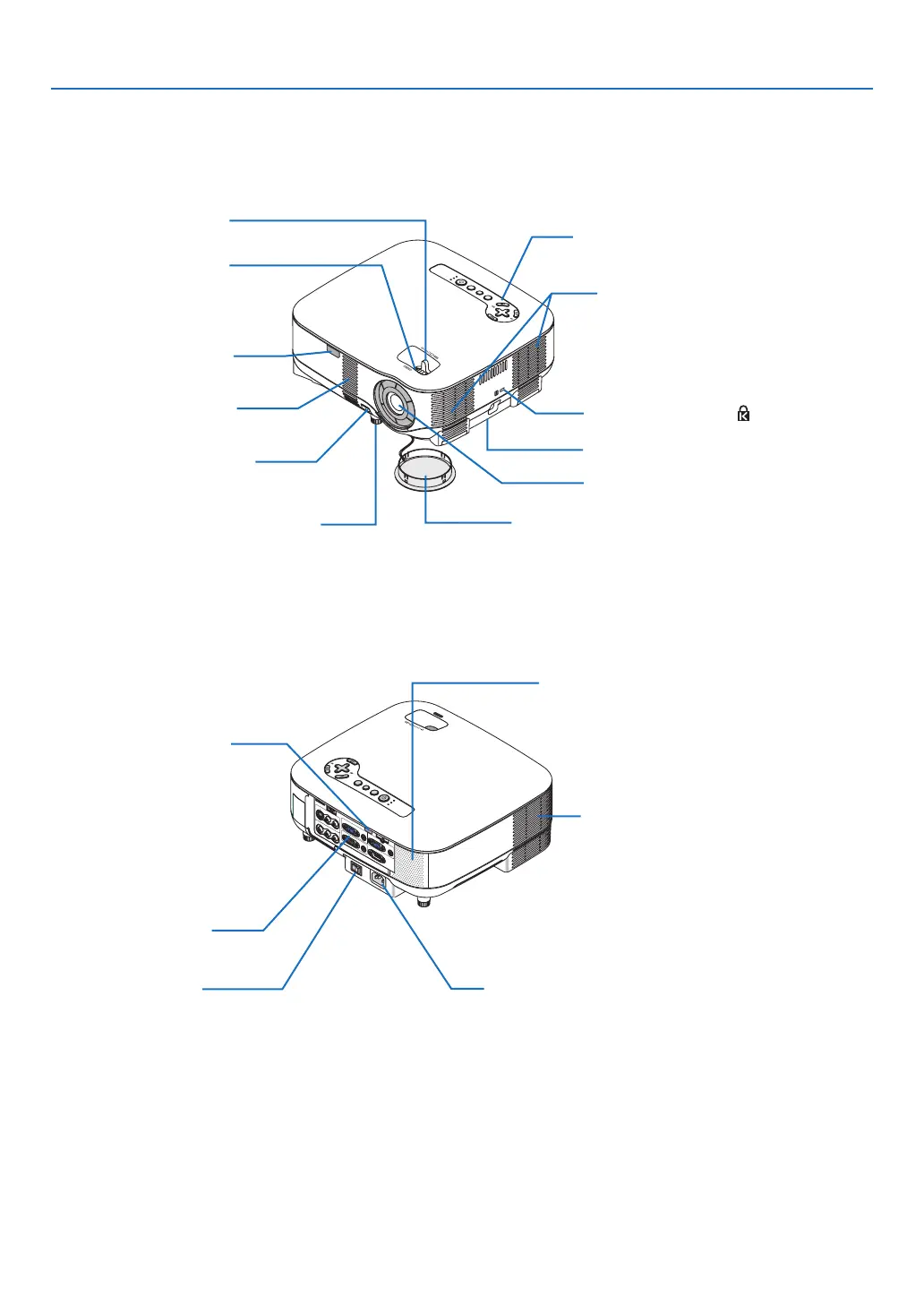
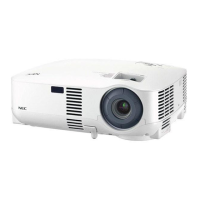
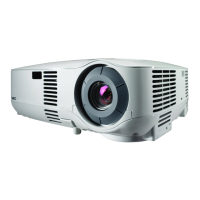
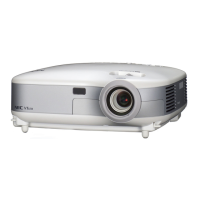
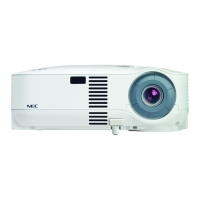
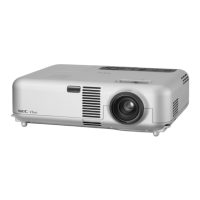
Part Names of the Projector
Controls
(→ page 6)
Built-in Security Slot (
)*
Zoom Lever
(→ page
24)
Lens Cap
Remote Sensor
(→ page
9)
Focus Ring
(→ page
24)
Adjustable Tilt Foot Lever
(→ page
25)
* This security slot supports the MicroSaver® Security System. MicroSaver® is a registered trademark of Kens-
ington Microware Inc. The logo is trademarked and owned by Kensington Microware Inc.
Ventilation (inlet) / Filter
(→ page 114)
Adjustable Tilt Foot
(→ page
25)
Lens
Front/Top
Ventilation (inlet) / Filter
(→ page 114)
Speaker (5W monaural)
AC Input
Connect the supplied power cable’s three-pin plug here,
and plug the other end into an active wall outlet.
(→ page
19)
Main Power Switch
When you plug the supplied power cable into an ac-
tive wall outlet and turn on the Main Power switch, the
POWER indicator turns orange and the projector is in
standby mode.
(→ page
20)
Remote Sensor
(→ page
9)
Ventilation (outlet)
Heated air is exhausted from
here.
Rear
Terminal Panel
(→ page 7)
Security bar


 To Next Page