11
© by NECTA VENDING SOLUTIONS SpA 09-2003 228 00
With the coffee waste tray removed, the machine is still
available for instant drink selections but indicating the
message “Insert waste tray” on the display.
The selection counters are reset with the door closed,
doing as follows:
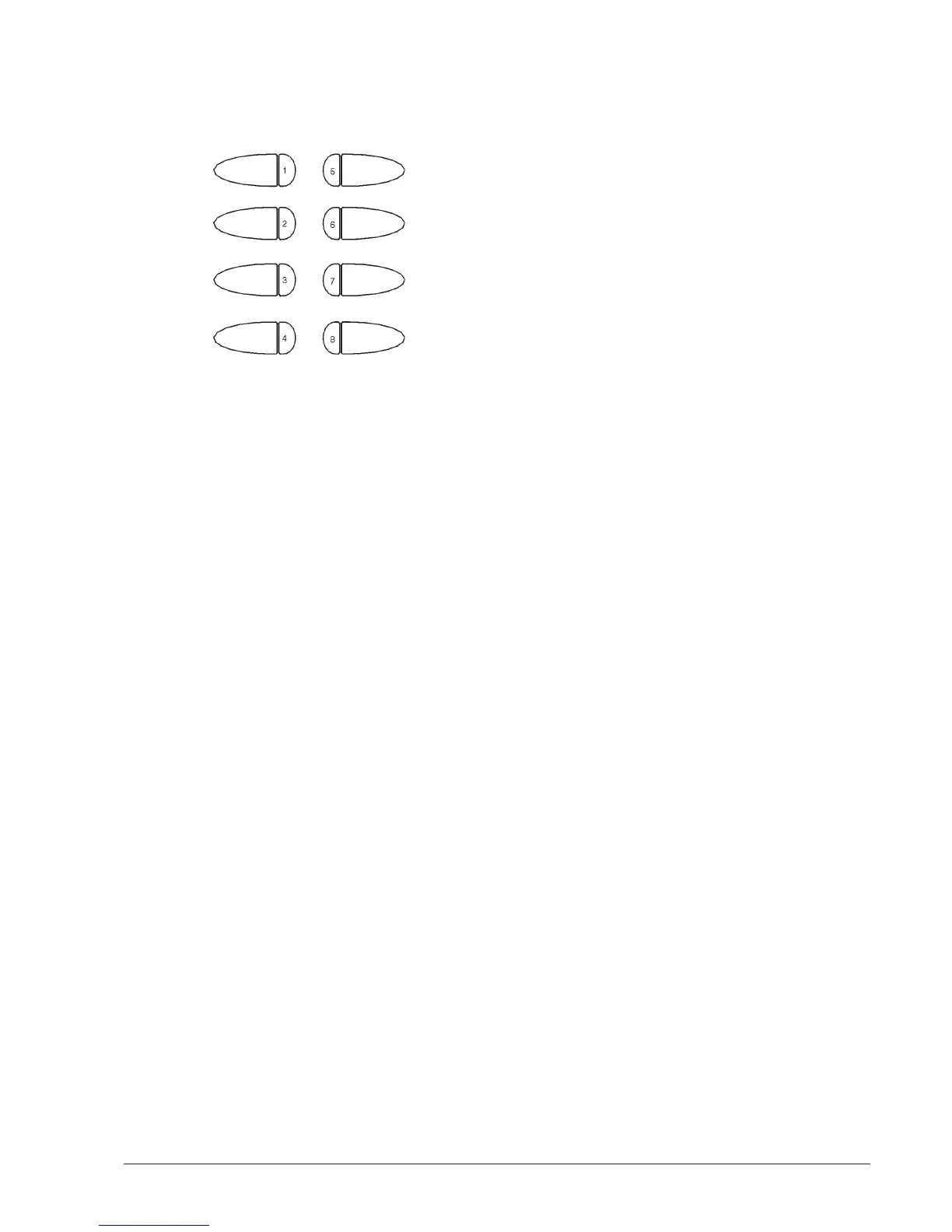
- press button 8 for 2 seconds
The display will show the request to enter the pass-
word;
- press in a quick succession buttons 4231 to reset the
counters.
WEEKLY CLEANING OF THE COFFEE UNIT
Every time coffee is refilled, or at least once a week, any
powder residue should be removed from the external parts
of the coffee unit, particularly from the coffee funnel area
(see Fig. 15).
SUSPENDING FROM USE
If for any reason the machine is switched off for a period
exceeding the use-by date of the products, the following
will be necessary:
- completely empty the containers and thoroughly wash
them with the chlorine-based detergents used to
clean the mixers;
- completely empty the coffee doser unit by dispensing
coffee until the empty condition is indicated.
- completely empty the water system.
INSTALLING THE PAYMENT SYSTEM
The machine is sold without payment system, there-
fore the installer of such a system is responsible for
any damage to the machine or to things and persons
caused by faulty installation.
The machine is electrically pre-set for the installation
of MDB payment systems, and namely:
- coin acceptor or “validator”
- change-giver coin mechanisms or “changer”
- bill accepter or “bill validator”
- key / magnetic card reader or “cashless”
that can be used in various combinations.
Compatibility for housing the payment systems must
be ascertained by and under the sole responsibility of
the installer.
When switched on, the machine goes through a control
routine to determine which payment systems are actually
installed and therefore configure the correct system.


 To Next Page